Cycle Build and Close
Construisez la boucle segment par segment — puis refermez-la d'un claquement.
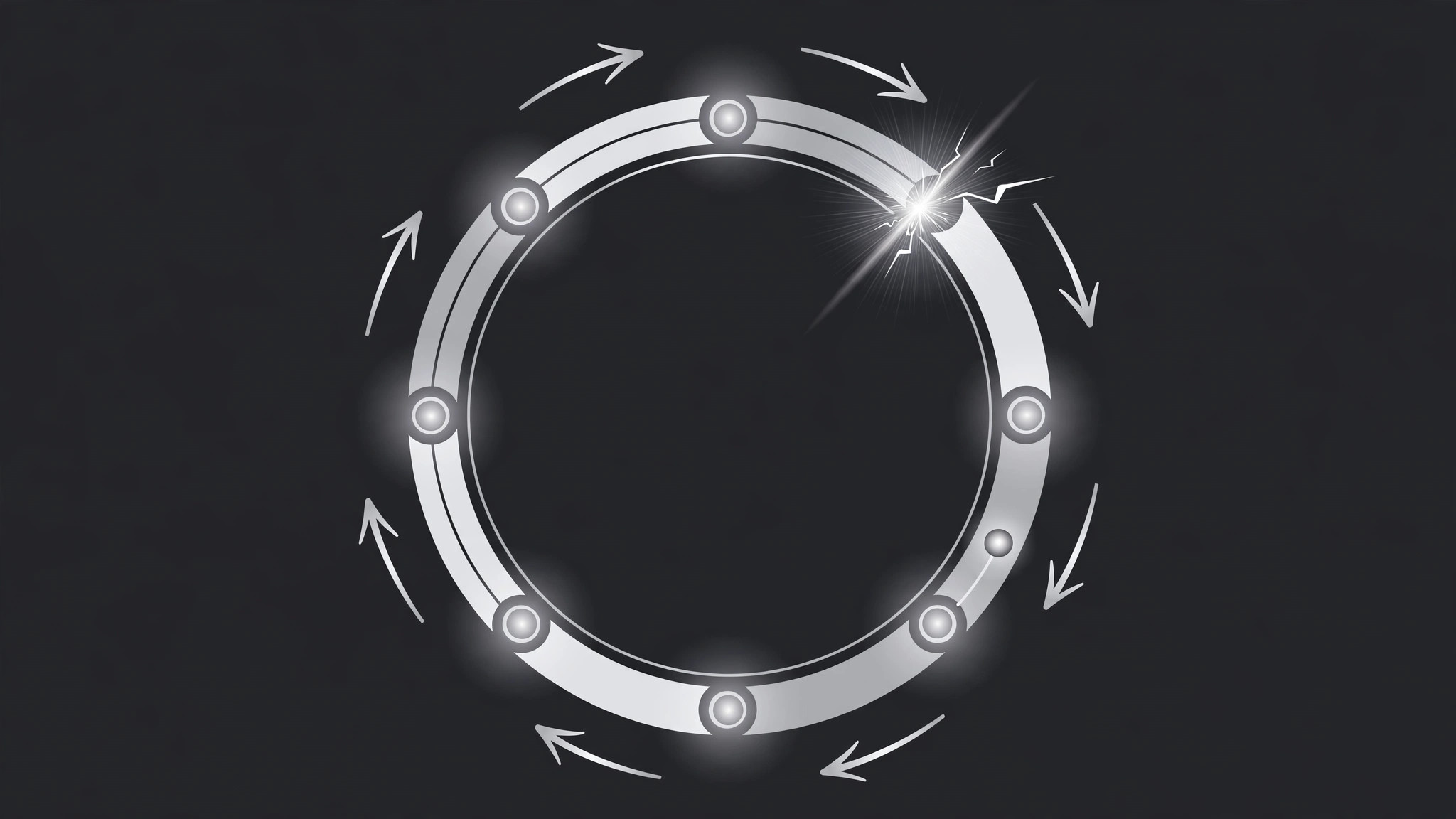
Un diagramme de cycle se construit segment par segment autour d'un cercle, puis la boucle se referme avec un arc de liaison et une impulsion, et un point lumineux accomplit une révolution complète — la forme visuelle d'un processus qui se répète.
Installez-la en 3 étapes
Sans inscription. Sans outils en ligne de commande. Choisissez votre IA, copiez une ligne, collez-la.
Vous préférez le faire vous-même ? Achetez la compétence ($4.99), téléchargez le ZIP depuis votre confirmation d'achat, décompressez-le dans le répertoire indiqué ci-dessus, redémarrez votre session IA — même résultat. Vous l'avez déjà achetée ? Votre assistant IA peut la télécharger pour vous.
Contenu du pack
Un fichier SKILL.md (le guide pratique) + un modèle de départ. Aperçu :
Cycle Build and Close
When to use
- A process repeats — a feedback loop, a flywheel, a lifecycle — and a linear list would lie about its shape
- A strategy or product story needs the audience to feel "this feeds back into itself"
- An explainer must show 3–6 stages where the last stage leads back to the first
- A lifecycle, season, or iteration story needs a visual that says "it starts again"
- A pitch needs the flywheel moment: growth feeding growth, visibly
- You have 3–6 stages that form a loop, and the loop closing is the point
Workflow
- Define the stages and the loop (input: your process → output: cycle plan)
List 3–6 stages, each in ≤5 words ("Collect feedback", "Ship fix", "Measure again"). Order them in true sequence — the last stage must genuinely lead back to the first, or the pattern is a lie. Write the loop's one-line meaning: what repeats, and what changes each time around ("Each loop, the product gets one fix better"). If the last stage does not feed the first, use a linear pattern instead — forcing a loop onto a straight-line process misleads the audience. - Design the circle layout (input: cycle plan → output: layout)
The circle sits centre-screen, taking 55–70% of frame height. Stages sit as evenly spaced nodes on the ring (3 stages at 120° apart, 4 at 90°, and so on), each node a labelled dot or short chip with an arrowhead pointing to the next stage. The centre stays empty or holds one word — the loop's name or its output ("Growth", "Iteration"). Direction matters: clockwise is the default reading; counter-clockwise needs a reason. Draw a faint full-circle guide ring at 15–20% opacity so the audience senses the loop's shape before any segment arrives. - Choreograph the segment-by-segment build (input: layout → output: timing map)
Total duration 5–8 seconds. Segments build one at a time, in sequence: each arc segment draws on over 450–600ms (stroke-dashoffset or trim-paths), then its node pops in (scale 0 → 1.2 → 1.0 over 200ms) and its label fades up over 250ms. A 150ms pause between segments keeps the build readable. The first segment starts at 12 o'clock — the top is where the eye starts, and starting anywhere else feels off-balance. - Set keyframes for arcs, nodes, and arrows (input: timing map → output: keyframe spec)
Arc keyframes: stroke-dashoffset from full (hidden) to 0 (drawn), ease-in-out, over 450–600ms per segment. Node keyframes: scale 0 → 1.2 → 1.0, ease-out back, 200ms, landing exactly when its segment finishes drawing. Label keyframes: opacity 0 → 1 + translateY(6px → 0) over 250ms, ease-out. Arrowheads: fade in with the node they follow (opacity 0 → 1 over 150ms), pointing along the ring to the next stage. Easing for the whole build: ease-in-out — the loop should feel steady, not rushed at the end. - Close the loop (input: keyframe spec → output: finished motion)
After the last stage's node lands, pause 300ms — the gap between the last node and the first is the tension. Then the closing arc draws across the gap over 500–650ms, slightly slower than the other segments, with a visible "snap" at the join: a 200ms ring pulse (scale 1 → 1.06 → 1) plus a small glow or accent flash at the join point, and a soft click or chime if audio is on. The full ring brightens from 20% to 100% opacity over 300ms as the loop closes. Then the whole ring does one slow rotation pulse — not a full spin, just a 6–8° nudge and return over 400ms — to say "it moves now". - Show the loop running (input: finished motion → output: verified animation)
After the close, show one full revolution: a highlight dot travels around the ring, passing each stage in turn, over 2.5–3.5 seconds, with each stage's node brightening briefly as the dot passes (a 200ms pulse per node). The centre word fades in during the revolution. Then hold the finished loop at least 1.2 seconds. Watch at full speed: can you name every stage, see the gap close, and feel the loop start again? If the closing arc is indistinguishable from the other segments, slow it and strengthen the snap — the close must be an event, not just another segment.
Aperçu du modèle
Cycle Build and Close — Starter Template
Fill in every {placeholder}. The last stage must genuinely feed the first — otherwise use a linear pattern.
Cycle plan
- Loop name / centre word: {one word, e.g. Iteration}
- Loop meaning (one line): {what repeats + what changes each time around}
- Stages (3–6, ≤5 words each, true sequence):
- Loop truth check: [ ] Last stage genuinely leads back to Stage 1
Layout
- Circle size: {55–70%} of frame height, centre-screen
- Nodes: {evenly spaced, degrees apart: 360 / stage count}
- Arrows: {arrowhead after each node, pointing to next stage}
- Direction: {clockwise (default) / counter-clockwise + reason}
Le pack de compétence lui-même (SKILL.md + modèle) est rédigé en anglais.


