Compact Testimonial Grid
Des dizaines de clients satisfaits, prouvés en un coup d'œil.
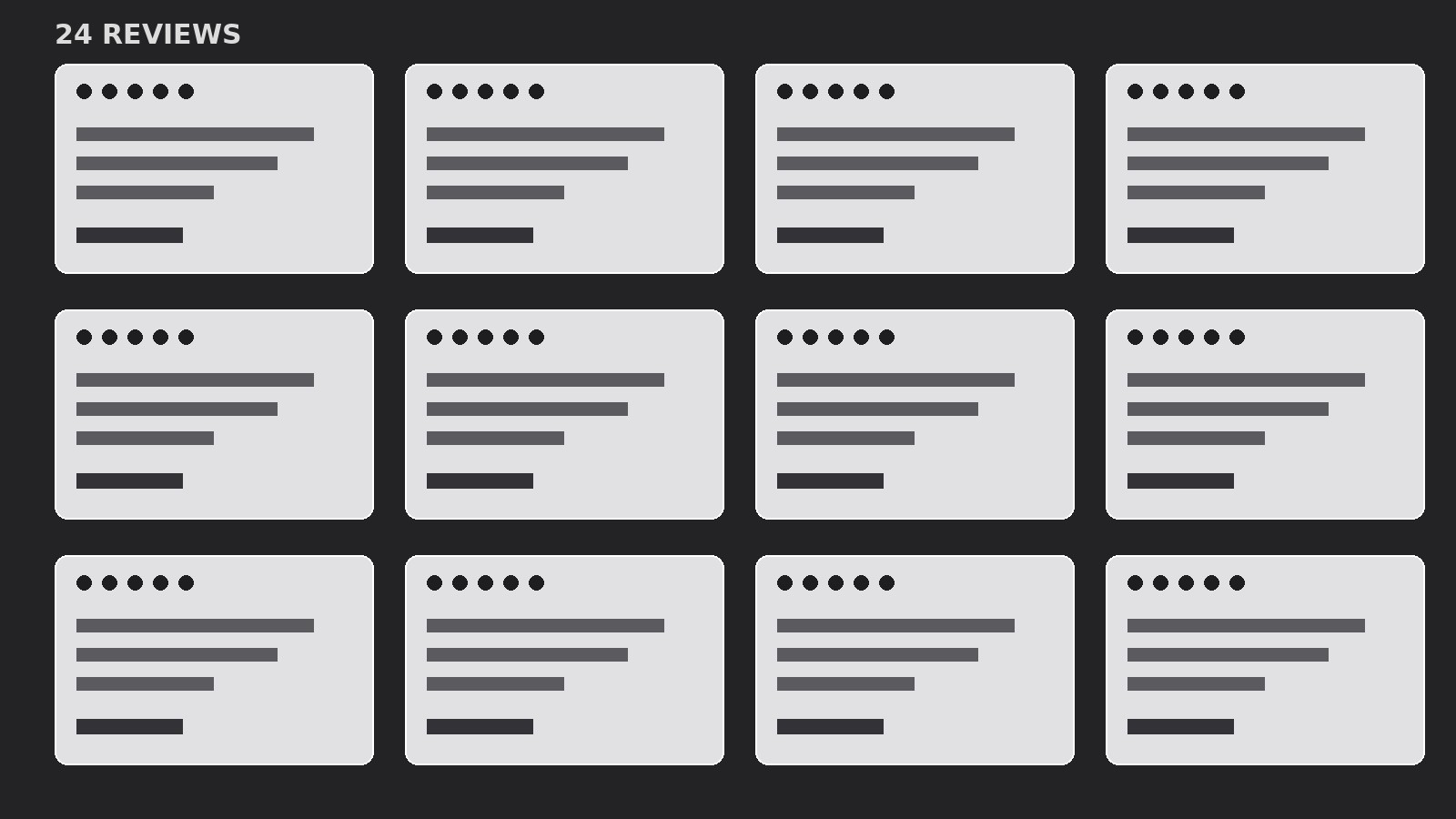
Rassemble de nombreux témoignages courts dans une grille dense et facile à parcourir de petites cartes avec notes, noms et filtres qui montrent l'ampleur de la preuve.
Installez-la en 3 étapes
Sans inscription. Sans outils en ligne de commande. Choisissez votre IA, copiez une ligne, collez-la.
Vous préférez le faire vous-même ? Achetez la compétence ($4.99), téléchargez le ZIP depuis votre confirmation d'achat, décompressez-le dans le répertoire indiqué ci-dessus, redémarrez votre session IA — même résultat. Vous l'avez déjà achetée ? Votre assistant IA peut la télécharger pour vous.
Contenu du pack
Un fichier SKILL.md (le guide pratique) + un modèle de départ. Aperçu :
Compact Testimonial Grid
When to use
- You have 12 or more usable testimonials and want to show volume, not just a few highlights
- Your product's strength is breadth — many customers, many use cases — and three big quotes can't convey that
- You need a testimonial section that fits above or near the fold without eating the whole page
- Visitors skim rather than read on your page, so proof needs to work at a glance
- You want visitors to filter testimonials by use case, plan, or industry and see relevant proof instantly
- Your testimonials are short (one or two sentences) and punchy — they don't need a full-width stage
Workflow
- Collect and trim the pool (input: raw testimonials → output: 12–30 trimmed cards)
Gather every testimonial you have, then trim each to one or two sentences — the single most specific claim, nothing else. A card that says "Support replies in under an hour, even on Sundays" beats a paragraph that says the same thing plus three pleasantries. Drop anything that can't survive trimming ("Great product!" with no detail). Target 12–30 cards: fewer than 12 and the grid looks sparse; more than 30 and visitors stop scrolling before the end. - Tag every card (input: trimmed cards → output: tagged card set)
Give each card 2–3 tags: who the speaker is (role or segment), what it proves (speed, price, support, results), and any plan or use case it mentions. Tags drive the filters and keep the grid honest — if 20 of your 24 cards all prove "easy to use" and none prove "worth the price," you have a coverage gap to fill before building. Write the tags now, not after layout. - Design the card (input: tagged card set → output: card template)
One card, one fixed structure: star row or rating mark at top (if you have real ratings), the trimmed quote in 14–16px, then speaker line (name, role, company) and one small tag chip. Cards are uniform in width and roughly uniform in height — trim quotes so no card is twice as tall as its neighbours. The grid's power is density and rhythm; a single oversized card breaks both. No portraits unless you have them for every card — mixed portrait/no-portrait grids look unfinished. - Build the grid (input: card template → output: grid layout)
Lay out cards in 3 columns on desktop, 2 on tablet, 1 on mobile, with tight, even gutters (16–24px). Fill row by row, mixing tag coverage across each row so any visible slice of the grid shows variety — never cluster all the "support" cards in one corner. If the grid looks patchy because card heights vary, use a masonry-style flow or trim the tall cards further; ragged bottoms are fine, gaping holes are not. - Add filters and a summary strip (input: grid layout → output: interactive section)
Add filter chips above the grid from your tags (e.g. "All / For teams / For solo users / Support / Results") so visitors can narrow to proof that matches them. Above the filters, add one summary strip: total count ("127 verified reviews"), average rating if real, and one line naming the most common praise. Filtering must be instant and preserve scroll position — a filter that reloads the page kills the browsing flow this format depends on. - Verify scannability (input: interactive section → output: verified grid)
Do the 5-second test: show the grid for 5 seconds and ask what people say about the product. The answer should be a theme ("fast support, easy setup"), not a single quote. Check mobile: cards should stack cleanly, filters should wrap without hiding, and the first 3 cards visible without scrolling should each prove something different. If the first screen shows three near-identical cards, reorder.
Aperçu du modèle
Compact Testimonial Grid — Starter Template
Trim every quote to 1–2 sentences. Tag every card. Keep cards uniform.
Summary strip (above the filters)
- {total_count} reviews · {average_rating, or delete if unverified} · Most praised: {top_praise_theme}
Filters
- All | {filter_1} | {filter_2} | {filter_3} | {filter_4}
- (Filters come from your tags — add or remove chips to match.)
Card template (copy for each testimonial)
` ★ {rating, or delete the star row if unverified} "{trimmed_quote — 1–2 sentences, one specific claim}" — {name}, {role}, {company} Tags: {proof_theme} / {segment} / {use_case} `
Cards
Card 1
- Quote: "{quote_1}"
Le pack de compétence lui-même (SKILL.md + modèle) est rédigé en anglais.


