Cinematic Shot Grid
Une page par scène : chaque plan, mouvement de caméra et repère dont l'équipe a besoin.
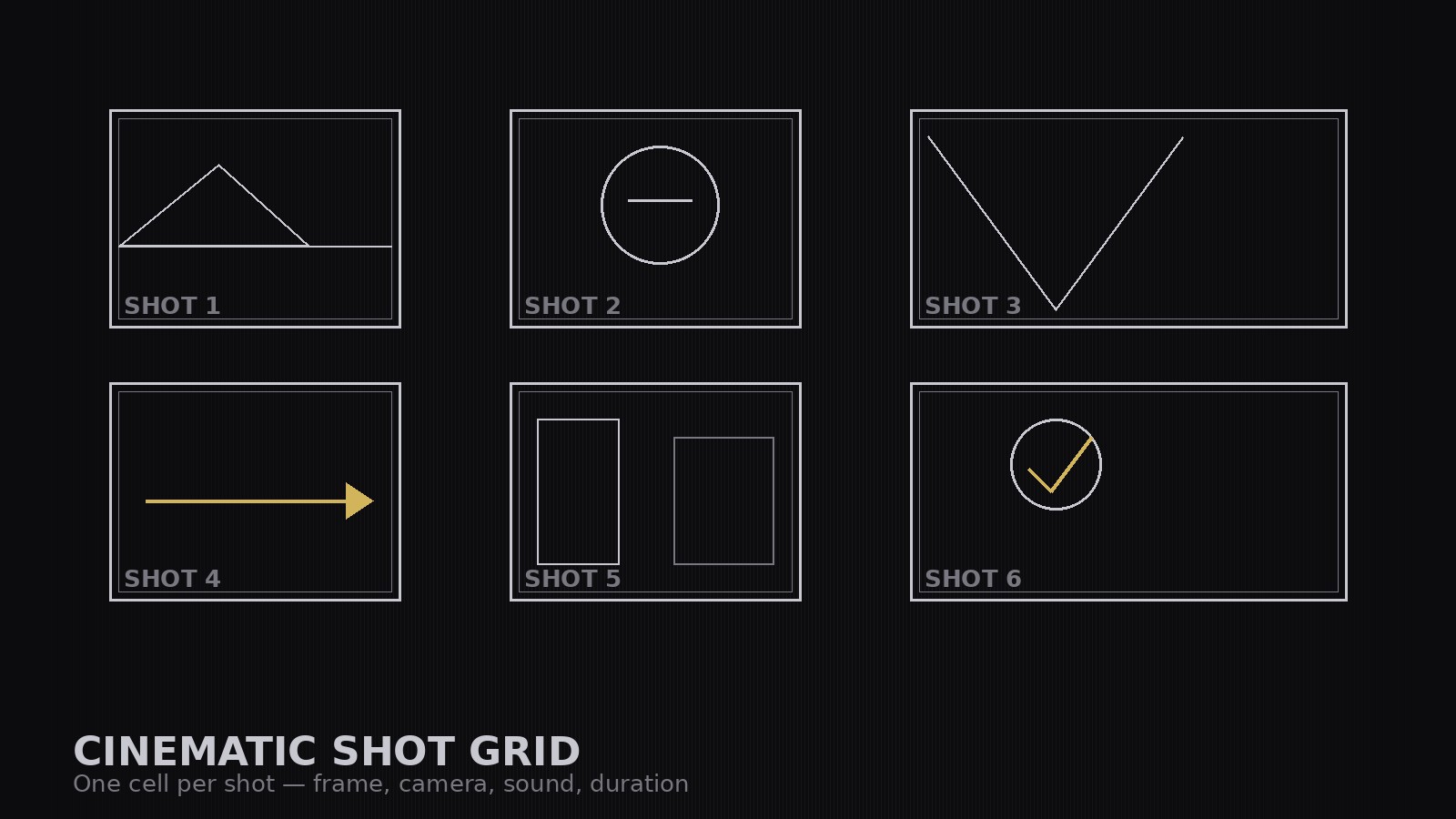
Transforme un script en une grille de plans visuelle — une cellule par plan avec un croquis du cadre, la taille de plan, l'angle de caméra, le mouvement, le repère sonore et la durée — pour que le rythme d'une scène soit visible en un coup d'œil et que la journée de tournage tienne sur une seule page.
Installez-la en 3 étapes
Sans inscription. Sans outils en ligne de commande. Choisissez votre IA, copiez une ligne, collez-la.
Vous préférez le faire vous-même ? Achetez la compétence ($4.99), téléchargez le ZIP depuis votre confirmation d'achat, décompressez-le dans le répertoire indiqué ci-dessus, redémarrez votre session IA — même résultat. Vous l'avez déjà achetée ? Votre assistant IA peut la télécharger pour vous.
Contenu du pack
Un fichier SKILL.md (le guide pratique) + un modèle de départ. Aperçu :
Cinematic Shot Grid
When to use
- You have a finished script but no plan for how it actually gets shot, angle by angle
- Your shoot day keeps stalling because nobody agreed on coverage before the camera rolled
- You are directing a short film, music video, or ad and need the crew to see the whole scene at a glance
- You keep overshooting — hours of footage for a two-minute scene — because shots were never locked in advance
- You need to hand a director, DP, or client one page that shows the scene's visual rhythm before anyone picks up a camera
Workflow
- Break the script into beats (input: script pages → output: beat list)
Read the scene and split it into beats: each beat is one change in what the audience should feel or learn. A two-page scene usually yields 4–8 beats. Write each beat as one line — what happens, and what the audience should take from it. If a beat can't be stated in one line, it is two beats. - Assign one shot per beat — then add the coverage (input: beat list → output: shot list)
Give each beat its primary shot: the angle that carries the beat's meaning. Then add only the coverage the edit actually needs — an establishing shot to open the scene, cutaways for reactions or details, and a closer or wider shot where the emotion turns. Every shot must justify itself against its beat; a shot with no beat is a shot you will cut. - Lay out the grid (input: shot list → output: shot grid)
Draw the grid: one cell per shot, in story order, left to right, top to bottom. Each cell holds a rough frame sketch (stick figures are fine — composition and eyeline matter, draftsmanship doesn't), the shot size (wide / medium / close-up), the camera angle, and the beat number it serves. The grid is the scene's map: anyone should be able to read the scene's rhythm by scanning it. - Add the camera and sound pass (input: shot grid → output: annotated grid)
For each cell, add three lines: camera (static / pan / dolly / handheld — and where it starts and ends), sound (dialogue line, sound effect, or music cue), and duration (estimated seconds). Keep movements simple and motivated: the camera moves because the story moves, not because the rig is available. Check that consecutive shots cut together — eyelines match, screen direction stays consistent, and no two adjacent shots are the same size from the same angle. - Lock the shoot plan (input: annotated grid → output: shoot-ready grid)
Read the grid as a shoot day: group shots by setup (same camera position, same lighting) to minimize company moves, and mark the order you will actually shoot them in. Flag any shot that needs special gear, a location change, or a prop. Print or export one page per scene. On set, the grid is the plan — if a shot gets dropped, cross it out on the grid so the editor knows it was a decision, not an oversight.
Aperçu du modèle
Cinematic Shot Grid — Scene Template
One scene = one grid. Break the script into beats before assigning a single shot.
Scene: {scene title / number}
Script pages: {pages} | Target runtime: {seconds} | Location: {location} | Characters: {names}
Beat list (one line each — what happens + what the audience should take from it)
Shot grid (story order, left to right, top to bottom)
Total estimated runtime: {sum} seconds vs. target {target} seconds
Continuity check
[ ] Eyelines match between consecutive shots [ ] Screen direction consistent (180-degree rule held, or deliberate break marked)
Le pack de compétence lui-même (SKILL.md + modèle) est rédigé en anglais.


