Chat Message Stack
Laissez le fil se construire tout seul, une bulle à la fois.
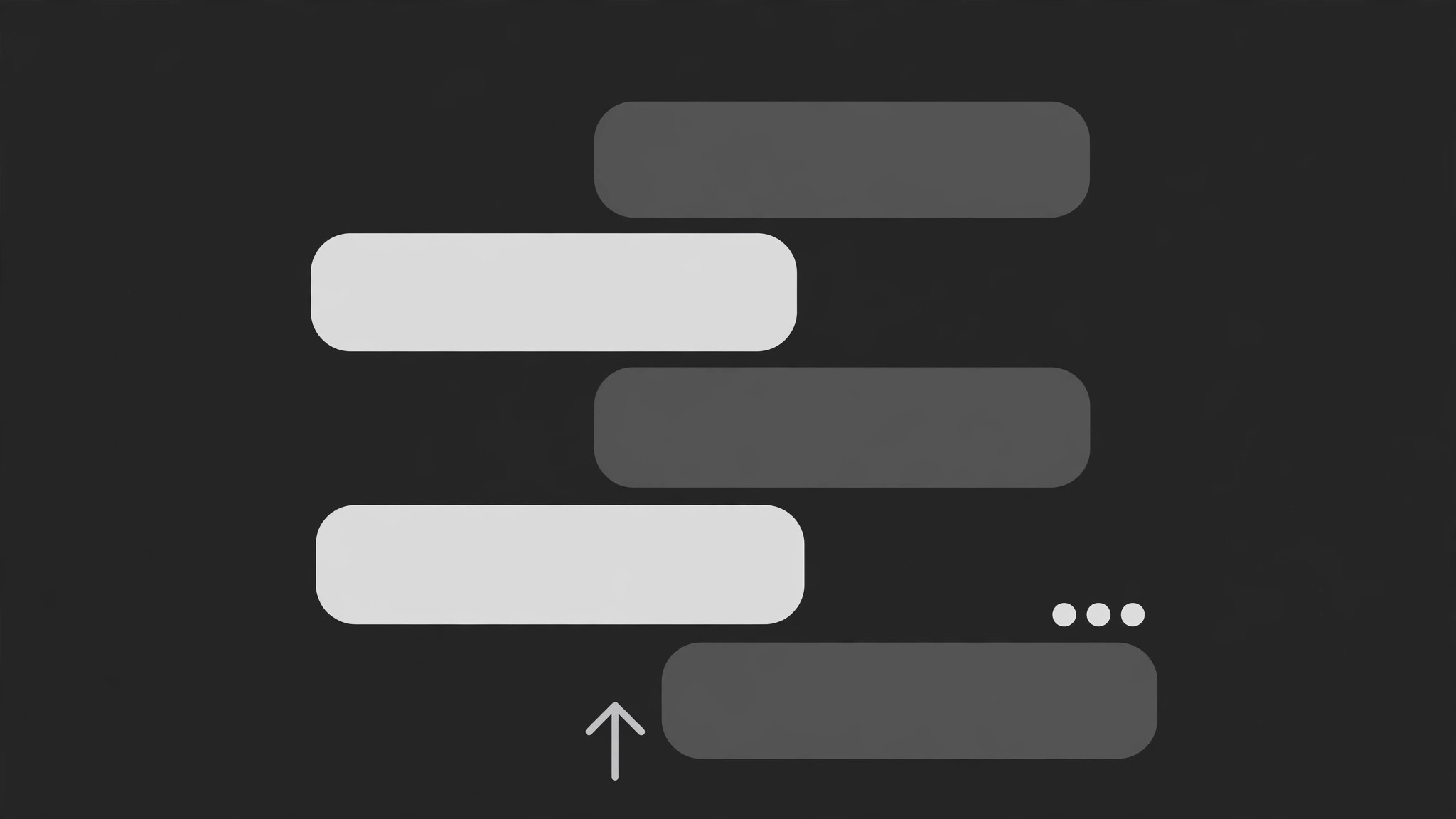
Un fil de discussion animé tel qu'il s'est déroulé : les messages glissent un par un, chacun poussant les bulles plus anciennes vers le haut avec un ressort, les points de saisie comblant les pauses. L'écart entre les messages porte le sens.
Installez-la en 3 étapes
Sans inscription. Sans outils en ligne de commande. Choisissez votre IA, copiez une ligne, collez-la.
Vous préférez le faire vous-même ? Achetez la compétence ($4.99), téléchargez le ZIP depuis votre confirmation d'achat, décompressez-le dans le répertoire indiqué ci-dessus, redémarrez votre session IA — même résultat. Vous l'avez déjà achetée ? Votre assistant IA peut la télécharger pour vous.
Contenu du pack
Un fichier SKILL.md (le guide pratique) + un modèle de départ. Aperçu :
Chat Message Stack
When to use
- You want to show a real or reconstructed text conversation on screen instead of just reading it aloud
- A support chat, DM exchange, or group thread is the evidence for a claim ("here's what they actually said")
- A tutorial needs to show a multi-step exchange (user asks, bot answers, user follows up) as a sequence, not a single screenshot
- A story beat lands through messages arriving — the timing of each arrival is part of the drama
- A static screenshot of a long thread would be unreadably small, but the exchange matters line by line
Workflow
- Script the thread (input: conversation → output: ordered message list)
Write out the thread as an ordered list: sender, text, and the beat it plays (setup, twist, punchline, evidence). Keep each bubble ≤25 words; longer messages get split across two bubbles from the same sender, sent 0.4 s apart. Cut any message that does not move the exchange forward — a 12-bubble thread with 5 real beats reads as padding. Decide the sender colors now: two senders max per thread (left/right), a third sender means a group-chat layout instead. - Set the stack layout (input: message list → output: stack geometry)
Bubbles stack from the bottom of the message area upward: the newest bubble lands at the bottom, older ones sit above it. The message area shows the last 3–5 bubbles at readable size; older bubbles slide up and fade to 40% opacity as they leave the focus zone, never fully vanishing mid-thread unless the thread is long (then they scroll off the top). Left/right alignment marks the sender; never rely on color alone — alignment + name label both carry the sender. - Animate each arrival (input: one message → output: arrival keyframes)
Each message enters in three beats: typing indicator (three dots pulsing, 0.5–0.9 s, only for the replying side or for dramatic pauses), then the bubble slides up from below the stack by ~20 px and fades in over 0.25–0.35 s (ease-out), then the whole existing stack shifts up by exactly the new bubble's height over 0.3 s with a spring settle (slight overshoot, ~6 px). The push-up is the signature move: the stack visibly makes room. Never let a new bubble pop in without pushing the stack — that is a slideshow, not a chat. - Time the gaps (input: message list + narration → output: per-message timing)
Gaps between messages carry meaning: a quick reply (0.3–0.6 s gap) reads as eager or automatic; a long pause (1.5–2.5 s, with typing dots showing) reads as thinking, hesitation, or dread. Set each gap deliberately against the message's beat — a 2 s pause before a one-word reply ("ok.") is a joke; a 2 s pause before a paragraph is just slow. If the narrator is reading the messages aloud, the bubble must land on or just before the first spoken word of that message, never after. - End the thread (input: final message → output: ending hold)
After the last message lands and the stack settles, hold the full visible stack still for ≥2 s so the viewer can re-read the exchange. Then exit by either fading the whole thread (0.4 s) into the next shot, or freezing the final stack as a static card behind a voiceover summary. Never end on a typing indicator — an unresolved "..." promises a message that never comes and leaves the viewer waiting for a cut that already happened.
Aperçu du modèle
Chat Message Stack — Production Template
One thread, one stack. Script the beats before animating any bubble.
Thread: {thread title / context} — Reconstruction? [ ] Yes — tag on screen [ ] No
Senders (max 2 per thread): Left = {name} | Right = {name} Context line (optional, shown before first bubble): "{e.g. Tuesday, 9:41 PM}"
Message list (each bubble ≤25 words; split long messages into two bubbles)
Typing dots before: {message #s that get a 0.5–0.9 s typing indicator} — replying side only
Stack geometry
- Visible bubbles at full readability: {3–5} | Older bubbles fade to: {40%}
- New bubble enters: slide up {~20 px} + fade in {0.25–0.35 s}, ease-out
Le pack de compétence lui-même (SKILL.md + modèle) est rédigé en anglais.


