Chapter Title Stamp
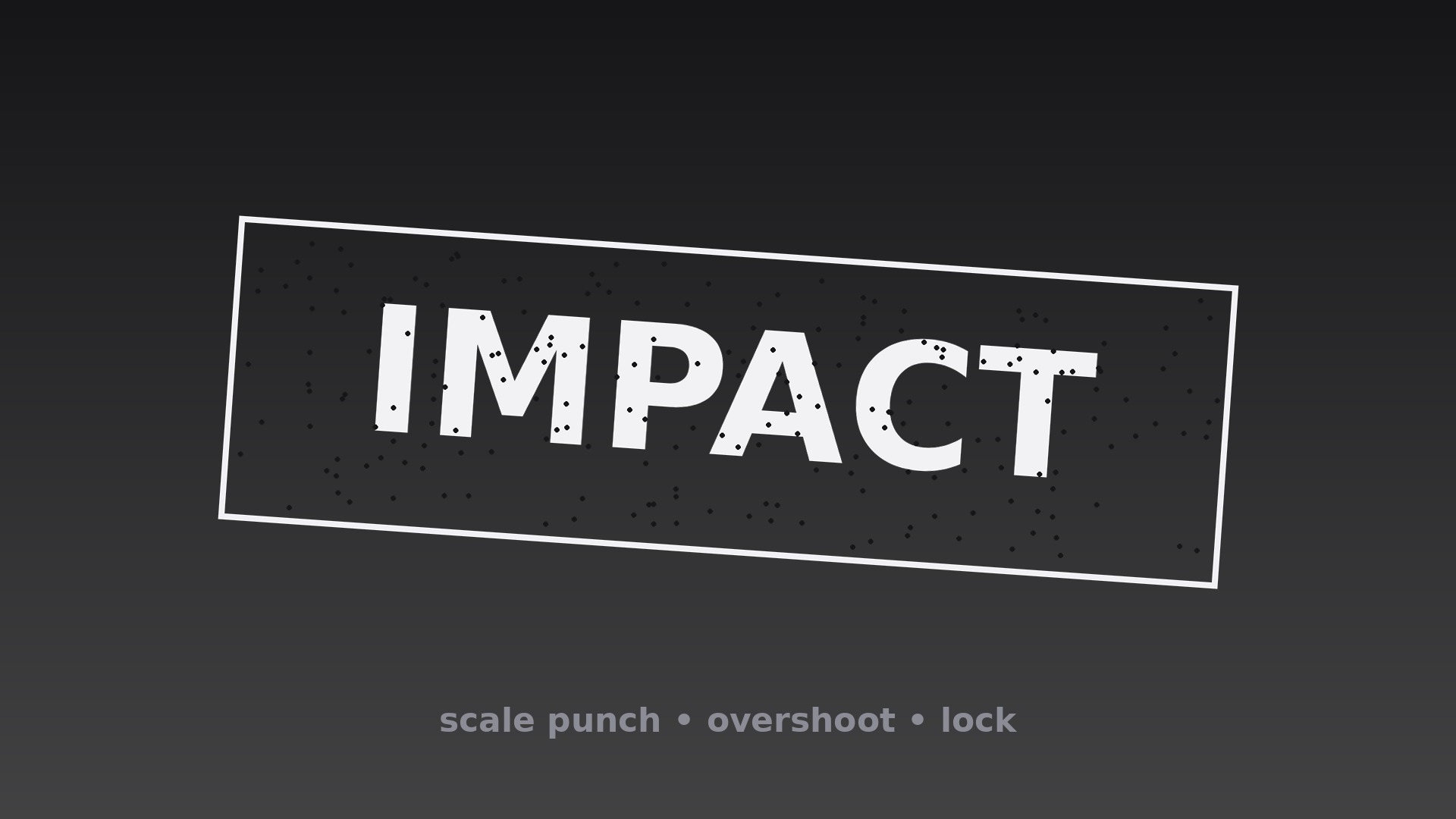
Chaque titre de chapitre s'abat avec un impact d'échelle et un léger dépassement — comme un tampon encreur sur du papier.
Apprend à votre IA à tamponner les titres de chapitre avec un impact en trois temps (fantôme, claquement, stabilisation élastique), un son assorti, un tremblement d'arrière-plan optionnel et une spécification unique verrouillée pour toute la vidéo.
Installez-la en 3 étapes
Sans inscription. Sans outils en ligne de commande. Choisissez votre IA, copiez une ligne, collez-la.
Vous préférez le faire vous-même ? Achetez la compétence ($4.99), téléchargez le ZIP depuis votre confirmation d'achat, décompressez-le dans le répertoire indiqué ci-dessus, redémarrez votre session IA — même résultat. Vous l'avez déjà achetée ? Votre assistant IA peut la télécharger pour vous.
Contenu du pack
Un fichier SKILL.md (le guide pratique) + un modèle de départ. Aperçu :
Chapter Title Stamp
When to use
- A bold chapter opener where each new section should land with impact, not fade in politely
- A high-energy tutorial or workout video where section breaks need a jolt to reset attention
- A documentary with hard-edged segments where a stamp marks each segment like a case file being marked
- A news-style explainer where each new topic gets stamped on screen as the anchor introduces it
- A sports or competition recap where each round or heat is stamped as it begins
- A presentation recording where section breaks need to be unmistakable even for a half-watching viewer
Workflow
- Write titles built to be stamped (input: chapter topics → output: final title strings)
Stamp titles must be short and heavy: 1–4 words, set in a bold condensed or grotesque typeface, all caps or title case — never mixed case with delicate letterforms, which look fragile under a stamp impact. One title per chapter, and the same typeface and weight for every stamp in the video. If a chapter title needs more than 4 words, shorten it for the stamp and let the narration carry the full phrasing — a stamp is a headline, not a sentence. - Design the stamp (input: title strings → output: stamp visual spec)
The stamp is the title plus, optionally, one graphic element: a thin rectangular outline around the title, a small chapter number tab, or a double-rule underline. Keep it to one element — a stamp with a box, a badge, a star, and a texture is a poster, not a stamp. Color: one strong ink color (near-black on light footage, near-white or a single accent on dark footage). Texture is optional and should be subtle — a light distress or grain at 10–15% strength; heavy grunge makes the title harder to read and dates the video fast. - Choreograph the impact (input: stamp spec → output: impact keyframe timeline)
The stamp arrives in three beats. Anticipation (0.10s): the stamp appears at 110% scale, 0% opacity — a single-frame ghost of arrival. Impact (0.12s): scale slams to 96% with opacity jumping to 100%, a hard cut in feel, not a fade. Overshoot and settle (0.35s): scale springs to 102%, then relaxes to exactly 100% with a damped spring (two visible oscillations at most, decaying fast), while opacity stays at 100%. Total: ~0.57s from invisible to locked. The impact frame — the 96% squash — is what sells the stamp: without it, the animation is just a scale-in. - Add impact sound and shake (input: impact timeline → output: sound and camera treatment)
Sound: one short stamp thud or paper thump on the impact frame, mixed so it is felt rather than heard — clearly audible but shorter than the word it punctuates, never a boom that drowns the narration. Camera: an optional 2–4px vertical shake on the background plate for 0.15s starting at the impact frame, applied to the footage layer only — never to the stamp itself, which must land dead still after its settle. If the video's tone is calm or corporate, skip the shake and keep the thud soft; the stamp's scale punch alone carries the impact. - Hold and exit (input: stamped title → output: hold and exit spec)
Hold the stamped title fully still for 1.0–1.5s — the viewer needs a beat to read it after the impact, and cutting away instantly wastes the punch. Exit with a 0.30s fade and a 2% scale-down (100% → 98%), or with a fast 0.25s upward slide-out if the next scene moves in the same direction. Never reverse the stamp (scale-up and fade) — a stamp does not un-stamp, and reversing the impact reads as the video changing its mind. - Keep the series consistent (input: full chapter list → output: series stamp spec)
Lock one spec for the whole video: typeface, weight, case, ink color, box-or-no-box, thud sound, shake on/off, hold duration. Every chapter stamp uses it identically. The power of a stamp is repetition — the third identical stamp feels like a system, while three different stamps feel like three accidents. If one chapter deserves extra emphasis, lengthen its hold by 0.5s — never redesign its stamp.
Aperçu du modèle
Chapter Title Stamp — Starter Template
Fill in every {placeholder}, then hand this spec to your video tool or motion designer.
Project
- Video title: {video_title}
- Frame size: {width}x{height} @ {fps}fps
- Tone: {bold_high_energy / hard_edged_documentary / news_explainer / other}
Stamp titles (1–4 words each, same typeface and weight for all)
Stamp visual
- Typeface: {typeface} (bold condensed or grotesque)
- Case: {ALL_CAPS / Title Case} — same for every stamp
- Weight: {weight}, size: {title_size}px
- Ink color: {ink_color} (one color — near-black on light footage, near-white or one accent on dark footage)
Le pack de compétence lui-même (SKILL.md + modèle) est rédigé en anglais.


