CA Incident Response Playbook
A CA you trusted is compromised — what to do in the first 24 hours
Respond to a certificate-authority compromise in the first 24 hours: confirm exposure, replace affected chains, communicate to customers, and track the vendor's exit or remediation to completion.
Installez-la en 3 étapes
Sans inscription. Sans outils en ligne de commande. Choisissez votre IA, copiez une ligne, collez-la.
Vous préférez le faire vous-même ? Achetez la compétence ($4.99), téléchargez le ZIP depuis votre confirmation d'achat, décompressez-le dans le répertoire indiqué ci-dessus, redémarrez votre session IA — même résultat. Vous l'avez déjà achetée ? Votre assistant IA peut la télécharger pour vous.
Contenu du pack
Un fichier SKILL.md (le guide pratique) + un modèle de départ. Aperçu :
CA Incident Response Playbook
The shape of a CA incident
A CA compromise is not a normal vulnerability: the attacker can impersonate any site, and the fix is distributed across every trust store in the world. eMudhra's October 2026 incident shows the shape: disclosure on a Saturday, browser blocks within hours, a regulator advisory days later, a stock drop, and finally the CA exiting the business entirely. Your response has to move at browser speed for your own systems, and at human speed for your customers.
Workflow
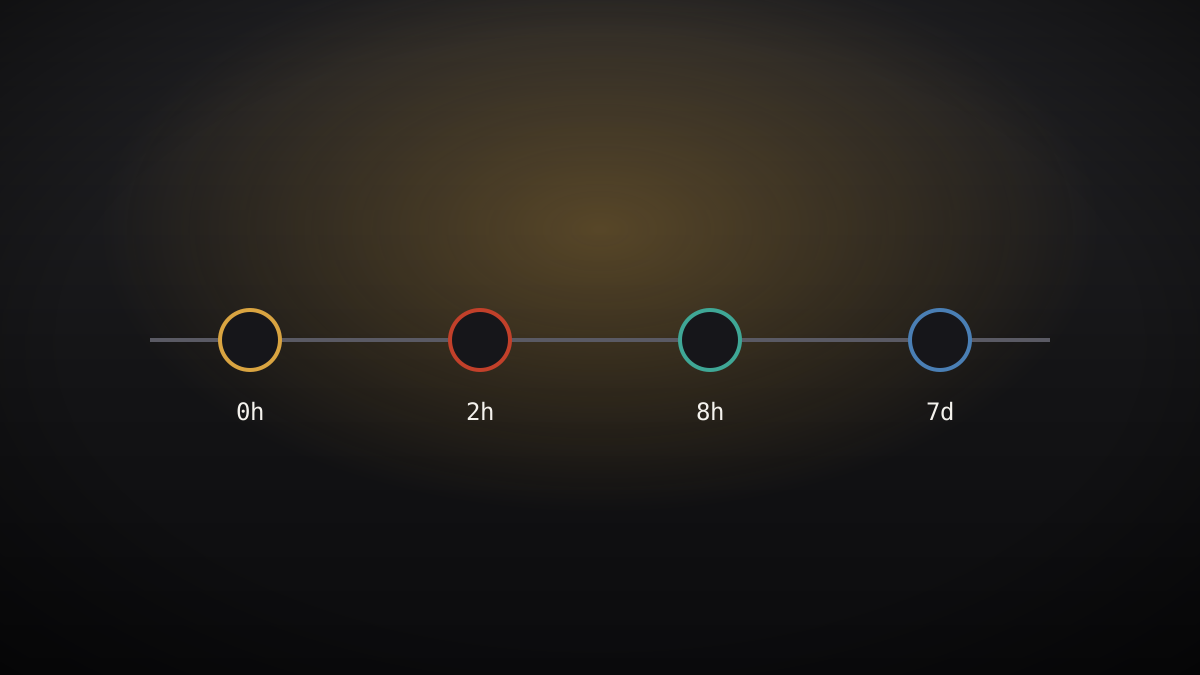
- Hour 0–2: confirm exposure (input: your certificate inventory -> output: exposed / not exposed, with evidence).
Check every chain in your inventory against the compromised
intermediates and roots. "Not exposed" needs evidence: the chain map
showing no path through the affected CAs — not the absence of an
alert. If you have no inventory, start with internet-facing services
and work inward; say so in the incident log. - Hour 2–8: contain (input: exposure list -> output: replacements or isolation).
For each exposed service: replace the certificate with one from an
unaffected CA, or isolate the service behind a control you trust
(a pinned proxy, a private CA for internal traffic). Note the vendor's
deadlines: in eMudhra's case, Chrome's removal of the emSign ECC Root
CA – G3 on October 27 meant legitimate chains to that root stopped
working in Chrome — replacement was not optional, and it had a date. - Hour 8–24: communicate (input: impact assessment -> output: a customer note).
Write what happened in plain language: what was compromised, whether
your customers were affected, what you changed, and what customers
need to do (usually: update browsers/OS, nothing else). Say what you
do not know yet. A note that claims "no impact" before exposure is
confirmed will be read back to you later. - Day 2–7: track the vendor (input: vendor statements -> output: a timeline).
Track the CA's statements, regulator advisories, and browser actions
on one timeline, with dates and sources. Watch for the two endings
that matter: the CA's remediation (revocation, new keys, audit) or
its exit from the business (eMudhra exited global SSL/TLS on October
22). An exit changes your replacement plan from "temporary" to
"permanent" — update the plan when it happens. - Close-out (input: timeline + replacement records -> output: a lessons note).
Record: time to confirmed exposure, time to replacement, what the
inventory missed, and what the drill (you do run drills) had already
covered. Feed the misses back into the inventory and the drill. A CA
incident that does not improve the inventory will repeat itself with
a different CA's name on it.
Aperçu du modèle
CA Incident Worksheet
1. Exposure (hour 0–2)
2. Containment (hour 2–8)
3. Customer note (hour 8–24)
- What happened:
- Customer impact:
- What we changed:
- What customers must do:
- What we do not know yet:
4. Vendor timeline
5. Close-out lessons
-
Le pack de compétence lui-même (SKILL.md + modèle) est rédigé en anglais.