Banking App OG Image
Un aperçu de lien qui inspire confiance en format miniature.
Transforme votre IA en designer d'aperçus sociaux pour une application bancaire — elle compose une image 1200×630 lisible en miniature, qui garde les détails sensibles à l'écart et se décline en variantes pour chaque canal.
Installez-la en 3 étapes
Sans inscription. Sans outils en ligne de commande. Choisissez votre IA, copiez une ligne, collez-la.
Vous préférez le faire vous-même ? Achetez la compétence ($4.99), téléchargez le ZIP depuis votre confirmation d'achat, décompressez-le dans le répertoire indiqué ci-dessus, redémarrez votre session IA — même résultat. Vous l'avez déjà achetée ? Votre assistant IA peut la télécharger pour vous.
Contenu du pack
Un fichier SKILL.md (le guide pratique) + un modèle de départ. Aperçu :
Banking App OG Image
When to use
- Someone shares a link to your banking app and the preview shows a blank box, a cropped logo, or a random screenshot
- You are launching a banking or finance feature and need the link preview to look trustworthy in chats, posts, and messages
- Your current preview image has tiny text that turns to mush at thumbnail size, or shows account balances and other details that should never appear in a share image
- You need one preview image that works across social platforms, messaging apps, and link embeds without redesigning it each time
- You are preparing a press page, a launch post, or an app-store-adjacent page and want the share image to match the brand
Workflow
- Decide the one message (input: page purpose → output: one-line message + audience)
A preview image gets a fraction of a second of attention, so it carries exactly one message: the app name plus one promise ("Banking that shows every fee" or "Save together, see it all"). Name the audience (new users, existing customers, press) and the action you want (tap the link, trust the brand). If the page already has a headline, the image should echo it, not introduce a second one. Write the message down first — every later layout decision is judged against it. - Set the safe layout (input: message → output: layout spec)
Design for 1200×630 with a safe zone: keep all text and the logo inside the center 1000×500 area, because platforms crop the edges differently. Choose one layout from three proven patterns: phone mockup right + text left, big wordmark + one icon row, or card stack + short headline. Specify the hierarchy: headline largest, supporting line smaller, logo or app name smallest but always present. Sketch the layout as boxes with sizes before any color or imagery — if the boxes do not read at thumbnail size, the finished art will not either. - Compose with generic, safe visuals (input: layout spec → output: full composition)
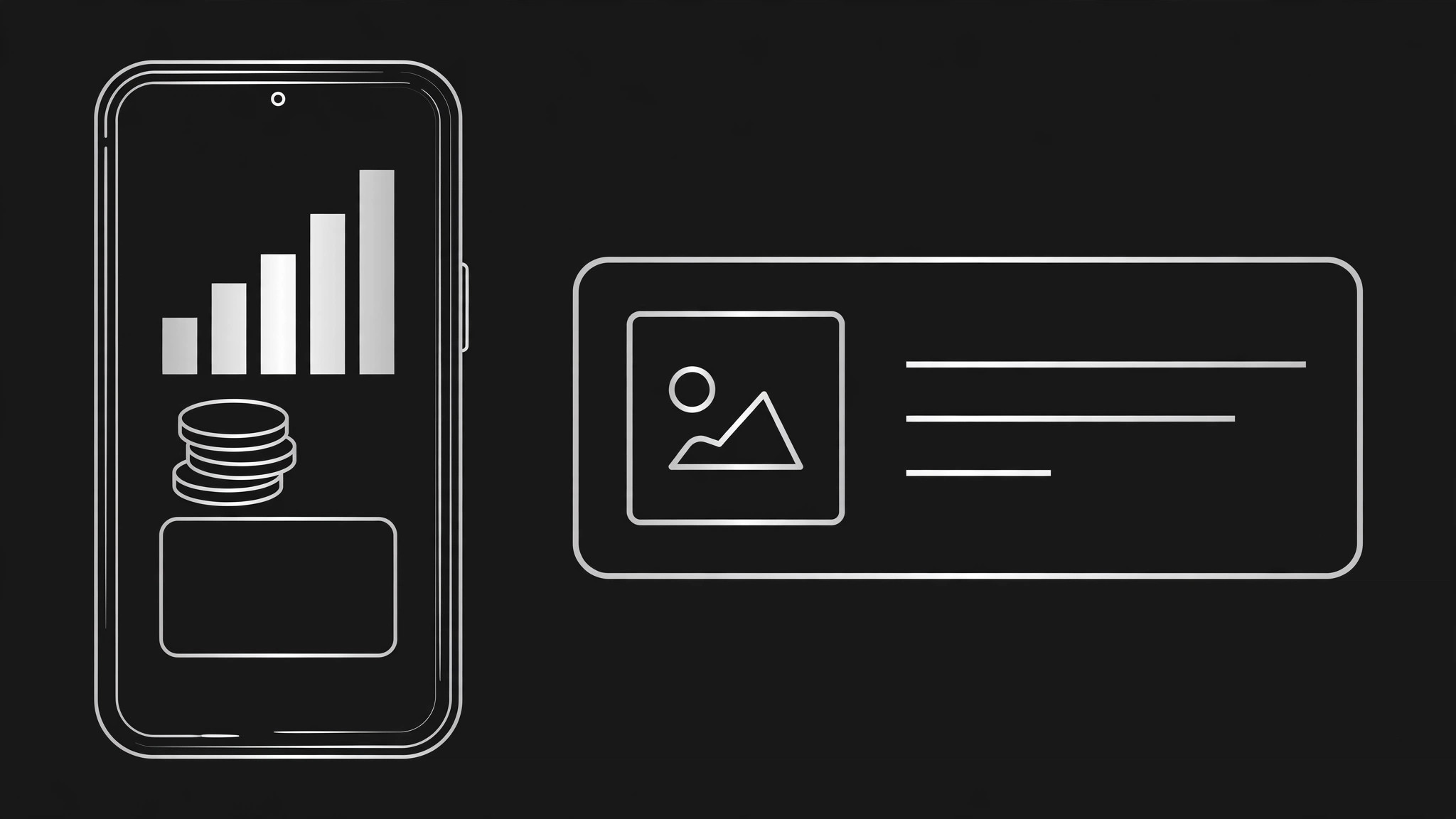
Fill the layout with visuals that signal "banking" without exposing anything real: a phone mockup with placeholder figures (never real balances, real names, or real transaction rows), abstract shapes for growth or saving (bars, coins, a card outline), and brand colors at full strength. Use invented placeholder numbers that are obviously illustrative (e.g. a chart with no axis labels) rather than realistic-looking figures that could be mistaken for a real account. Check the composition at 200 pixels wide — if the headline and the app identity are not readable there, simplify until they are. - Write the microcopy (input: composition → output: final text set)
Write the exact strings: headline (5–8 words), supporting line (under 10 words, optional), and app name or logo lockup. No fine print, no disclaimers, no URLs on the image itself — the link carries the URL, and small text becomes noise at thumbnail size. Read each line aloud and cut every word that does not earn its pixels. Confirm spelling, capitalization, and that the headline matches the page it previews; a mismatch between image promise and page content is the fastest way to lose a click's trust. - Export variants and verify (input: final text + composition → output: exported files + verification checklist)
Export the master 1200×630, then the variants: a square 1200×1200 for platforms that crop to square, a text-free version for contexts where the platform overlays its own title, and a dark-background alternate if your brand supports one. Verify each by pasting the link into a chat app and a social composer and screenshotting the preview — never trust the file alone. Check: headline readable, no clipping, no real-looking data, logo intact, brand colors correct. Save the source file alongside the exports so the next feature launch starts from this layout, not from scratch.
Aperçu du modèle
Banking App OG Image — Design Brief
One message, one image. Fill this in before composing anything.
The one message
Headline (5–8 words): {e.g. Banking that shows every fee.} Supporting line (≤10 words, optional): {…} App name / logo lockup: {…} Audience: {new users / existing customers / press} Action you want: {tap the link / trust the brand} Page headline it must echo: {…} — [ ] image and page agree
Layout spec
- Canvas: 1200×630
- Safe zone: all text + logo inside center 1000×500
- Pattern (pick one): [ ] Phone mockup right + text left | [ ] Big wordmark + icon row | [ ] Card stack + short headline
Le pack de compétence lui-même (SKILL.md + modèle) est rédigé en anglais.
Vous aimerez aussi
 Images
Social Cover
Des couvertures de publication avec 3 recettes de composition — prêtes à l'emploi
 Images
Infographic
Transformez un paragraphe en une image — sans jamais inventer de données
 Images
Product Poster
Affiches e-commerce : arguments de vente, ancrage prix et appel à l'action en une fois