Backend Platform OG Image
Données, API, application — toute la stack en un coup d'œil.
Transforme votre IA en designer d'aperçus sociaux — crée une image OG 1200×630 pour une plateforme backend ou de base de données qui rend les couches de la plateforme lisibles en miniature : les données, l'API et l'application par-dessus.
Installez-la en 3 étapes
Sans inscription. Sans outils en ligne de commande. Choisissez votre IA, copiez une ligne, collez-la.
Vous préférez le faire vous-même ? Achetez la compétence ($4.99), téléchargez le ZIP depuis votre confirmation d'achat, décompressez-le dans le répertoire indiqué ci-dessus, redémarrez votre session IA — même résultat. Vous l'avez déjà achetée ? Votre assistant IA peut la télécharger pour vous.
Contenu du pack
Un fichier SKILL.md (le guide pratique) + un modèle de départ. Aperçu :
Backend Platform OG Image
When to use
- You're launching or announcing a backend, database, or developer platform and the share card needs to explain what the platform does at a glance
- A docs page, changelog, or blog post about a backend product shares with a blank or generic preview
- Your platform's current preview shows a logo on a flat background and says nothing about data, APIs, or hosting
- A developer audience will judge the card in half a second — it has to signal "this is infrastructure" without a paragraph
- You're posting the same platform link across feeds, chats, and docs and want one consistent card everywhere
Workflow
- Name the one capability (input: platform description → output: one-line promise)
Reduce the platform to the one thing a developer gets: "a database with an instant API," "hosted backend with auth built in," "real-time data sync for your app." If the platform does five things, pick the one the announcement is about — the card advertises the news, not the whole product. A card that lists every feature advertises none of them. - Stack the layers (input: one-line promise → output: layer diagram plan)
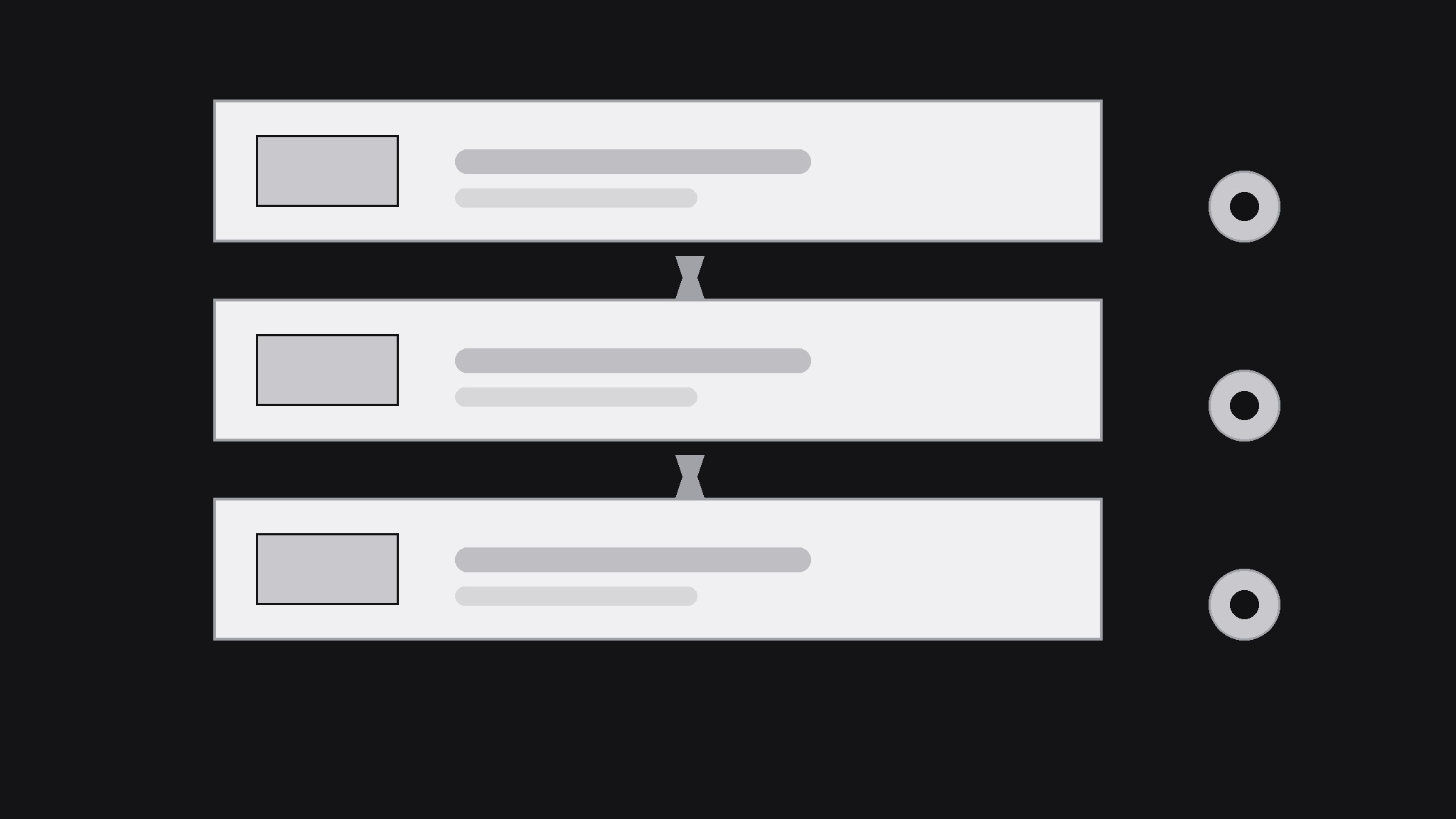
Draw the platform as a stack of at most three layers — data at the bottom, API or logic in the middle, the app on top — with one icon and one short label per layer. The stack is the card's visual argument: it says "this is infrastructure" faster than any sentence. Keep the layers as simple blocks; a realistic architecture diagram belongs in the docs, not in a 1200×630 card that will be seen at 240 pixels wide. - Design for the thumbnail (input: layer plan → output: 1200×630 draft)
Build at 1200×630 with all text inside the central 1000×500 safe area. Put the one-line promise in large type on one side and the three-layer stack on the other — never stack text on top of the diagram, or both become unreadable. Use at most two typefaces and three colors, and make the background dark or light enough that the stack reads as solid shapes, not outlines. Test at phone-feed size: the promise and the three layers must be distinguishable at arm's length. - Add one proof point (input: draft → output: finished card)
Add at most one proof point that is genuinely true of the platform: free tier, open-source, self-hosting option, or a latency or uptime figure you can stand behind. One proof point, small, below the promise. Never invent a user count, an uptime percentage, or a performance figure — developers check, and a caught exaggeration costs more credibility than a plain card ever would. - Export and verify across platforms (input: finished card → output: verified preview)
Export as JPEG or PNG at exactly 1200×630, under 1 MB, and check the live preview on at least two platforms (a chat app and a social feed). Refresh cached previews with a fresh query parameter or the platform's debugger when the card changes. Keep the source file: every launch, pricing, or positioning change means a new card, and the layer-stack layout is worth reusing.
Aperçu du modèle
Backend Platform OG Image — Template
One card per announcement. One capability per card.
Platform: {name} — {announcement: launch / feature / release}
Link: {URL}
One-line promise
- Capability (one thing): {e.g. a database with an instant API}
- Plain-language promise for the card: {…}
- Audience: {e.g. developers building mobile apps}
Layer stack (max 3 layers)
Card copy
- Headline (promise, ≤10 words): {…}
- Proof point (max 1, must be true): {e.g. Self-hostable · Open source}
- Colors (max 3): {1} {2} {3} | Typefaces (max 2): {1} {2}
- Layout: promise {left / right} · stack {right / left} — never overlapping
Thumbnail check
Le pack de compétence lui-même (SKILL.md + modèle) est rédigé en anglais.
Vous aimerez aussi
 Images
Social Cover
Des couvertures de publication avec 3 recettes de composition — prêtes à l'emploi
 Images
Infographic
Transformez un paragraphe en une image — sans jamais inventer de données
 Images
Product Poster
Affiches e-commerce : arguments de vente, ancrage prix et appel à l'action en une fois