Tilted Document Stack Cycle
Una pila de papeles que no deja de darse la vuelta sola.
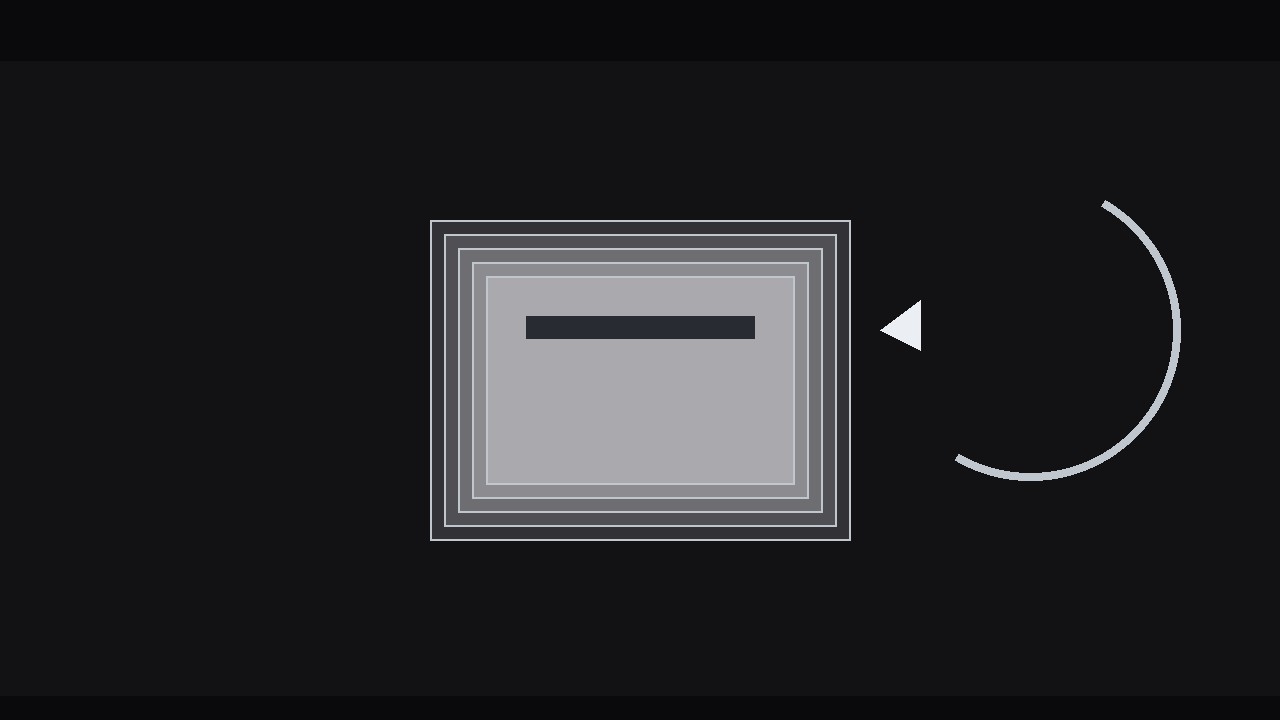
Una animación en bucle donde la hoja superior de una pila de documentos inclinada se levanta, se despega hacia atrás y se presenta la hoja siguiente: perfecta para colas, flujos de trabajo y ciclos de papel interminables.
Instálala en 3 pasos
Sin registro. Sin herramientas CLI. Elige tu IA, copia una línea y pégala.
¿Prefieres hacerlo tú mismo? Compra la habilidad ($4.99), descarga el ZIP desde la confirmación de compra, descomprímelo en el directorio que se muestra arriba y reinicia tu sesión de IA — el mismo resultado. ¿Ya la compraste? Tu asistente de IA puede descargarla por ti.
Qué incluye
Un SKILL.md (la guía paso a paso) + una plantilla inicial. Una vista previa:
Tilted Document Stack Cycle
When to use
- A video needs to show a set of documents, forms, invoices, or cards being worked through one by one
- An explainer about a queue, pipeline, or review process where items move from "to do" to "done"
- A title or intro sequence where a stack of pages establishes the topic — reports, contracts, applications, manuscripts
- A looping background or interstitial where a tidy, endless paper cycle adds life without demanding attention
- A product demo where each document in the stack represents one feature, step, or case, revealed in turn
Workflow
- Define the stack (input: the set of items → output: 4–7 documents, each with a face)
Decide what each document is: a page with a title line, two or three body lines, and one distinguishing mark — a small icon, a coloured tab, a stamp, a signature line. Four to seven documents is the working range: fewer than four and the cycle feels thin (the same page comes back too soon); more than seven and the stack gets tall, the tilt gets crowded, and individual pages stop registering. Give every document a distinct face — different title, different tab colour, different mark — because the audience tracks the cycle by recognising pages, not by counting them. If the documents represent steps in order, number them visibly; if they represent a shuffled pile, do not. - Build the stack (input: document faces → output: static stack with tilt, offset, and depth)
Stack the documents with a consistent tilt: rotate the whole stack 4–8° off vertical (or off horizontal, for a flat lay) and offset each sheet from the one below by 6–10 px in the direction of the tilt, so the edges fan out like a real pile. The top sheet sits square to the viewer's eye — flat, fully legible, the hero. Each sheet below it is slightly smaller in apparent size (98%, 96%, 94%…) or slightly darker, so depth reads even in a still frame. Add a soft shadow under the stack and a 1 px edge on each sheet; without edges, stacked white pages merge into one white block. Keep the stack centred with clear space around it on all sides — the top sheet will move during the cycle, and it needs room. - Animate the peel (input: static stack → output: peel pass for one sheet)
The cycle's signature move: the top sheet lifts, peels away, and travels to the back of the stack. Break it into three beats. Beat one, lift: over 6–8 frames, the top sheet rises 10–16 px and its leading corner lifts (rotate an extra 3–5°), breaking contact with the stack — a sheet that slides without lifting looks like it is being dragged, not picked up. Beat two, travel: over 14–18 frames with ease-in-out, the sheet arcs to the back position — up and over, or around the side, following the tilt direction — shrinking slightly (to ~94%) and dimming as it goes behind. Beat three, settle: over 6–8 frames it lands at the back of the stack with a 1–2 px overshoot and a tiny shadow change, becoming the new bottom sheet. Total peel: roughly 0.9–1.3 s. The sheet must never pass in front of the new top sheet mid-travel — it goes behind, always, or the stack's depth logic collapses. - Reveal the next sheet (input: peel pass → output: next-sheet reveal timed to the peel)
As the top sheet lifts, the sheet beneath it is revealed — and that reveal is half the effect. Give the incoming top sheet a small moment of its own: as the old sheet clears (around the midpoint of the travel), the new top sheet scales from 98% to 100% over 6–8 frames and its brightness lifts to full, as if it is being presented. If the sheet has a title, let the title's first line brighten or slide in by 2–3 px during the same window — a whisper of emphasis, not a second animation. Time the reveal to the peel, not to a clock: the new sheet is "presented" when the old one is halfway to the back. If the reveal fires before the old sheet has moved, the two sheets overlap and the audience sees a swap, not a cycle. - Loop the cycle (input: peel + reveal → output: seamless loop with even rhythm)
After one peel, the stack must be in exactly the state it started in — same tilt, same offsets, same order rotated by one — so the next peel can begin without a jump. Hold the settled stack for 10–16 frames (0.4–0.7 s) between peels: this rest is what makes the cycle readable — without it, the stack becomes a shuffling blur. Keep the rhythm even: every peel the same duration, every rest the same length. If the video needs the cycle to pause on a particular document (to let the voiceover discuss it), extend that document's rest to 2–3 seconds and add a small emphasis — a 1–2 frame accent pulse on its tab or a slight forward shift (4–6 px toward the viewer) — then resume the even rhythm. Export the loop so the last rest frame matches the first frame exactly; a loop with a 1-frame jump will be noticed within two repetitions. - Check the loop and export (input: looped cycle → output: final render verified over three full cycles)
Watch three full cycles back to back. Check: does any sheet ever clip the frame edge during travel? Does the stack drift (each peel landing 1 px off, accumulating into a visible walk)? Does the same face return at the expected interval — with N sheets, each sheet returns every N peels? Verify the stack's silhouette is stable: the bottom sheet's position must not creep. Check at phone size: is the top sheet's title legible, and do the tab colours distinguish the sheets? Export the main cut, plus a loop-safe version (first frame = last frame) for backgrounds and interstitials.
Vista previa de la plantilla
Tilted Document Stack Cycle — Build Template
Fill this in before animating. One stack per sequence.
The stack
What the documents are: {e.g. invoices / applications / report pages / feature cards} Count: {4–7} | Ordered or shuffled: {numbered steps / unnumbered pile}
Documents (each: title + 2–3 body lines + one distinguishing mark)
Stack design
- Whole-stack tilt: {4–8°} in direction {left / right}
- Per-sheet offset: {6–10 px} in tilt direction
- Lower sheets: {98% / 96% / 94% scale or progressively darker}
- Sheet edges: {1 px} | Stack shadow: {soft}
- Clear space around stack for travel: [ ]
Peel timing (per sheet)
Total peel: {~0.9–1.3 s}
El paquete de la habilidad (SKILL.md + plantilla) está escrito en inglés.


