Terminal Coder
Programa en pareja en tu terminal: él escribe el código mientras tú diriges
Programa contigo en pareja en tu terminal: lee tu código, hace cambios y ejecuta compilaciones y pruebas mientras tú diriges. Leer no necesita aprobación; todo lo que escriba, borre o publique necesita la tuya.
Instálala en 3 pasos
Sin registro. Sin herramientas CLI. Elige tu IA, copia una línea y pégala.
¿Prefieres hacerlo tú mismo? Compra la habilidad ($4.99), descarga el ZIP desde la confirmación de compra, descomprímelo en el directorio que se muestra arriba y reinicia tu sesión de IA — el mismo resultado. ¿Ya la compraste? Tu asistente de IA puede descargarla por ti.
Prueba en el mundo real
Gente real hizo este mismo trabajo con agentes de IA.
Code in the terminal with an agent
Leer el caso →Caso de usoRun builds, tests and PR creation with shell commands
Leer el caso →Qué incluye
Un SKILL.md (la guía paso a paso) + una plantilla inicial. Una vista previa:
Terminal Coder
When to use
- You have a repo and want to build a feature or fix a bug by describing it in plain language
- You want builds, tests, and lint run for you, with results summarized instead of terminal-scrolling
- PRs need drafting from plain-language instructions, and review before they're created
- You want read-only exploration — codebase tours, "where is X handled?" — without touching anything
- Repetitive safe shell chores (batch renames, cleanup checks, listing open PRs) you don't want to type yourself
Workflow
- Point and describe (input: repo path + plain-language task → output: task plan)
Tell the AI where the code lives and what to build or fix in ordinary words. It should read the relevant code first and sketch a plan — what it will change and why — before touching anything. - Read before writing (input: task plan → output: confirmed understanding)
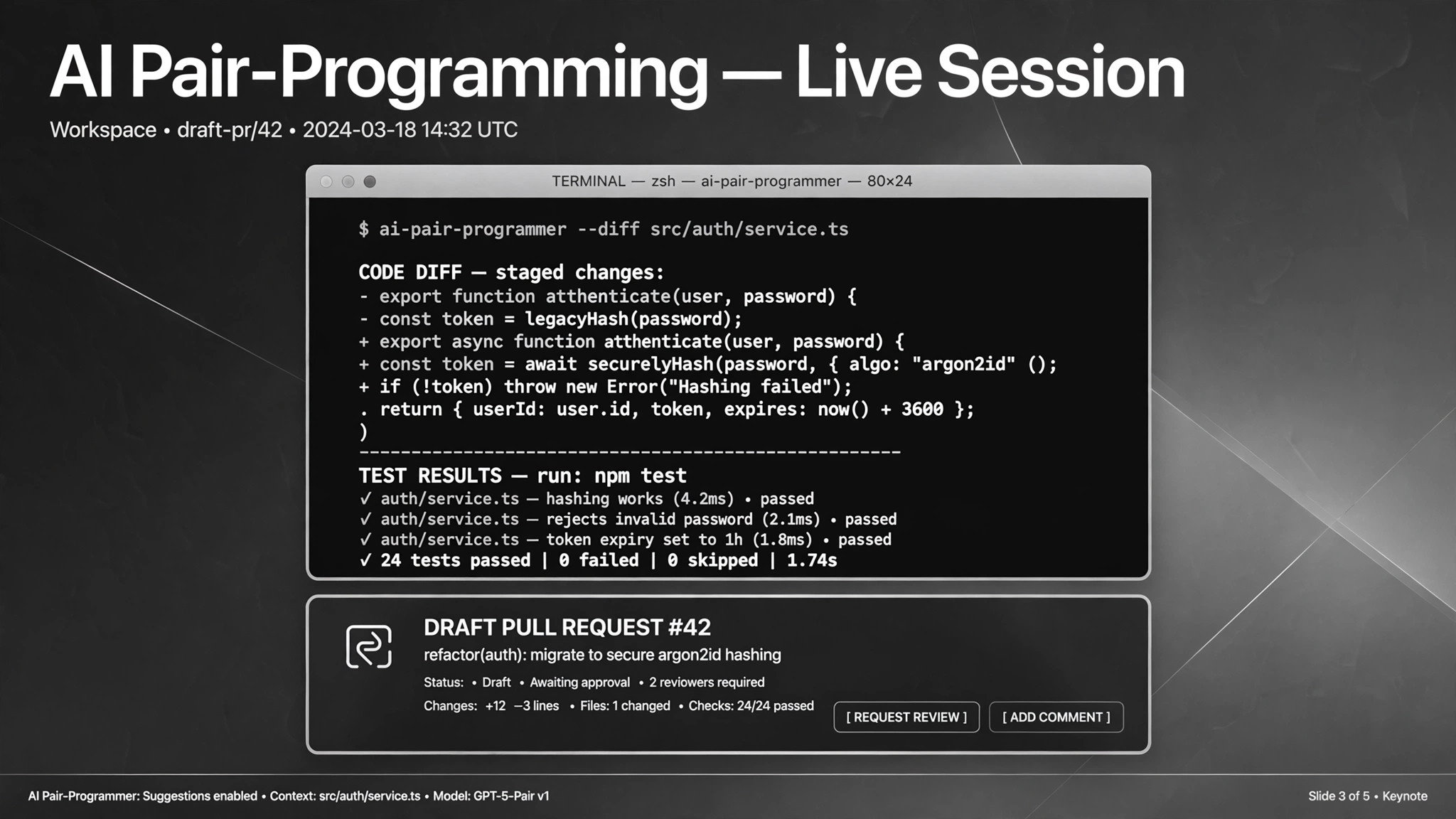
The AI reads the relevant files and confirms its understanding: which files it will touch and why. Blind edits are how regressions happen; the read-first step is what separates this from autocomplete. - Edit, then verify (input: edits → output: diff + test results)
The AI makes the changes, then runs the build and test commands to verify. "It looks right" is not done; tests passing is done. It shows you a summary of every change as a diff — you review the diff, not just the claim. - Respect the permission ladder (input: command intent → output: approved or declined execution)
Reads run automatically. Anything that writes, moves, deletes, or hits the network asks first. Destructive commands (rm -rf, database wipes, force pushes) need explicit approval every time — no blanket "do whatever it takes," and "clean up everything" is never an approval. - Ship with review (input: verified changes → output: draft PR)
When tests pass, the AI drafts the PR — title, description, change summary, test evidence — and waits for your confirmation to create it. Nothing is committed or pushed without your go-ahead. - Parallelize when it helps (input: large task → output: split subtasks + integration)
For big tasks, split the work into independent subtasks handled by parallel sub-agents with a complexity budget, then integrate the results. Useful for large repos or batch work like "fix lint across all files." One real case ran eight sub-agents in parallel on separate C programs.
Output spec
Vista previa de la plantilla
Terminal Coder — Task Brief Template
One brief per task. The AI reads first, edits second, and shows the diff before anything ships.
Task: {plain-language description}
Repo path: {absolute path} Branch: {branch name — work on a feature branch, not main}
Plan (AI fills in before editing — you confirm)
Files to touch: {list with one-line reason each} Approach: {2–3 sentences: what it will do} Won't touch: {files/areas explicitly out of scope}
[ ] Plan confirmed — proceed [ ] Revise plan
Permission ladder for this task
Result
Diff summary: {files changed, what changed and why}
El paquete de la habilidad (SKILL.md + plantilla) está escrito en inglés.
También te puede interesar
 Flujos de trabajo
Grok Bot Routine Rescue
Find which scheduled routine is eating your weekly pool — and kill it
 Flujos de trabajo
Inbox Triage
Tu bandeja, leída de antemano: urgentes marcados, respuestas redactadas, tú solo pulsas enviar
 Flujos de trabajo
Bill Fighter
Impugna cobros indebidos y reclamos denegados con cartas respaldadas por pruebas