Portrait Tile Testimonials
Todas las voces visibles de un vistazo; la historia completa, a un toque.
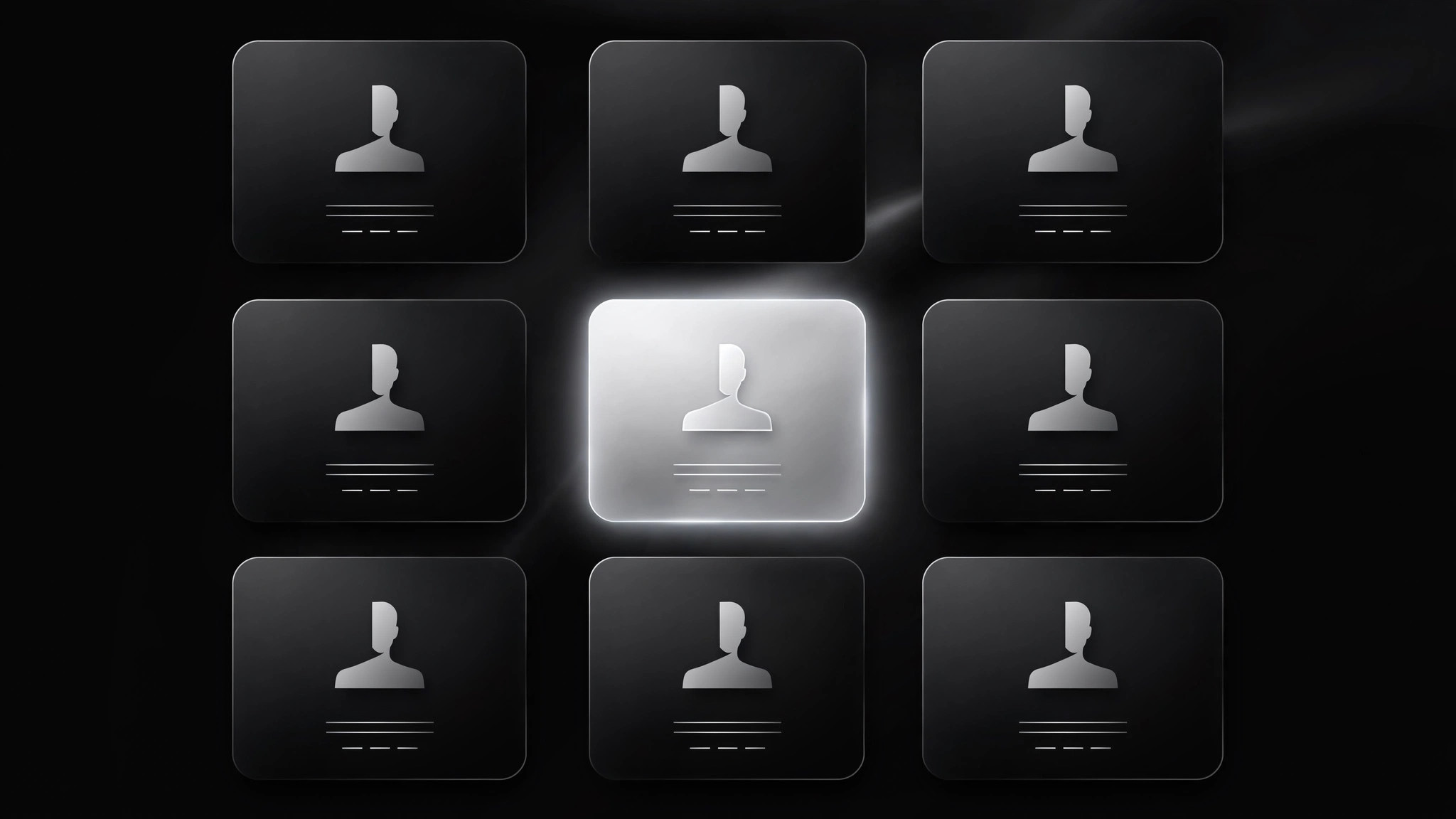
Convierte tu IA en creadora de secciones de testimonios con el patrón de mosaico de retratos: una cuadrícula uniforme de tarjetas con retrato, cada una con una cita destacada, que se expanden a la historia completa con un toque, para que los visitantes escaneen todas las voces de un vistazo y profundicen en las que importan.
Instálala en 3 pasos
Sin registro. Sin herramientas CLI. Elige tu IA, copia una línea y pégala.
¿Prefieres hacerlo tú mismo? Compra la habilidad ($4.99), descarga el ZIP desde la confirmación de compra, descomprímelo en el directorio que se muestra arriba y reinicia tu sesión de IA — el mismo resultado. ¿Ya la compraste? Tu asistente de IA puede descargarla por ti.
Qué incluye
Un SKILL.md (la guía paso a paso) + una plantilla inicial. Una vista previa:
Portrait Tile Testimonials
When to use
- You have 9–24 testimonials and want visitors to see all of them without scrolling through a wall of text
- Your audience compares options by scanning faces, names, and one-line takeaways before committing to read
- You want each testimonial to be equally weighted — no single "hero" quote, no hierarchy games
- The section must hold up on a phone, where a single-column quote list becomes an endless scroll
- You need a pattern that degrades gracefully: full grid visible even before any interaction
Workflow
- Collect the set (input: your testimonial pool → output: 9–24 tile-ready testimonials)
Gather testimonials that each make one distinct point — a different outcome, objection, or buyer type per tile. Tiles work in multiples of three on desktop, so aim for 9, 12, 15, or 18; a grid with two orphan tiles in the last row looks unfinished. Drop any testimonial that can't be reduced to one sharp pull-quote without losing its meaning — if it needs three paragraphs to land, it belongs in a case study, not a tile. - Write the pull-quote (input: full testimonial → output: one-line pull-quote + full text)
For each testimonial, write a pull-quote of 8–14 words that carries the single most specific claim: a number, a time frame, a before-and-after. Keep the full quote (2–4 sentences) for the expanded view, in the speaker's own words. Pair both with the speaker's full name, role, and company, plus a portrait photo at least 400px square, cropped to the face, with consistent treatment across tiles so the grid reads as one family. - Lay out the grid (input: tile content → output: uniform tile grid)
Every tile is the same size: portrait at top (square or 4:3), name and role beneath, pull-quote below that in a fixed number of lines. Uniform tiles are the contract — if one tile is taller, the grid looks broken and scanning stops. On desktop show three or four columns; on tablet two; on phone one or two. Tiles are real buttons or links: tapping or pressing Enter expands the tile. The grid itself is fully readable with JavaScript disabled — expansion is enhancement, not the only way to reach the content. - Build the expansion (input: grid → output: expanding tile or detail view)
Choose one expansion mode and stick to it: either the tile grows in place to reveal the full quote, or tapping opens a detail panel/modal beside or over the grid. In-place expansion keeps context but shifts the grid; a modal keeps the grid stable but hides it. Either way: focus moves into the expanded content, Escape closes it, focus returns to the tile that opened it, and the expanded view shows the full quote plus any verifiable detail (numbers, time frames) that the pull-quote only hinted at. Never expand on hover alone — hover-expansion is unusable on touch screens and infuriating for everyone else. - Check the grid (input: finished section → output: verified section)
Verify every quote against its source: wording, name spelling, title, company, permission to publish. Check the grid at every breakpoint for orphans, stretched portraits, and pull-quotes that wrap past their line clamp and break tile uniformity. Test with a keyboard only: every tile reachable, every expansion closable with Escape. Read the grid as a skeptic: do the pull-quotes together cover real objections, or do they all say the same pleasant nothing?
Vista previa de la plantilla
Portrait Tile Testimonials — Build Template
A uniform grid where every voice is visible at a glance. Fill in the set, then build.
The set (9–24 testimonials, multiples of three)
Total tiles: {9 / 12 / 15 / 18} — Grid: {3 / 4} columns desktop, 2 tablet, {1 / 2} phone
Portrait checklist (per speaker)
- [ ] Portrait ≥400px square, same crop and aspect as every other tile
- [ ] Full name spelled correctly, role and company verified
- [ ] Written permission for quote + name + title + photo on file
Tile layout (identical for every tile)
- Portrait: {square / 4:3} at top
- Attribution: {Name} — {Role}, {Company}
El paquete de la habilidad (SKILL.md + plantilla) está escrito en inglés.


