Pastel Cutout Deck
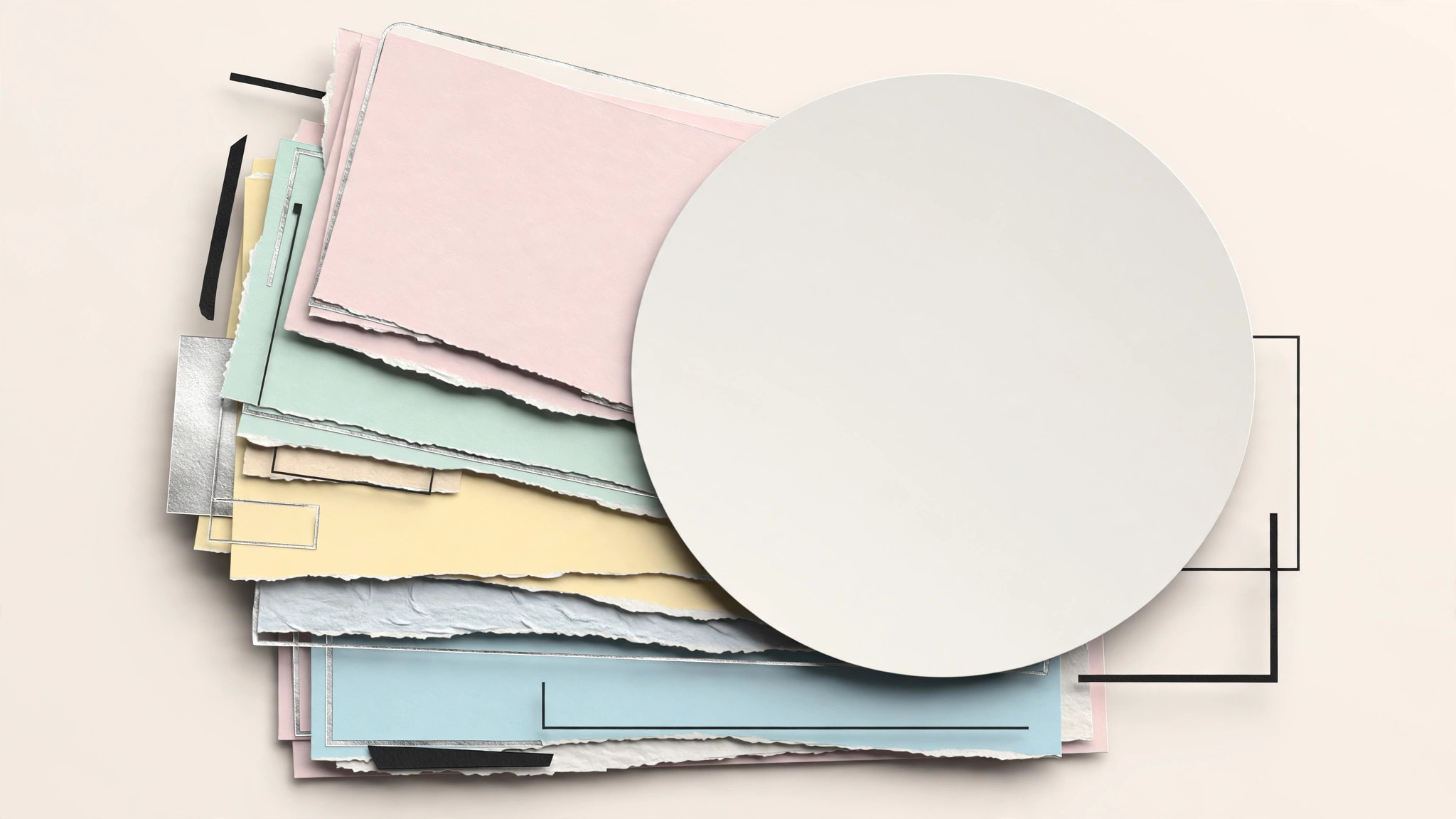
Una presentación que se siente recortada en papel: una idea por diapositiva.
Convierte tu IA en diseñadora de presentaciones que crea mazos con estilo de collage de papel recortado en tonos pastel — formas suaves por capas, bordes rasgados y una idea clara por diapositiva — para que la presentación se sienta artesanal en vez de una plantilla más.
Instálala en 3 pasos
Sin registro. Sin herramientas CLI. Elige tu IA, copia una línea y pégala.
¿Prefieres hacerlo tú mismo? Compra la habilidad ($4.99), descarga el ZIP desde la confirmación de compra, descomprímelo en el directorio que se muestra arriba y reinicia tu sesión de IA — el mismo resultado. ¿Ya la compraste? Tu asistente de IA puede descargarla por ti.
Qué incluye
Un SKILL.md (la guía paso a paso) + una plantilla inicial. Una vista previa:
Pastel Cutout Deck
When to use
- A pitch, lesson, or team update that should feel warm and human, not corporate
- A talk for a creative, education, nonprofit, or community audience where a standard template reads as cold
- You have a deck full of bullet walls and need to rebuild it as one idea per slide
- A keynote or workshop deck where the slides are a backdrop, not the script
- You need a repeatable deck style: same cut-paper system, new content each time
Workflow
- Reduce to one idea per slide (input: raw content → output: slide outline)
Turn the source material into an outline of 8–15 slides, each with a single sentence stating its one idea. A slide that needs two sentences is two slides. Order the outline as a story — problem, tension, turn, resolution — not as a table of contents. Cut anything that does not move the story: if a fact is nice but not necessary, it goes in the speaker notes or the handout, not on a slide. The outline is the deck; everything after this step is dressing. - Set the cut-paper system (input: slide outline → output: style sheet)
Define a small system and write it down: a palette of 4–5 pastels (soft pink, mint, butter, sky, lilac) plus ink for text, all on a warm off-white ground; two typefaces (a bold display face for the one idea, a plain sans for the small supporting line); and the cut-paper rules — shapes look cut, not drawn (slightly irregular edges, visible layering, a soft offset shadow as if one paper layer sits above another), no gradients, no stock-photo rectangles. Specify the shapes' vocabulary: blobs, torn strips, circles, and arcs. Every slide is built from this vocabulary and nothing else. - Build the slide patterns (input: style sheet → output: 4–5 slide patterns)
Design a handful of reusable patterns before building the deck: the title slide (big idea + one large layered shape), the statement slide (one sentence, huge, with a single accent shape), the comparison slide (two pastel panels side by side), the list slide (three torn strips, one idea each, no bullets), and the number slide (one giant figure + one supporting line). Build each pattern once, then every content slide is an instance of a pattern. This is what keeps a 15-slide deck visually consistent — and what makes the next deck fast. - Fill the deck (input: outline + patterns → output: full deck draft)
Fill each pattern with its one idea, keeping text minimal: a headline of at most 10 words, plus an optional supporting line of at most 15 words. Numbers get the number slide; comparisons get the comparison slide; never let a slide grow a second pattern because the content did not fit — split the slide instead. Place shapes deliberately: one focal shape per slide, layers that guide the eye toward the headline, never decoration that competes with it. Check the deck in the slide sorter: the pastels should alternate like a rhythm, and no two adjacent slides should share the same pattern and palette combination. - Rehearse and finish (input: deck draft → output: presentable deck)
Rehearse the deck aloud once, slide by slide, and cut any slide you cannot introduce in one sentence. Check the practicals: text readable from the back of the room (headline at least 40pt at full size), contrast of ink on each pastel, and the deck working in greyscale for bad projectors. Add speaker notes (the detail that did not fit on the slides) and a final closing slide that restates the one idea the audience should leave with. Export a PDF handout version as well — the deck alone is the backdrop; the handout carries the detail.
Vista previa de la plantilla
Pastel Cutout Deck — Template
One idea per slide. Fill in the outline before touching any shapes.
Slide outline (8–15 slides, story order)
Cut to notes/handout: {facts that are nice but not necessary}
Style sheet
- Pastels (4–5): {soft pink} · {mint} · {butter} · {sky} · {lilac}
- Ground: {warm off-white}
- Ink: {hex, for all text}
- Display type: {bold display face — the one idea}
- Body type: {plain sans — the supporting line}
- Cut-paper rules: slightly irregular edges · visible layering · soft offset shadow · no gradients · no stock-photo rectangles
- Shape vocabulary: blobs · torn strips · circles · arcs — nothing else
El paquete de la habilidad (SKILL.md + plantilla) está escrito en inglés.
También te puede interesar
 Presentaciones
Pitch Deck
10 diapositivas que cuentan una sola historia: los inversores se quedan hasta la última página
 Presentaciones
Work Report
Semanales, mensuales, evaluaciones: primero la conclusión, entendido en 3 minutos
 Presentaciones
Academic Argument Deck
Una presentación que argumenta, y que responde