Ochre Editorial Deck
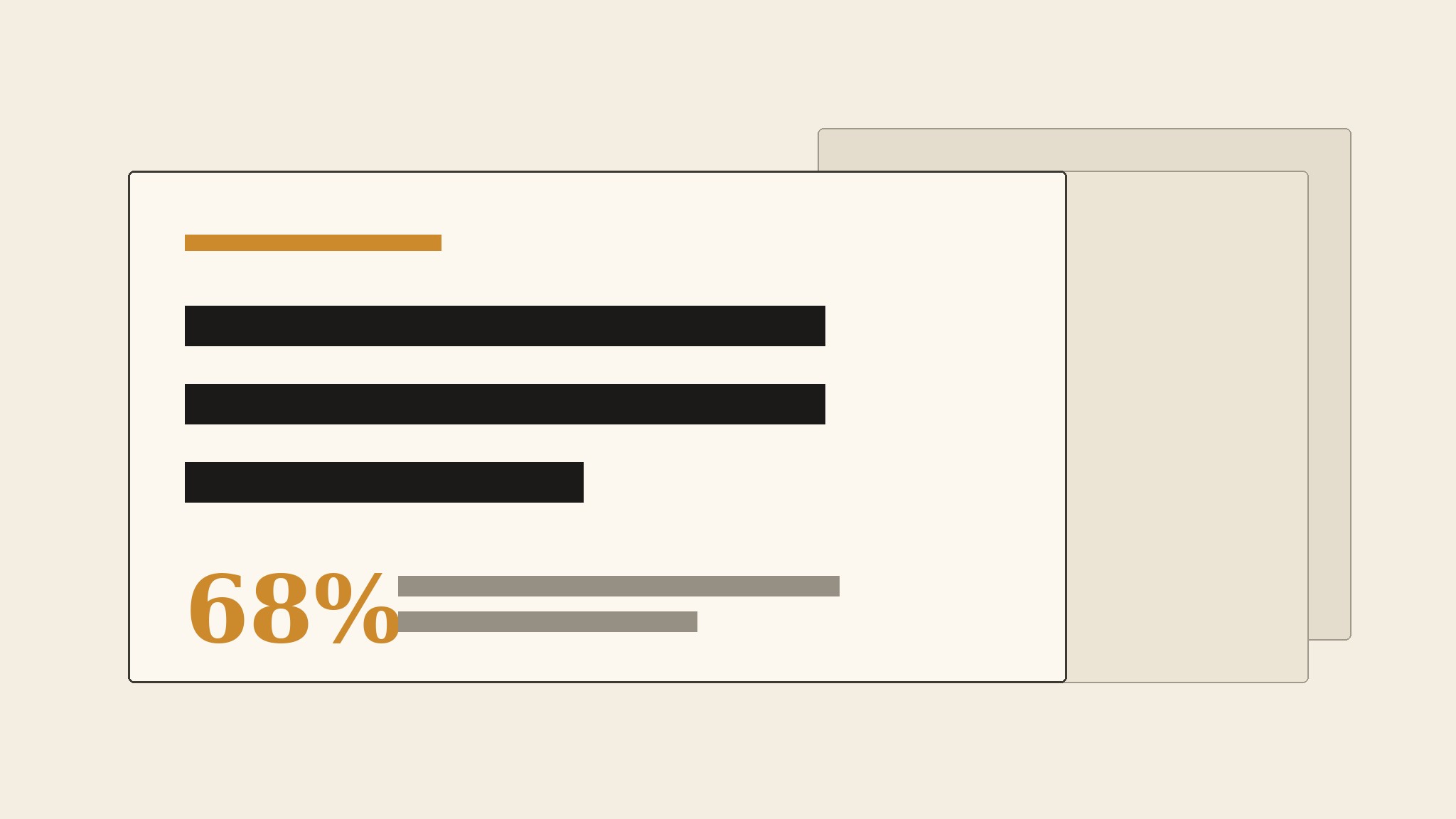
Una presentación estilo revista donde cada titular carga el argumento.
Convierte tu IA en un creador de presentaciones editoriales: estructura una charla, informe o pitch como una presentación estilo revista en ocre cálido, con un titular fuerte por diapositiva, márgenes generosos y espacio para que las palabras respiren.
Instálala en 3 pasos
Sin registro. Sin herramientas CLI. Elige tu IA, copia una línea y pégala.
¿Prefieres hacerlo tú mismo? Compra la habilidad ($4.99), descarga el ZIP desde la confirmación de compra, descomprímelo en el directorio que se muestra arriba y reinicia tu sesión de IA — el mismo resultado. ¿Ya la compraste? Tu asistente de IA puede descargarla por ti.
Qué incluye
Un SKILL.md (la guía paso a paso) + una plantilla inicial. Una vista previa:
Ochre Editorial Deck
When to use
- Your deck reads like a wall of bullet points and you want it to feel like a well-set magazine: one idea per spread, headlines that carry the argument
- You are presenting a report, a research finding, a brand story, or a pitch where tone and readability matter as much as the numbers
- A slide deck will be read without you in the room (sent as a PDF, posted on a page) and must make sense on its own
- Your current template squeezes everything into dense slides with tiny type, and the audience stops reading by slide three
- You want a deck with a warm, print-like feel — ochre, cream, ink — instead of another cold blue corporate template
Workflow
- Write the argument as headlines (input: your material → output: a headline outline)
Before opening any slide tool, write the deck as a list of headlines — one per slide — that read as a complete argument on their own: "The market moved while we watched," "Our readers stayed, but their attention split," "The fix is one section, done weekly." If the headlines do not make sense as a standalone paragraph, the deck has no argument yet, only slides. Aim for 8–14 slides; a deck that needs 30 slides is usually two decks. Each headline becomes the slide's title, word for word — the headline is the slide's job, not decoration on top of it. - Set the ochre system (input: headline outline → output: style rules)
Build the visual system from three tones: warm ochre for emphasis (rules, kickers, pull-numbers, one accent per slide), cream or warm paper for the field, and near-black ink for the text. Type is editorial: a serif or strong grotesk for headlines at large sizes, a plain readable sans for body, generous margins, and no more than two type sizes per slide besides the headline. One accent per slide — an ochre rule, an ochre pull-number, or an ochre block — never all three. The system is the restraint: if every slide uses every element, there is no system, only noise. - Lay out one idea per slide (input: headline + supporting material → output: slide drafts)
Each slide carries the headline, one supporting element, and nothing else: a short paragraph, one chart, one quote, or one image with a caption. The supporting element must earn its place — a chart that repeats the headline is decoration, a chart that proves it is evidence. Keep body text to two or three short lines; a slide that needs a paragraph of explanation is a handout, not a slide — move the paragraph to the speaker notes or an appendix. Leave white (cream) space around everything: if a slide feels empty, the type is too small or the idea is too weak, and filling the space with clip art fixes neither. - Design the evidence slides (input: numbers, quotes, images → output: evidence layouts)
Numbers get pull-number slides: one large ochre figure, a three-word label, and one line of context — never a table of twelve numbers on one slide. Quotes get a pull-quote slide: the words large, the attribution small, generous margins. Images get a full-bleed or half-bleed slide with a one-line caption that says what the reader should notice. Tables are a last resort: if one is unavoidable, show at most five rows and three columns, with the row that matters highlighted in ochre. Every evidence slide answers one question the headline raised; if it answers a different question, it belongs in a different deck. - Close and check the read-alone deck (input: slide drafts → output: finished deck)
End with a closing slide that restates the argument in one line and names the single next step — a decision, a date, a request — not a generic "Thank you" or a logo. Then read the deck cold, as if you were not in the room: headlines in order, no speaker notes, no narration. If the argument survives that read, the deck works; if it needs you to explain it, the headlines are not doing their job. Export as PDF, check every slide at full screen for widows, clipped text, and charts whose labels vanished at export size, and keep the speaker notes in the file for the live talk.
Vista previa de la plantilla
Ochre Editorial Deck — Outline Template
One deck = 8–14 slides, one headline per slide. Write the headlines first, then build.
Deck: {title}
Audience: {who} | Next step the deck must produce: {decision / date / request}
Headline outline (read top to bottom — must work as a standalone argument)
- {headline}
- {headline}
- {headline}
- {headline}
- {headline}
- {headline}
- {headline}
- {headline}
- {headline — optional}
- {headline — optional}
- {headline — optional}
- {headline — optional}
Visual system
Field: cream / warm paper | Text: near-black ink | Accent: warm ochre
El paquete de la habilidad (SKILL.md + plantilla) está escrito en inglés.
También te puede interesar
 Presentaciones
Pitch Deck
10 diapositivas que cuentan una sola historia: los inversores se quedan hasta la última página
 Presentaciones
Work Report
Semanales, mensuales, evaluaciones: primero la conclusión, entendido en 3 minutos
 Presentaciones
Academic Argument Deck
Una presentación que argumenta, y que responde