Minimal Gadget OG Image
La vista previa de un gadget de bolsillo que se sigue leyendo en miniatura.
Convierte tu IA en diseñadora de vistas previas sociales: crea una imagen OG de 1200×630 para el lanzamiento de un pequeño gadget de bolsillo, con un render del producto de botones grandes, notas de especificaciones en lenguaje sencillo y tipografía que se mantiene legible en tamaño miniatura.
Instálala en 3 pasos
Sin registro. Sin herramientas CLI. Elige tu IA, copia una línea y pégala.
¿Prefieres hacerlo tú mismo? Compra la habilidad ($4.99), descarga el ZIP desde la confirmación de compra, descomprímelo en el directorio que se muestra arriba y reinicia tu sesión de IA — el mismo resultado. ¿Ya la compraste? Tu asistente de IA puede descargarla por ti.
Qué incluye
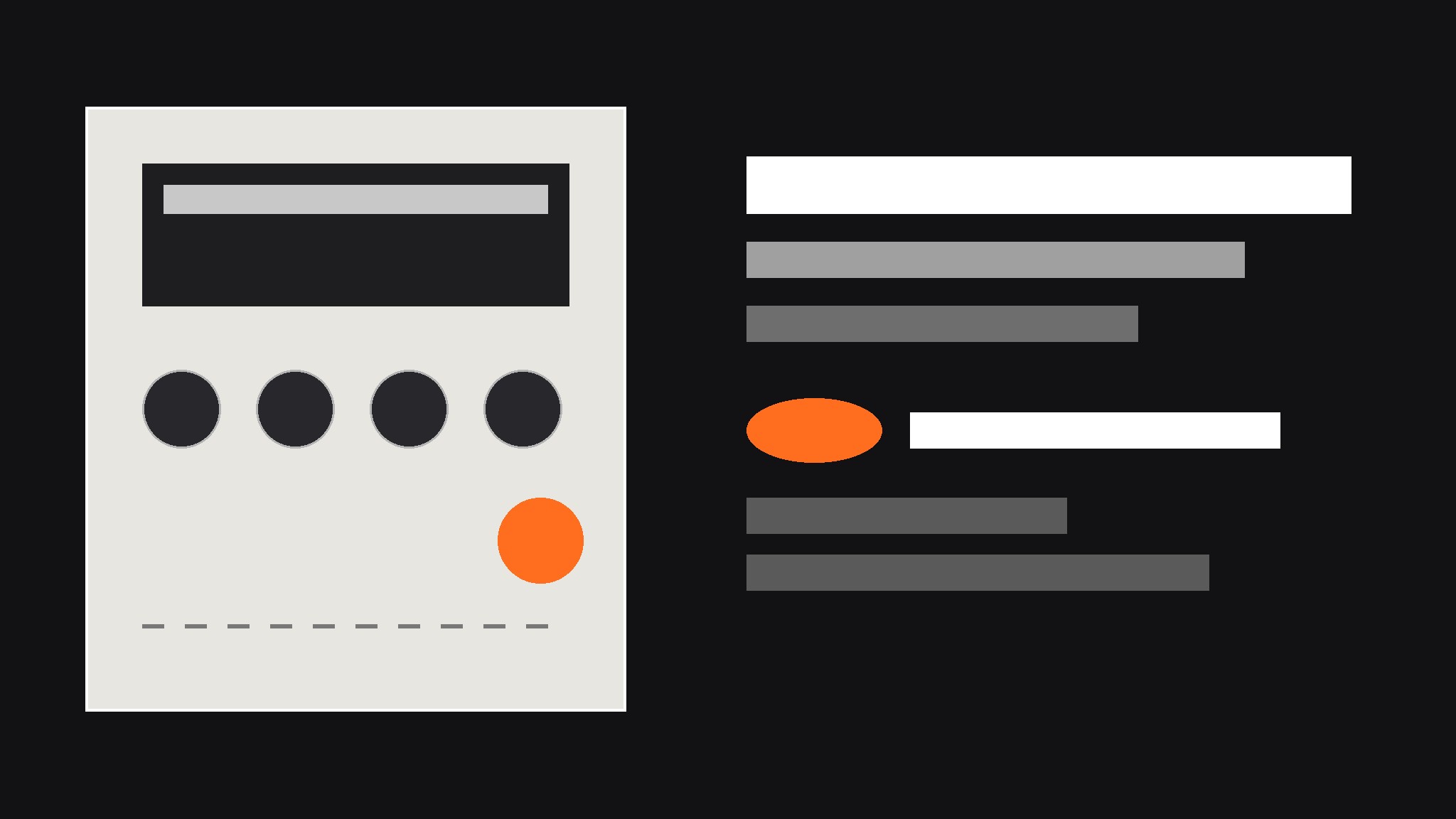
Un SKILL.md (la guía paso a paso) + una plantilla inicial. Una vista previa:
Minimal Gadget OG Image
When to use
- You are launching a small hardware gadget — a pocket synth, a pocket radio, a mini sampler, a handheld game — and the link preview is the first thing people see
- A product page keeps getting shared with a blank gray box or a randomly cropped photo of the device
- Your gadget has physical controls worth showing off (chunky buttons, a tiny screen, a big knob) but the product photo alone does not explain what it does
- A launch announcement needs one image that works on social feeds, chat apps, and search results alike
- You have a great product render but the headline text gets cropped or the device looks lost at thumbnail size
Workflow
- Collect the raw ingredients (input: product name, one-line promise, 2–3 specs, one product render or photo → output: ingredient sheet)
Gather exactly four things before any design starts: the product name as it should appear, a one-line promise in plain words ("a pocket synth you can play with one thumb"), two or three specs worth bragging about (battery life, weight, one standout feature), and one straight-on render or photo of the device on a plain background. Write them down in one place and check the spelling of every name — a typo baked into an image cannot be clicked or corrected later. If the render is low resolution or the device is shot at a dramatic angle that hides the controls, pick a different image now; no layout trick fixes a source image that hides the product. - Pick the composition (input: ingredient sheet → output: layout choice)
Choose one of three layouts and commit to it: device large on one side with a solid color block for text on the other, device centered on a flat background with the headline above and specs below, or device at a slight angle over a large flat color field with one bold spec as the headline. Side-by-side suits long product names; centered suits square-ish devices; angled suits thin devices that need visual energy. The choice is driven by the device's shape and the length of the product name, not by taste — a long name next to a wide device will fight for space and lose. - Style the device like a product, not a photo (input: layout choice → output: styled device panel)
Keep the device render crisp and flat: even lighting, no fake reflections, no lens flare, no drop shadow thick enough to notice. If the device has buttons, a screen, or a knob, make sure at least one control is clearly visible — the controls are the personality of a pocket gadget. Use one accent color for the whole image (a warm orange, a signal red, a deep teal), pulled from the device itself or chosen to contrast with it, and use that accent for exactly one thing: the spec callouts or the small badge, never both. Restraint is what makes a gadget preview look designed instead of decorated. - Set the type (input: styled device panel → output: type-locked draft)
Set the product name largest, the one-line promise second, and the specs smallest — one size step per level, no more than three text sizes total. Keep all text inside the central safe area (roughly the middle 90% of the width and the middle 80% of the height) so platform crops never eat a letter. Write specs the way a person would say them ("30-hour battery", "fits in a jacket pocket") instead of datasheet shorthand. If the text is hard to read at a glance, move it onto the solid block or darken the block — never add a glow or a drop shadow and call it done. - Check the crops and export (input: type-locked draft → output: final JPG plus alt text)
Preview the draft at full size, at 240 pixels wide (roughly a chat-app thumbnail), and in a simulated square-ish crop, because different platforms trim the edges differently. Check three things at every size: the product name is still readable, the device is not cut in half, and no spec callout is clipped. If anything fails, adjust the layout — shrink the device, move the text block, or drop the weakest spec — and re-check. Export at 1200×630 as a JPG, and write one line of alt text naming the product and its one-line promise. A preview that only looks right at full size is a preview that fails everywhere it actually appears.
Vista previa de la plantilla
Minimal Gadget OG Image — Brief Template
One product = one preview image. Fill this in before any design starts.
Product
Product name: {name, exactly as it should appear} One-line promise: {what it does, in plain words — e.g. "a pocket synth you can play with one thumb"} Launch status: {ships {month} / available now / pre-order}
Specs (pick 2–3, plain language)
Source image
Device render / photo: {file or link — straight-on, plain background, controls visible} Device shape: {square-ish / wide / tall-thin} → Layout: {side-by-side / centered / angled}
Design
Background: {flat color, e.g. warm gray #E8E6E1}
El paquete de la habilidad (SKILL.md + plantilla) está escrito en inglés.


