Image Tiles Hero
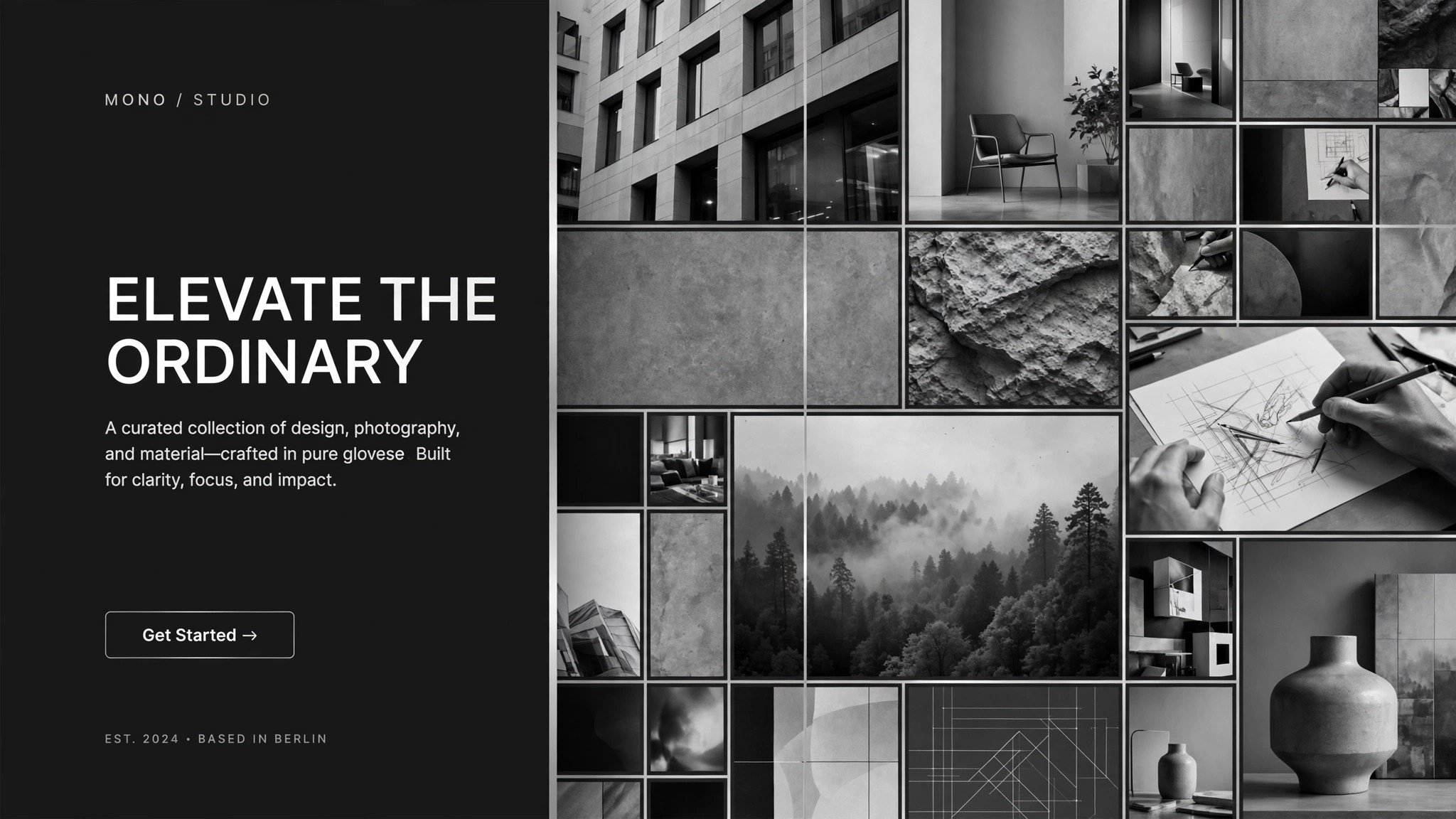
Una sección principal hecha de mosaicos de imagen que encajan entre sí.
Convierte tu IA en un diseñador de secciones principales que construye la parte superior de una página de destino con un mosaico de imágenes: fotos en cuadrícula, un espacio claro para el titular y reglas adaptables que mantienen el mosaico intacto en cada pantalla.
Instálala en 3 pasos
Sin registro. Sin herramientas CLI. Elige tu IA, copia una línea y pégala.
¿Prefieres hacerlo tú mismo? Compra la habilidad ($4.99), descarga el ZIP desde la confirmación de compra, descomprímelo en el directorio que se muestra arriba y reinicia tu sesión de IA — el mismo resultado. ¿Ya la compraste? Tu asistente de IA puede descargarla por ti.
Qué incluye
Un SKILL.md (la guía paso a paso) + una plantilla inicial. Una vista previa:
Image Tiles Hero
When to use
- Your landing page hero needs to show range — many products, places, dishes, or faces — instead of betting everything on one photo
- A single stock-style hero image makes your product look generic, and you want a mosaic that feels curated
- You have 6–20 good photos but no design system for turning them into a first-screen composition
- Your hero has to work as hard on mobile as on desktop, without the collage collapsing into a random stack
- You are redesigning a homepage and the headline keeps fighting the background photo for attention
Workflow
- Pick the story the tiles tell (input: your photos and one headline → output: tile brief)
Decide what the mosaic must communicate in three seconds: range, craft, people, or place. Choose 6–20 photos that each show one clear subject with breathing room around it — busy photos blur into noise at tile size. Write the headline first (≤8 words) and the subhead (≤20 words); the mosaic exists to earn attention for those words, not to replace them. One tile brief, one story, no mixed messages. - Set the grid (input: tile brief → output: grid spec)
Choose a grid that fits your tile count: 4 columns × 2 rows for 8 tiles, 5 × 2 for 10, 6 × 3 for a dense showcase. Vary tile sizes on purpose — one or two double-width feature tiles for the strongest images, the rest uniform — and keep gutters tight (8–16px) so the grid reads as one picture, not a scattered gallery. Specify the aspect behavior: tiles crop to fill, never stretch, and the focal point of each photo is marked so cropping never cuts off a face or a product. - Place the headline (input: grid spec + headline → output: hero layout)
Reserve one tile position — or a full overlay band — for the headline, and protect it: no busy photo sits behind the text. If the headline overlays tiles, it sits on a solid or scrim-backed panel with contrast checked against the darkest tile beneath it. The call to action goes directly under the headline, inside the same protected zone, so the eye lands on words first and the mosaic second. - Define the motion (input: hero layout → output: motion spec)
Give the mosaic one quiet behavior: tiles fade or rise in on load in a staggered sequence (top-left to bottom-right, ≤600ms total), or a slow Ken Burns drift on the feature tiles. Never animate every tile independently — a mosaic that wriggles looks broken. On reduced-motion settings, everything renders static; the layout must look finished without any animation at all. - Write the responsive rules (input: hero layout → output: responsive spec)
Specify exactly how the grid reflows: desktop shows the full grid; tablet drops to 3 columns with feature tiles kept; mobile shows 2 columns and the headline moves above the grid if overlay text gets cramped. Set a minimum tile size (no tile narrower than ~140px on mobile) and a maximum hero height (the mosaic never pushes the call to action below the fold on a phone). If a tile would be illegible at mobile size, it gets swapped for a simpler crop, not shrunk into mush. - Hand off build-ready specs (input: responsive spec → output: build pack)
Produce the final pack: the grid spec with column counts per breakpoint, the cropped tile images with focal points marked, the headline/subhead/CTA copy, the color and type tokens, and the motion and reduced-motion rules. A developer or a site builder should be able to build the hero from this pack without asking a single follow-up question.
Vista previa de la plantilla
Image Tiles Hero — Build Template
Fill this in before building the hero. One hero = one completed template.
Hero: {page / product} — {one-sentence story the mosaic tells}
Headline (≤8 words): {headline} Subhead (≤20 words): {subhead} Primary CTA: {button text → destination} Secondary CTA (optional): {button text → destination}
Tile inventory (6–20 tiles, one clear subject each)
Alt text (one sentence per tile):
- {alt text}
- {alt text}
Grid spec
- Desktop: {columns} × {rows}, gutter {8–16}px, feature tiles at {positions}
- Tablet: {columns} columns, feature tiles {kept / dropped}
- Mobile: {2} columns, headline {above grid / overlay}
El paquete de la habilidad (SKILL.md + plantilla) está escrito en inglés.


