Illustrated Agritech App Landing
Una página de destino que habla primero el idioma del campo.
Crea una página de destino para una aplicación agritech en lenguaje de campo sencillo, con ilustraciones fieles a situaciones reales de la finca y un único camino claro de registro.
Instálala en 3 pasos
Sin registro. Sin herramientas CLI. Elige tu IA, copia una línea y pégala.
¿Prefieres hacerlo tú mismo? Compra la habilidad ($4.99), descarga el ZIP desde la confirmación de compra, descomprímelo en el directorio que se muestra arriba y reinicia tu sesión de IA — el mismo resultado. ¿Ya la compraste? Tu asistente de IA puede descargarla por ti.
Qué incluye
Un SKILL.md (la guía paso a paso) + una plantilla inicial. Una vista previa:
Illustrated Agritech App Landing
When to use
- Your agritech app's landing page was written for investors and confuses the farmers and agronomists it is actually for
- You are launching a farm-management, crop-monitoring, livestock, or irrigation app and need a page that earns trust in one scroll
- Field teams say the current page "doesn't look like it understands farming"
- Signups are low even though demos go well — the page is not carrying the demo's story
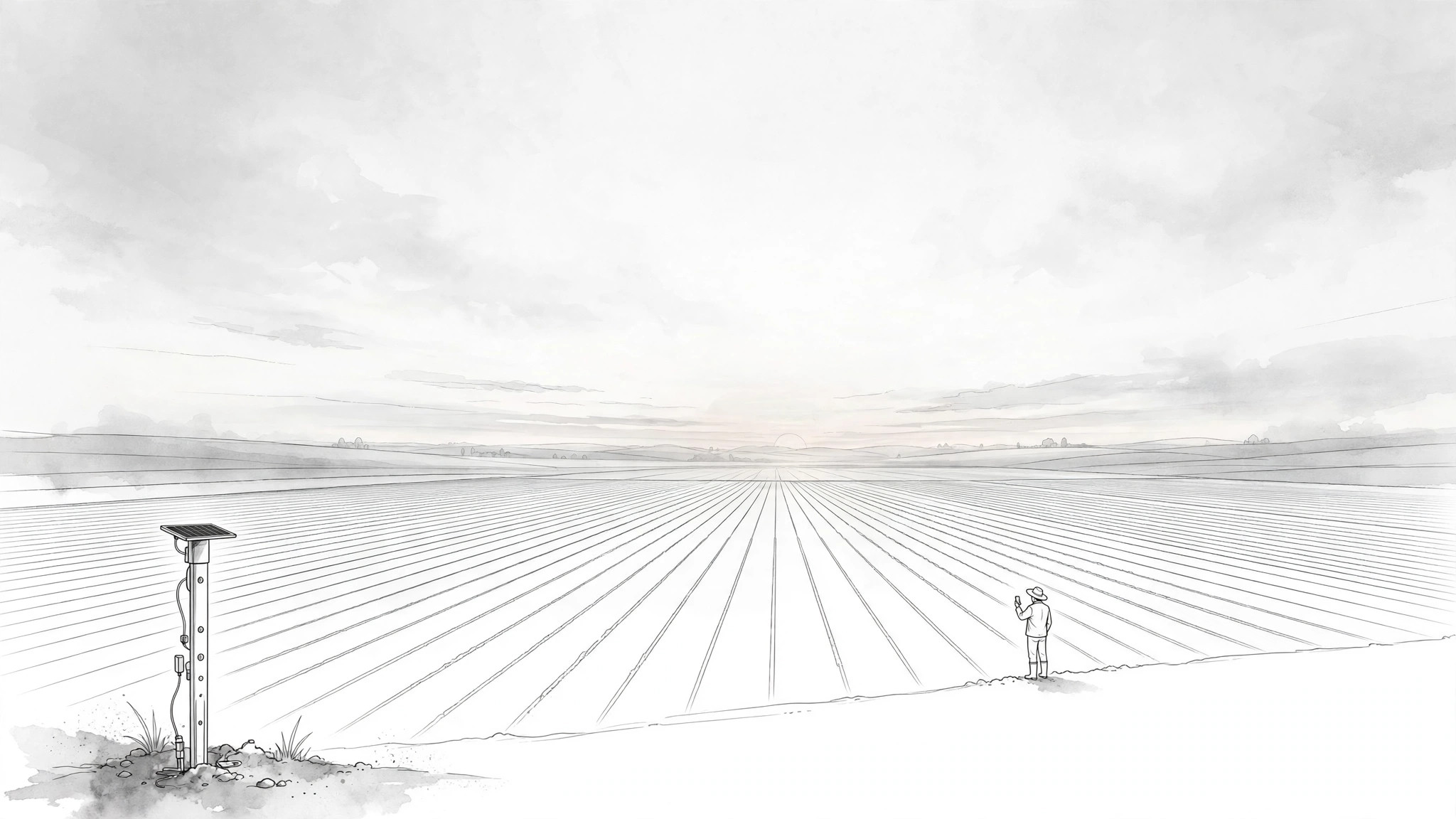
- You need illustrations that show real field situations (a crop row, a soil sensor, a herd) instead of generic tech stock photos
Workflow
- Learn the field day (input: product + users → output: user-day brief)
Before writing anything, document one real day for the primary user: what they do at dawn, what decisions they make by midday, what goes wrong, and where the phone comes into it. Talk to at least one real user or read real support tickets and reviews — do not invent the day from the feature list. The brief ends with three sentences: who the user is, the hardest decision in their day, and the moment the app helps. If the landing page cannot answer "what does this do for me before lunch?", the brief is not done. - Write the page in field language (input: user-day brief → output: page copy)
Write the whole page in the words the user would use to a neighbor: short sentences, concrete nouns (field, herd, pump, rainfall), no enterprise jargon, no "leverage", "synergy", or "end-to-end solutions". Structure: headline stating the one outcome ("Know which field needs water before you drive out"), three benefit blocks tied to real jobs (plan the day, spot trouble early, prove what happened), and one plain-language "how it works" in three steps. Every claim must be true on a bad-connectivity day in the field — if a feature needs strong signal, say so or leave it off the page. - Illustrate the field, not the dashboard (input: copy → output: illustration set)
Commission or generate an illustration set that shows the farm, not just the screen: a hero illustration of the user's world (fields, animals, equipment) with the app present but not dominant, plus one illustration per benefit block showing the situation the benefit solves. Illustrations must be field-true — the crop growth stages, the equipment, the landscape should match the region and crop the app serves. Wrong details (a wheat field for a rice app, a harvester that does not exist) destroy trust faster than no illustration at all. - Build the page with one path (input: copy + illustrations → output: landing page)
Assemble the page: hero (illustration + headline + one signup button), three benefit blocks (illustration + short copy each), three-step "how it works", one proof section (only verifiable proof: user quote with name and farm type, or a pilot result you can stand behind), and a final signup block repeating the same single call to action. One path means one button repeated, not four different buttons to four destinations. The page must load fast and read cleanly on a cheap phone on a slow connection — that is the device your user actually has. - Test with real users and fix (input: landing page → output: verified page)
Show the page to two or three real users in the target audience and watch them use it without explaining anything: can they say what the app does in one sentence, can they find the signup button without hunting, does anything confuse or offend them? Fix what they trip on, then re-test the fix with one more user. Also verify every claim on the page against the actual app, and check the page on a low-end phone over a throttled connection before shipping.
Vista previa de la plantilla
Illustrated Agritech App Landing — Build Template
Write for the field, not the boardroom. Ground everything in real user contact.
User-day brief (from at least one real user, support tickets, or real reviews — never invented)
Primary user: {who — e.g. smallholder rice farmer / agronomist / ranch manager}
One real day:
Hardest decision in their day: {decision}
Moment the app helps: {moment}
"What does this do for me before lunch?" {answer — if you cannot answer this, the brief is not done}
Page copy (field language: short sentences, concrete nouns, no jargon)
El paquete de la habilidad (SKILL.md + plantilla) está escrito en inglés.


