Headless CMS Landing
Una landing page en la que creen tanto los desarrolladores como los editores.
Escribe y estructura una landing page para un CMS headless que habla a ambas audiencias: una muestra de código real para los desarrolladores, una historia de previsualizar y publicar para los editores, y respuestas honestas a las dos objeciones más difíciles.
Instálala en 3 pasos
Sin registro. Sin herramientas CLI. Elige tu IA, copia una línea y pégala.
¿Prefieres hacerlo tú mismo? Compra la habilidad ($4.99), descarga el ZIP desde la confirmación de compra, descomprímelo en el directorio que se muestra arriba y reinicia tu sesión de IA — el mismo resultado. ¿Ya la compraste? Tu asistente de IA puede descargarla por ti.
Qué incluye
Un SKILL.md (la guía paso a paso) + una plantilla inicial. Una vista previa:
Headless CMS Landing
When to use
- You're launching a headless CMS and need a landing page that speaks to both developers and content editors
- Your current CMS landing page leans on jargon ("omnichannel content infrastructure") and converts nobody
- You need to explain "headless" to a non-technical buyer without dumbing it down into meaninglessness
- Your product has a free tier or trial and the page must get a developer from headline to first API call fast
- You're comparing your page against competitors and yours reads like a feature list instead of a story
- You need one page that can serve as the ad landing page, the docs front door, and the sales handout
Workflow
- Map the two audiences (input: your buyer profiles → output: audience map)
A headless CMS has two buyers who care about opposite things: developers want the API, SDKs, and content modelling; editors want a fast writing experience, preview, and scheduling. Write down one primary reader (whoever signs first) and one secondary reader. Every section of the page is then assigned to one of them — no section tries to please both, because sections that try to please both please neither. - Define the core promise (input: product strengths → output: one-sentence promise)
Distil the product into one sentence that names who it is for and what changes: "Content your developers can model in minutes and your editors can publish anywhere." Test it against the jargon rule: if a marketing manager can't repeat it back after one read, rewrite it. This sentence becomes the hero headline or its subline — it is the page's spine. - Structure the page (input: promise + audience map → output: section outline)
Order the sections by reader journey: hero (promise + primary CTA) → proof strip (logos or usage numbers you can actually stand behind) → "how it works" in three steps (model → write → publish anywhere) → developer section (API, SDKs, code sample) → editor section (writing UI, preview, scheduling) → comparison or FAQ handling the two hardest objections → final CTA. Cut any section that doesn't move one of the two readers toward signing up. - Write the developer section (input: API docs + SDK list → output: developer copy + code sample)
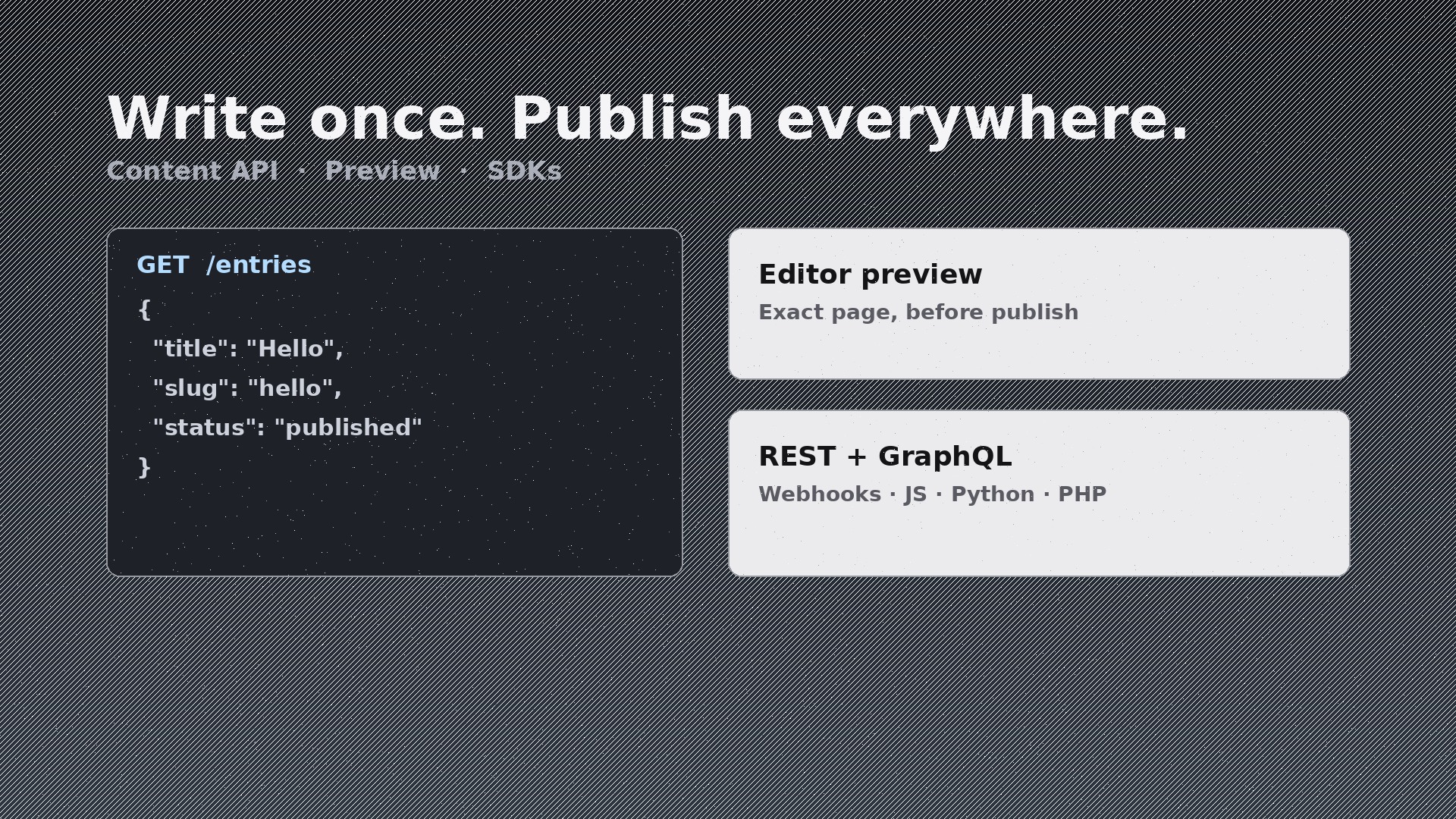
Show, don't claim: a short real code sample (fetch one entry, render it) in the language your users actually use, the list of SDKs and frameworks with first-class support, and the honest facts — REST and/or GraphQL, webhook support, content modelling limits. Never claim SDKs or integrations you don't ship; developers check, and one false claim poisons the whole page. - Write the editor section (input: editor UI features → output: editor copy + workflow description)
Describe the editor's day in verbs: draft, preview on the real site, schedule, localise, publish — and show the preview story, because live preview is the feature editors feel most. Name the concrete wins: "Preview the exact page before publishing, not a grey mock." Avoid screenshots of placeholder content; if you can't show the real UI, describe the workflow in words rather than faking a screenshot. - Handle objections and close (input: sales objections → output: FAQ + final CTA)
Answer the two objections every headless CMS hears: "Isn't headless harder to set up?" (answer with time-to-first-publish and starter templates) and "What about SEO/preview?" (answer with your actual preview and rendering story). End with one CTA repeated from the hero — same words, same destination. A page that ends with three different CTAs ends with none.
Vista previa de la plantilla
Headless CMS Landing — Starter Template
Fill in every {placeholder} with real product facts only. Never invent integrations, customers, or numbers.
Audience map
- Primary reader: {developer_or_editor — whoever signs first}
- Secondary reader: {the_other_role}
- Sections for developers: {list} · Sections for editors: {list}
Core promise (one sentence, jargon-free)
{promise_sentence, e.g. Content your developers can model in minutes and your editors can publish anywhere.}
Section outline
- Hero — promise + primary CTA: {cta_text} → {cta_destination}
- Proof strip — only verified proof: {logos_or_numbers_or_omit}
El paquete de la habilidad (SKILL.md + plantilla) está escrito en inglés.


