Hairline Grid Portfolio
Un portafolio que parece deliberado, no decorado.
Distribuye tu trabajo en una cuadrícula estricta de líneas finas, con mucho espacio en blanco, tipografía coherente y páginas de proyecto discretas que dejan que el trabajo hable por sí solo.
Instálala en 3 pasos
Sin registro. Sin herramientas CLI. Elige tu IA, copia una línea y pégala.
¿Prefieres hacerlo tú mismo? Compra la habilidad ($4.99), descarga el ZIP desde la confirmación de compra, descomprímelo en el directorio que se muestra arriba y reinicia tu sesión de IA — el mismo resultado. ¿Ya la compraste? Tu asistente de IA puede descargarla por ti.
Qué incluye
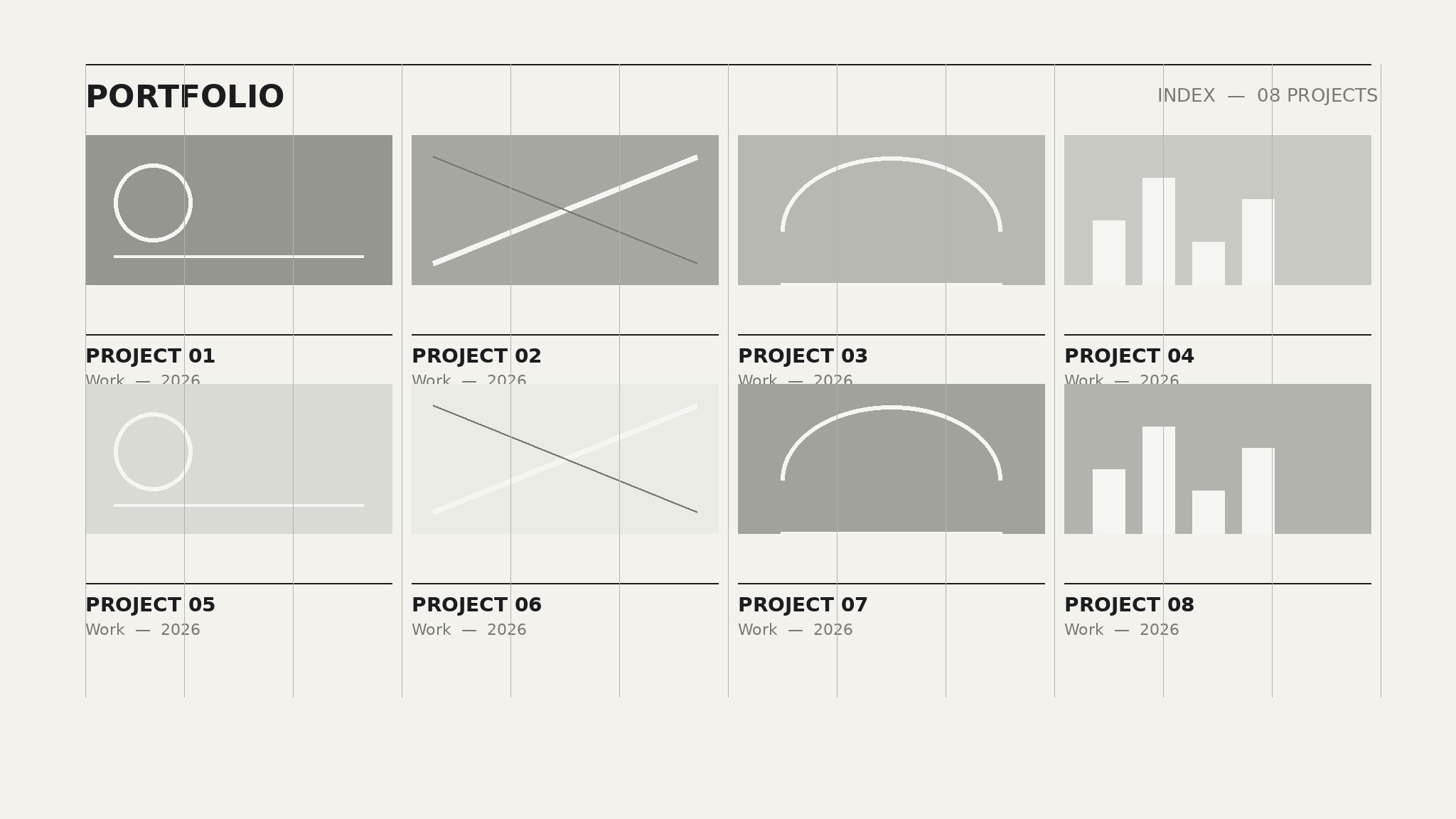
Un SKILL.md (la guía paso a paso) + una plantilla inicial. Una vista previa:
Hairline Grid Portfolio
When to use
- Your portfolio has grown into a pile of mismatched case studies and needs one unifying system
- You are a designer, photographer, illustrator, or architect whose work gets lost behind loud templates
- You want a portfolio that loads fast, reads well on a phone, and still feels designed
- A client or hiring manager will judge your taste in the first five seconds of landing on your site
- You are rebuilding a portfolio from scratch and want structure before decoration
Workflow
- Audit the work (input: your projects and files → output: shortlisted portfolio set)
Gather every project you might show, then cut hard: keep only work you would be happy to be hired to repeat. Aim for 6–12 projects. For each keeper, collect the best 3–6 images, one sentence on what it is, and one sentence on what you did. Anything without a strong image gets cut — a hairline-grid portfolio lives or dies on its images, and a weak image with a lot of white space around it looks weaker, not stronger. - Set the grid and type rules (input: shortlisted set → output: layout system)
Fix the system before laying out a single page: a 12-column grid with 1px hairline rules separating sections and cards, one display typeface and one body typeface, three type sizes (large title, medium heading, small body), and two colors plus one accent at most. Every page in the portfolio must obey the same rules. The grid is the brand — consistency is what makes the site feel expensive. - Design the index (input: layout system + shortlist → output: portfolio index page)
Build the index as a strict grid of project cards: one image, one title, one line of context, hairline dividers, nothing else. No carousels, no hover tricks that hide essential information, no animated entrances that delay the work. Order projects by the story you want to tell — strongest first, then a rhythm of different project types so the grid never looks monotonous. A visitor should understand your range in one screenful of scrolling. - Design the project page (input: one project + its images → output: project page template)
Each project page follows the same skeleton: full-width hero image, a short intro block (what, for whom, your role, year), then images in a repeating rhythm — one large, two side by side, one large — with short captions that say what the viewer should notice. End with a next-project link. Keep text tight: captions of one or two sentences, no process essays. If a project needs a long explanation, the work probably is not carrying itself yet. - Add the quiet pages and polish (input: index + project pages → output: finished portfolio)
Add only three supporting pages: About (a short paragraph, a portrait, a list of services or focus areas), Contact (one clear way to reach you), and optionally a short list of press or clients. Then polish: check every page at phone width, confirm all images are compressed without visible loss, confirm the hairlines render at exactly 1px on retina screens, and confirm navigation works with no JavaScript. Ship when every page looks like it belongs to the same system.
Vista previa de la plantilla
Hairline Grid Portfolio — Build Template
One system, every page. Fill in the system rules first, then slot projects in.
System rules
Grid: {12 columns, gutter: Xpx, max width: Xpx} | Hairlines: {1px, color: #___}
Type: Display: {typeface} | Body: {typeface} | Sizes: Title {X}px / Heading {X}px / Body {X}px
Colors: Background {hex} | Text {hex} | Accent {hex, used for links + one detail per page only}
Image ratio (index cards): {e.g. 4:3} | Retina export: {display size × 2}
Shortlist (6–12 projects, cut the rest)
Order on index: {strongest first, then alternate project types for rhythm}
Index page
El paquete de la habilidad (SKILL.md + plantilla) está escrito en inglés.


