Digital Handyman
Déjale tus tareas sueltas del ordenador en lenguaje sencillo
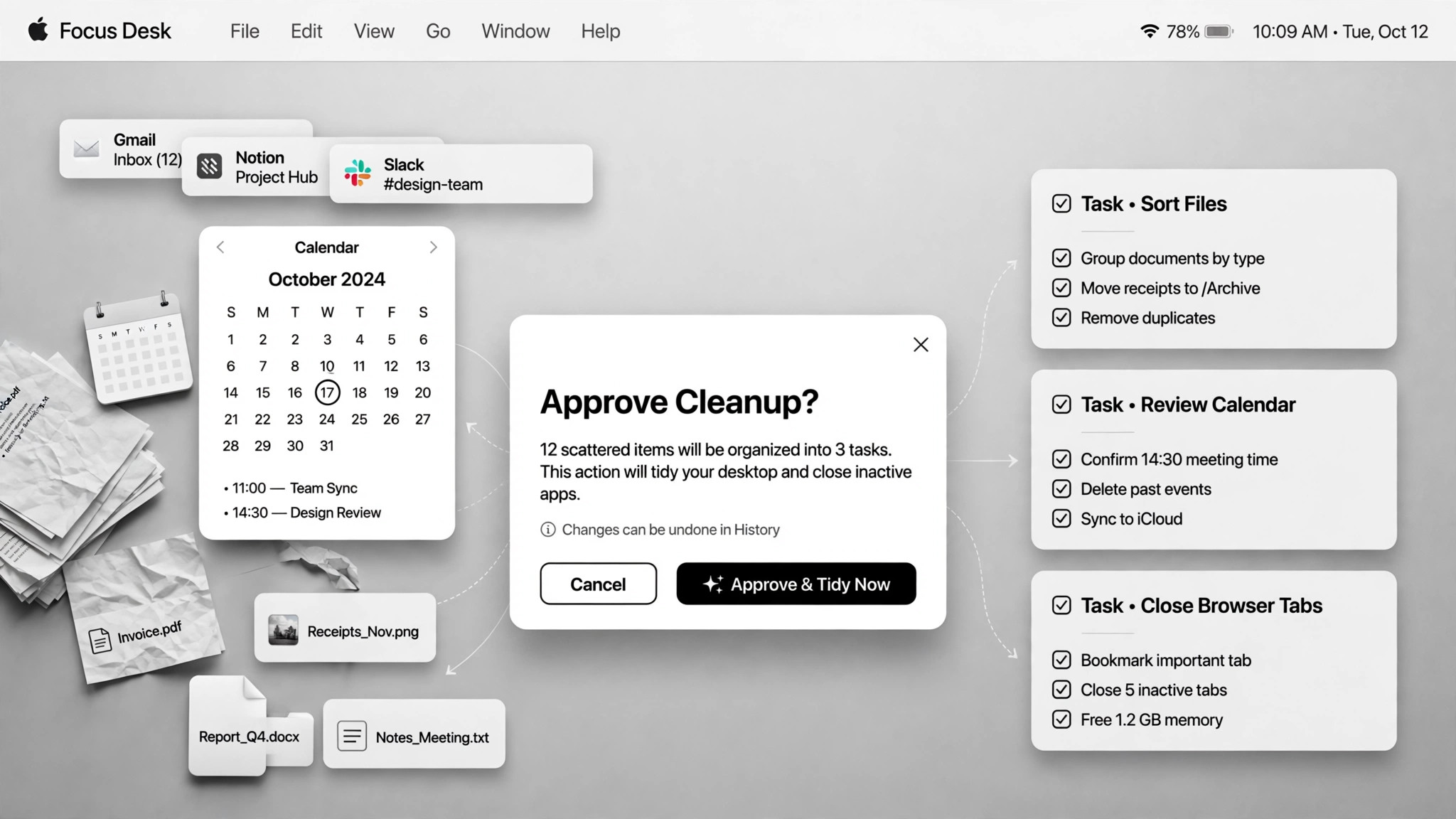
Se encarga de tus tareas sueltas del ordenador en lenguaje sencillo (archivos, presentaciones, hojas de cálculo, limpieza) y las hace con tu aprobación donde importa.
Instálala en 3 pasos
Sin registro. Sin herramientas CLI. Elige tu IA, copia una línea y pégala.
¿Prefieres hacerlo tú mismo? Compra la habilidad ($4.99), descarga el ZIP desde la confirmación de compra, descomprímelo en el directorio que se muestra arriba y reinicia tu sesión de IA — el mismo resultado. ¿Ya la compraste? Tu asistente de IA puede descargarla por ti.
Prueba en el mundo real
Gente real hizo este mismo trabajo con agentes de IA.
Schedule meetings, tidy Drive and log reward balances
Leer el caso →Caso de usoUse a coding agent for everyday non-programming chores
Leer el caso →Caso de usoUse Codex for non-coding chores
Leer el caso →Qué incluye
Un SKILL.md (la guía paso a paso) + una plantilla inicial. Una vista previa:
Digital Handyman
When to use
- You have a pile of small chores (rename files, tidy a folder, build a slide deck, clean a spreadsheet) and no desire to do them
- Your downloads folder is full of old installers eating gigabytes and you want them gone safely
- You need a quick fetch (a video transcript, a file moved, a wiki page started) without learning a new tool
- You want recurring digital chores (calendar scheduling, reward-balance logging) handled semi-automatically
- A browser step is blocked (login wall, CAPTCHA) and you need a fallback plan
Workflow
- Say the chore in plain language (input: your words → output: task + acceptance criteria)
Describe what needs doing and what "done" looks like. Vague asks get a plan back for confirmation first — a coding agent with a shell has infinite tools, which is exactly why the target needs to be clear. - Show the plan first (input: task → output: execution plan)
For anything touching files, accounts, or the system, the agent shows the plan — and the full file list for renames and deletes — before acting. Plan-first is the price of admission for chores with side effects. - Approve the risky bits (input: plan → output: approval)
Deletions, overwrites, and irreversible actions always need your explicit yes. One real case scanned a downloads folder, listed 31 leftover installers totaling 4.4GB — and deleted nothing until the list was approved. - Do the work in stages (input: approved plan → output: partial results)
Execute step by step and show results along the way so you can catch mistakes early. A blocked browser step gets a fallback rather than a dead end — in one real case the agent installed an open-source tool to fetch a YouTube transcript when the browser was blocked. Tell the user what was installed. - Report what changed (input: done → output: summary)
A short log: what changed, what was deleted, what was installed, and what needs your follow-up. No summary, no trust — the user can't verify what they can't see.
Output spec
- Task list with acceptance criteria, execution plan shown before acting, completion summary (changed / deleted / installed)
- Approval log: what was approved and when
- Fallback notes: what failed and what replaced it
- Companion template.md skeleton — fill in the blanks and use it
Good vs. bad examples
Vista previa de la plantilla
Digital Handyman — Chore Ticket Template
One chore batch = one ticket. Describe, plan, approve, do, report.
Chore batch — {date}
Task list
Execution plan (shown before anything runs)
Chore 1 — {title}
- Plan: {step by step}
- Files it will touch: {list paths, or "none"}
- Fallback if blocked: {e.g. install open-source tool {name} instead of browser scraping}
Chore 2 — {title}
- Plan: {…}
- Files it will touch: {…}
- Fallback if blocked: {…}
Approval log
*Rule: deletions, overwrites, and irreversible actions need an explicit yes. File lists shown before any touch.*
Completion report
Blocked items: {what couldn't be done and why}
El paquete de la habilidad (SKILL.md + plantilla) está escrito en inglés.
También te puede interesar
 Flujos de trabajo
Grok Bot Routine Rescue
Find which scheduled routine is eating your weekly pool — and kill it
 Flujos de trabajo
Inbox Triage
Tu bandeja, leída de antemano: urgentes marcados, respuestas redactadas, tú solo pulsas enviar
 Flujos de trabajo
Bill Fighter
Impugna cobros indebidos y reclamos denegados con cartas respaldadas por pruebas