Developer Tool Landing
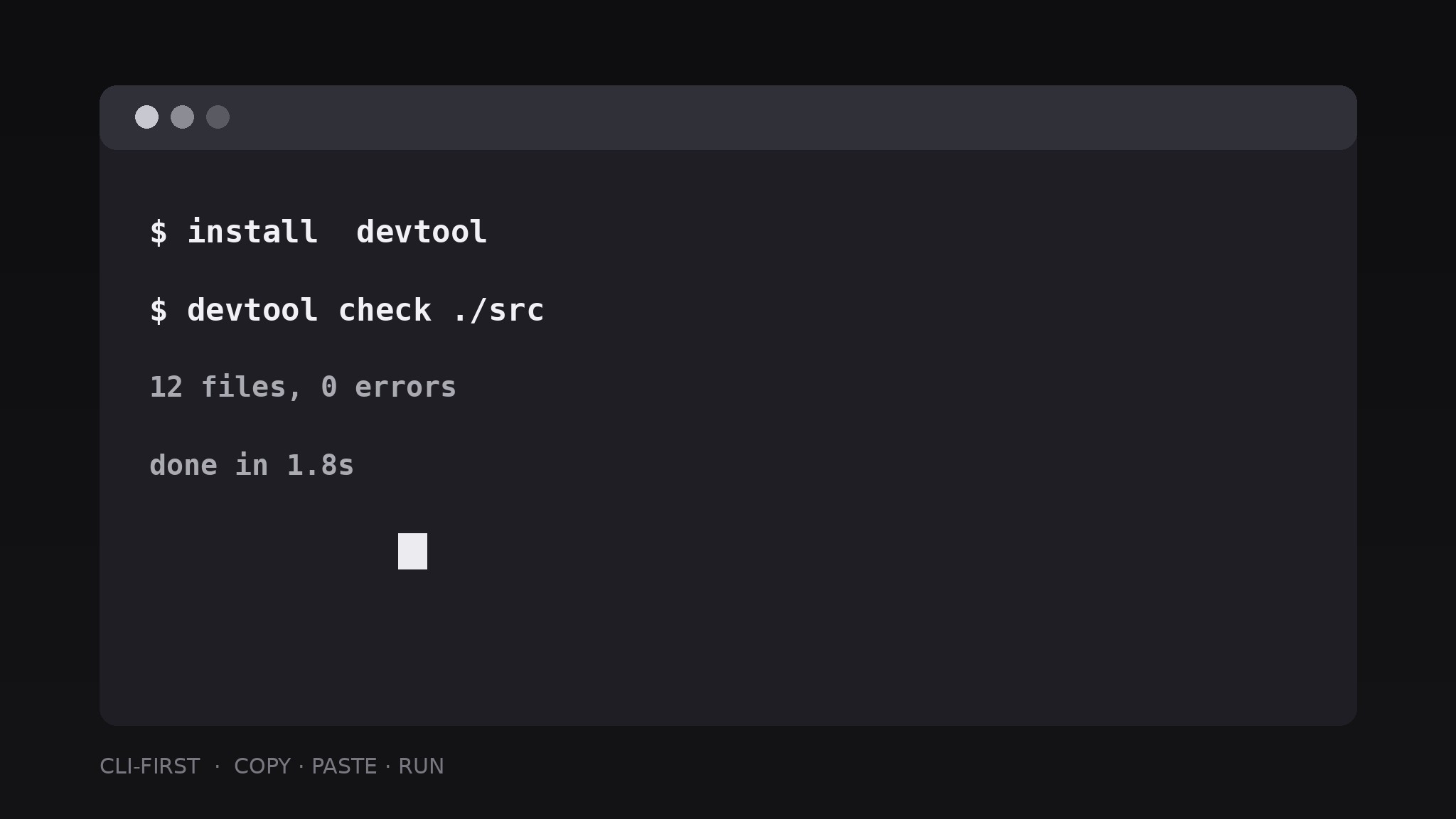
El comando de instalación, visible sin hacer scroll.
Convierte tu IA en creadora de landing pages para una herramienta de desarrollo: un hero centrado en la CLI, un comando de instalación para copiar y pegar, documentación y ejemplos de código visibles sin hacer scroll, para que un desarrollador pueda evaluar la herramienta en menos de un minuto.
Instálala en 3 pasos
Sin registro. Sin herramientas CLI. Elige tu IA, copia una línea y pégala.
¿Prefieres hacerlo tú mismo? Compra la habilidad ($4.99), descarga el ZIP desde la confirmación de compra, descomprímelo en el directorio que se muestra arriba y reinicia tu sesión de IA — el mismo resultado. ¿Ya la compraste? Tu asistente de IA puede descargarla por ti.
Qué incluye
Un SKILL.md (la guía paso a paso) + una plantilla inicial. Una vista previa:
Developer Tool Landing
When to use
- You built a developer tool — a CLI, a library, an API, a framework plugin — and need a landing page that speaks to developers
- Your current page leads with marketing adjectives and buries the install command three screens down
- Developers bounce from your page because they cannot tell in ten seconds what the tool does or how to try it
- You are launching on a developer forum, a newsletter, or a package registry and need a page that converts a skeptical reader
- You need a page structure that stays honest: real commands, real output, real docs links, no vaporware claims
Workflow
- Write the one-line job (input: what the tool does → output: hero headline)
State the tool's job in one line a developer would say to a colleague: "Lint your SQL in CI" beats "Supercharge your data workflows." Follow it with a single subline naming who it is for and what it replaces or plugs into. If the headline needs the word "powerful," "seamless," or "revolutionary," it is hiding a missing fact — replace the adjective with the fact. - Build the CLI-first hero (input: headline → output: hero section with install command)
Put a terminal block in the hero, next to or under the headline, showing the real install command and the first command a user runs — both copyable with one click. Show two to four lines of realistic output underneath so the reader sees what success looks like. The command must be the actual command from your docs; a landing page that shows a fake command teaches the reader not to trust anything else on the page. - Show the code, not the claims (input: hero → output: code-sample section)
Add one short before-and-after or input-and-output code sample: the problem in five lines, the tool's answer in five lines. Annotate at most three lines with short comments explaining what changed. Keep the sample runnable and self-contained — no "..." hiding the interesting part, no dependencies the reader does not have. One honest sample beats a wall of feature bullets. - Lay out the proof strip (input: code sample → output: proof section)
Below the sample, place the proof a developer checks: supported languages or platforms as plain text, a link to the docs, a link to the changelog, and compatibility notes (versions, operating systems). If the tool is open source, link the repository and state the license in plain words. Never invent adoption numbers, logos, or testimonials — a missing proof strip is better than a fabricated one. - Close with the docs path (input: proof strip → output: complete page with footer)
End with a second copy of the install command and three links: Quickstart, Full docs, and Changelog or Roadmap. Add a footer with the version number shown on the page, the date it was last verified, and a note on how to report a bug. Re-check every command on the page by running it before publishing — a landing page with a broken install command is worse than no page at all.
Vista previa de la plantilla
Developer Tool Landing — Template
A landing page a developer can evaluate in under a minute. Fill in the blanks with real commands and real links.
Hero
- Headline (one-line job): {what the tool does, in a developer's own words}
- Subline: {who it is for} + {what it plugs into / replaces}
- Install command (copyable):
{real install command} - First command (copyable):
{real first command} - Realistic output (2–4 lines):
`
{output line 1}
{output line 2}
{output line 3}`
Code sample
Problem (≤5 lines): ` {problem code} `
Tool's answer (≤5 lines): ` {answer code} `
Annotations (≤3 lines):
El paquete de la habilidad (SKILL.md + plantilla) está escrito en inglés.


