Chat Response Presenter
Una respuesta en pantalla, una reacción humana.
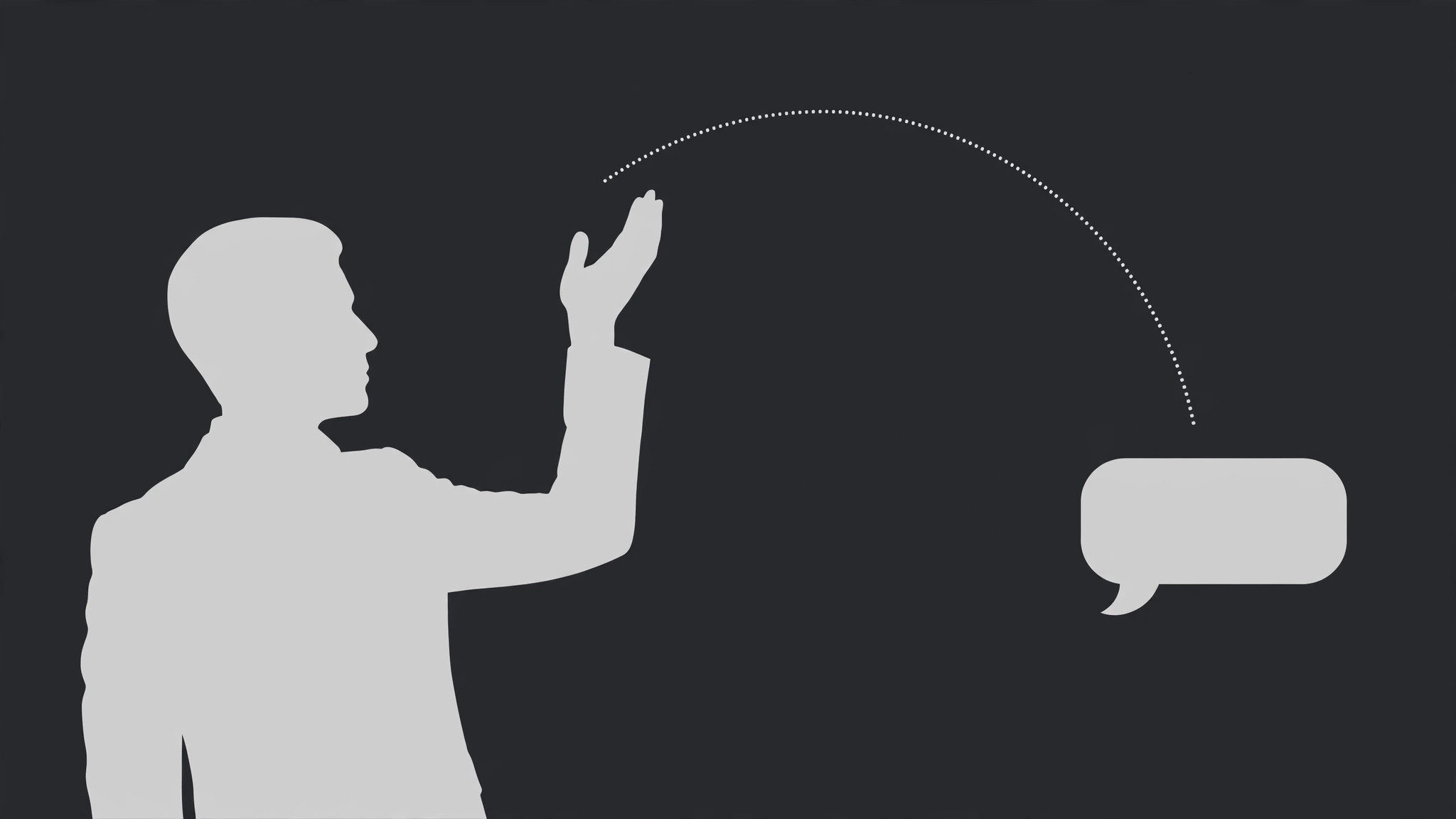
Un presentador reacciona a una única respuesta de chat que aparece como una burbuja en modo picture-in-picture: la lee en silencio, reacciona con un gesto y luego responde. La burbuja se encoge y desaparece cuando la respuesta está en marcha, para que el rostro sea el dueño del encuadre.
Instálala en 3 pasos
Sin registro. Sin herramientas CLI. Elige tu IA, copia una línea y pégala.
¿Prefieres hacerlo tú mismo? Compra la habilidad ($4.99), descarga el ZIP desde la confirmación de compra, descomprímelo en el directorio que se muestra arriba y reinicia tu sesión de IA — el mismo resultado. ¿Ya la compraste? Tu asistente de IA puede descargarla por ti.
Qué incluye
Un SKILL.md (la guía paso a paso) + una plantilla inicial. Una vista previa:
Chat Response Presenter
When to use
- A creator answers one chat message on camera and the message itself needs to be visible while they react to it
- A Q&A segment where each question is a chat bubble and the answer is a person, not more text
- A reaction video where the presenter's face is the content and the chat reply is the trigger
- A community comment or DM deserves a full response, and a screenshot alone would feel flat
- A livestream highlight where the chat reply and the host's reaction happened together and should stay together
Workflow
- Pick one reply (input: thread → output: one reply + one reaction beat)
This pattern is one reply, one reaction. Choose the single message that earns a face: the funniest, the hardest question, the most surprising claim. The reply bubble is ≤30 words — if the message is longer, trim it to the sentence being answered and say the rest aloud. Decide the reaction beat now, in one line: laugh, disbelief, correction, agreement, story. One reply with a muddy reaction ("sort of surprised but also…") will read as the presenter not knowing what to do. - Frame the presenter first (input: presenter shot → output: presenter framing with a bubble slot)
Frame the presenter with a clear empty zone for the reply bubble — typically the upper third of the opposite side from the presenter's eyeline, or a lower-third band that does not cover the mouth. The presenter occupies 60–70% of the frame; the bubble slot is reserved before recording if possible. A presenter who has to dodge a bubble that was added later spends the whole segment glancing at the wrong place. - Pop the reply bubble (input: reply text → output: bubble entrance)
The bubble enters with a quick pop: scale from 90% to 100% with a slight overshoot to 103% and back, over 0.3 s, ease-out — one bounce, then still. It arrives while the presenter is looking toward the bubble slot, not while they are mid-sentence. If the presenter is speaking when the bubble lands, the viewer's eyes split: they read the bubble and lose the sentence. Land the bubble in a breath, a pause, or on the presenter's glance toward it. - Run the reaction beat (input: reply + reaction → output: timed reaction)
The reaction runs in three timed beats: read (0.8–1.5 s of the presenter visibly reading, eyes on the bubble, mouth closed), react (the gesture + facial reaction, 0.5–1.0 s — the laugh, the raised eyebrow, the hand to chest), then respond (the spoken answer, starting only after the reaction lands). Never stack all three: a presenter who talks while reading while gesturing gives the viewer three things to track and none of them land. The pause between read and respond is the whole pattern — it is what makes the answer feel earned rather than scripted. - Release the bubble (input: reaction → output: bubble exit)
Once the spoken response is underway, the bubble has done its job. Either shrink it to a small corner chip (0.3 s) so late joiners can still see what is being answered, or fade it out entirely (0.3 s) if the answer stands alone. Never leave the full-size bubble up for the whole answer — it competes with the presenter's face for the rest of the segment. The bubble is the trigger, not the co-star.
Vista previa de la plantilla
Chat Response Presenter — Production Template
One reply, one reaction. Fill in per segment; repeat the pattern for each reply in a Q&A.
Segment: {segment title} — Reply #{n}
Reply bubble (≤30 words): "{full reply text as shown}"
Sender: {name / handle} | Trimmed from longer message? [ ] Yes — rest spoken aloud [ ] No
Reaction beat (one only)
[ ] Laugh [ ] Disbelief [ ] Correction [ ] Agreement [ ] Story [ ] Other: {…}
Reaction in one line: "{what the presenter does — e.g. laughs, hand to chest, slow nod}"
Framing
- Presenter occupies: {60–70%} of frame | Bubble slot: {upper third opposite eyeline / lower-third band}
El paquete de la habilidad (SKILL.md + plantilla) está escrito en inglés.


