Yellow Sketchnote Deck
Ein Deck, das sich liest wie Notizen, die während des Vortrags entstanden sind.
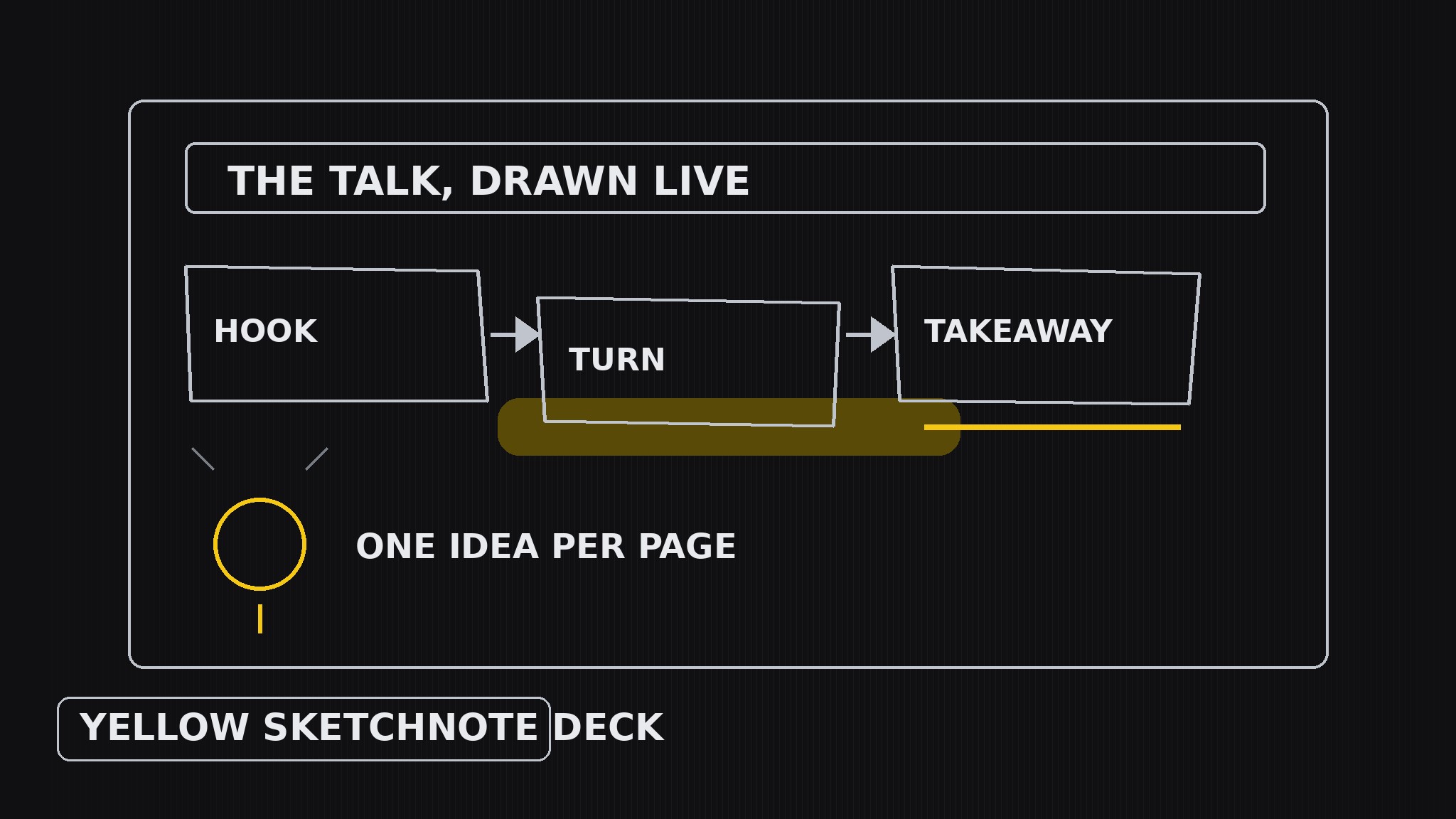
Verwandelt Ihre KI in einen Sketchnote-Künstler — erstellt Präsentations-Decks, die aussehen wie Live-Sketchnotes, mit handgezeichneten Boxen, Pfeilen und Icons, einem gelben Textmarker für die Ideen, die es wert sind, sich zu merken, und einer Sketchnote-Seite pro Folie, die sich liest, als wäre sie während des Vortrags gezeichnet worden.
In 3 Schritten installieren
Keine Anmeldung. Keine CLI-Tools. Wählen Sie Ihre AI, kopieren Sie eine Zeile und fügen Sie sie ein.
Lieber selbst machen? Kaufen Sie den Skill ($4.99), laden Sie die ZIP-Datei aus Ihrer Kaufbestätigung herunter, entpacken Sie sie in das oben angezeigte Verzeichnis und starten Sie Ihre AI-Sitzung neu — gleiches Ergebnis. Haben Sie ihn schon gekauft? Ihr AI-Assistent kann ihn für Sie herunterladen.
Was ist enthalten
Eine SKILL.md (die Anleitung) + eine Startvorlage. Eine Vorschau:
Yellow Sketchnote Deck
When to use
- A talk, workshop, or lesson where the deck should feel alive and drawn, not templated
- You want the audience to remember a handful of ideas, and a hand-drawn page is stickier than a bullet list
- A keynote or conference talk where personality matters more than polish
- You are summarizing a talk, book, or meeting as a visual-notes deck people actually re-read
- A team session where the deck should invite annotation — people add to sketchnotes, they don't add to corporate slides
Workflow
- Capture the talk arc (input: your talk, lesson, or source material → output: narrative outline)
Listen for the story, not the slides: what is the opening hook, what are the 3–5 turning points, what is the one line the audience should walk away repeating. Write the outline as a sequence of moments ("the mistake → the discovery → the new rule"), each with its key phrase in the speaker's own words. A sketchnote deck follows a talk the way a river follows a valley — if there is no arc, the pages will feel like disconnected doodles. - Draw the icon vocabulary (input: narrative outline → output: icon set)
Before laying out any slide, draw the small visual language the whole deck will reuse: a box style (hand-drawn rectangle with slightly wobbly corners), an arrow style (curved, with a chunky head), an icon for each recurring idea (a lightbulb for insights, a flag for decisions, a face for people, a clock for timing), and a lettering style (handwritten-feel headings, neat small print for body text). Every icon must be drawable in under five seconds — if it takes longer, it is too detailed to feel live. - Lay out one sketchnote page per slide (input: icon set + outline → output: slide drafts)
Treat each slide as one page of visual notes taken during the talk: a hand-drawn title banner at the top, the key phrase large, supporting points as short phrases in boxes connected by arrows, and one small icon per point. Flow matters more than grids — let the arrows carry the eye from the hook through the turns to the takeaway, top-to-bottom or in a loose S-curve. Leave a corner of each page deliberately empty: sketchnotes breathe, and the empty corner is where the audience mentally adds their own note. - Highlight in yellow (input: slide drafts → output: highlighted deck)
Yellow plays the highlighter pen: it marks only the ideas worth remembering — the takeaway line, the number that surprised the room, the one rule to apply tomorrow. Highlight sparingly (one or two marks per slide), and vary the gesture: a swipe behind a key phrase, a circle around a number, an underline beneath the rule. Never highlight whole paragraphs — a fully yellow page is a page where nothing stands out — and never use yellow as a background or border color. - Legibility pass (input: highlighted deck → output: polished deck)
A sketchnote deck fails if it looks charming but can't be read. Check every slide at presentation size and at thumbnail size: can you read the title and the highlighted line from across the room? Is every arrow's direction unambiguous? Is any text smaller than the body size you set in step 2? Fix by enlarging and shortening, never by cramming — if a page holds too much, split it into two pages rather than shrinking the lettering. Read the highlighted lines alone, in order: they should retell the talk.
Vorschau der Startvorlage
Yellow Sketchnote Deck — Deck Template
One sketchnote page per slide. Notes first, art second.
Talk arc
Talk / lesson / source: {title} Opening hook: {the line that grabs the room} Turning point 1: {what changes} Turning point 2: {what changes} Turning point 3: {what changes} Takeaway line (audience repeats tomorrow): {one line, speaker's own words}
Icon vocabulary (draw once, reuse everywhere)
- Box style: {hand-drawn rectangle, slightly wobbly corners}
- Arrow style: {curved, chunky head}
- Insight icon: {lightbulb}
- Decision icon: {flag}
- People icon: {face}
- Timing icon: {clock}
Das Skill-Paket selbst (SKILL.md + Vorlage) ist auf Englisch verfasst.


