Testimonial Ticker
Ein endloses Band kurzer Zitate, immer in Bewegung, nie im Weg.
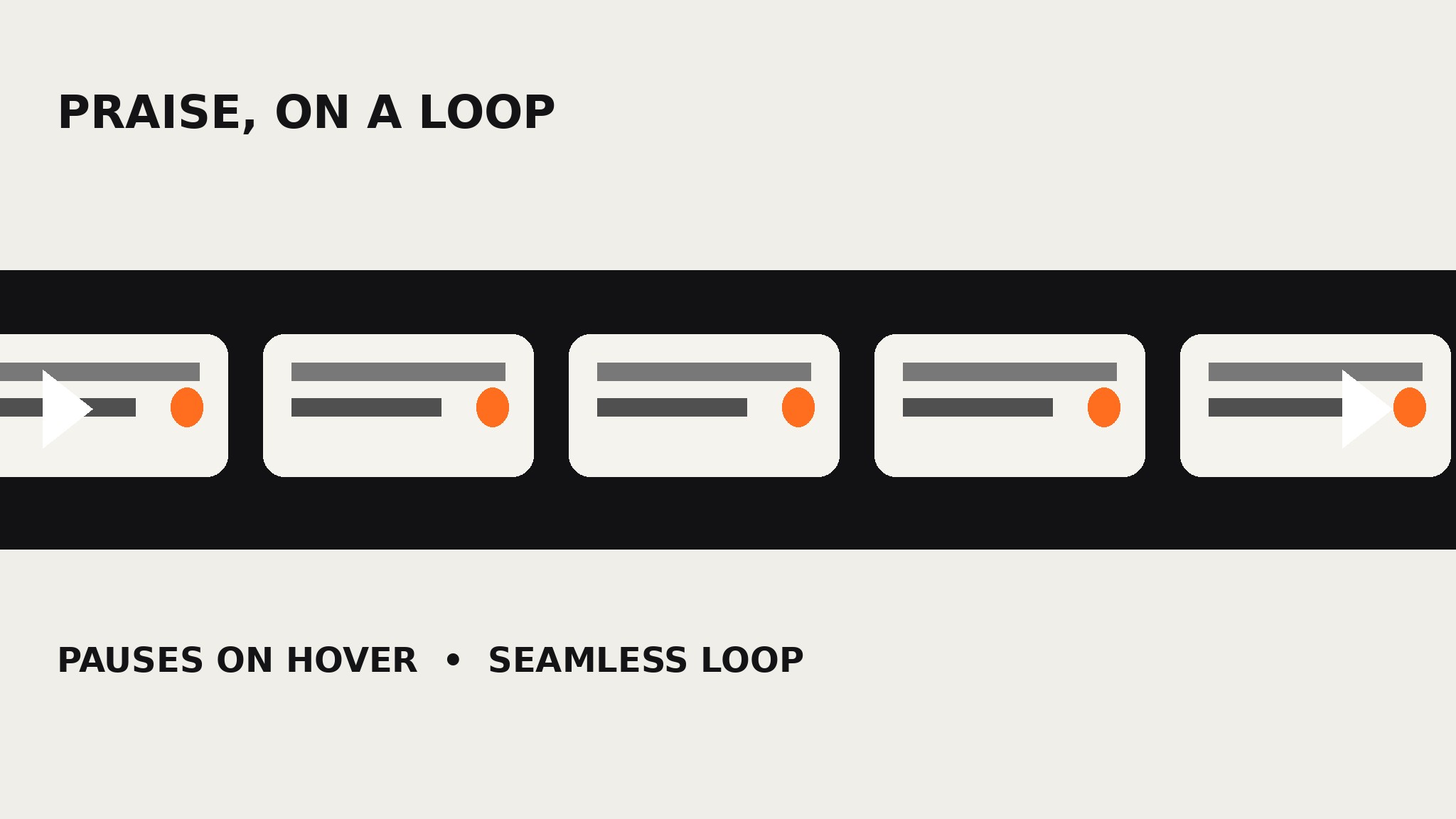
Verwandelt Ihre KI in einen Builder für Testimonial-Leisten — verwandelt einen Stapel kurzer Zitate in ein horizontal scrollendes, automatisch weiterlaufendes Ticker-Band, das nahtlos in der Schleife läuft, bei Hover pausiert und sich der Seite nie in den Weg stellt.
In 3 Schritten installieren
Keine Anmeldung. Keine CLI-Tools. Wählen Sie Ihre AI, kopieren Sie eine Zeile und fügen Sie sie ein.
Lieber selbst machen? Kaufen Sie den Skill ($4.99), laden Sie die ZIP-Datei aus Ihrer Kaufbestätigung herunter, entpacken Sie sie in das oben angezeigte Verzeichnis und starten Sie Ihre AI-Sitzung neu — gleiches Ergebnis. Haben Sie ihn schon gekauft? Ihr AI-Assistent kann ihn für Sie herunterladen.
Was ist enthalten
Eine SKILL.md (die Anleitung) + eine Startvorlage. Eine Vorschau:
Testimonial Ticker
When to use
- Your homepage or landing page has a thin band of space for social proof — a strip above the footer, under the hero, between sections — not a full grid section
- You have many short quotes (one line each) and a static grid would eat half the page
- You want proof to feel alive and ambient: always moving, easy to glance at, never demanding a click
- A launch page, event page, or campaign page needs a band of praise that sits beside a signup form without competing with it
- Your quotes are short and punchy already — the ticker is the wrong home for a six-line story, and this skill will tell you so
Workflow
- Collect and shrink the quotes (input: reviews, survey answers, short comments → output: ticker-ready one-liners)
Gather short quotes only: one line each, ideally under 15 words, each carrying one fact or one feeling. A ticker line is a headline, not a story — "Onboarding took four days, not three weeks" fits; a three-sentence account of your implementation does not. Keep each quote attached to a short attribution (first name + role, or name + company) that fits on the same line. If you have fewer than six ticker-ready lines, the strip will look thin and repeat too fast — either gather more or use a static row instead. Do not invent quotes or compress a customer's words until they mean something new; cutting filler is editing, changing the claim is fabrication. - Design the strip (input: ticker-ready one-liners → output: strip spec)
Define the strip as a single horizontal band: one row of quote chips, each chip holding one quote plus its attribution, separated by a clear divider (a dot, a dash, or a small mark — not a wall of text). Pick a speed that a reader can actually follow: a full loop in roughly 30–45 seconds, so any single quote stays on screen for several seconds. Choose a background that separates the strip from the sections around it — a dark band on a light page, or a tinted band — so the movement reads as a deliberate ribbon, not a glitch. One row only: two rows scrolling in different directions is a fairground ride, not social proof. - Build the seamless loop (input: strip spec → output: looping ticker)
Duplicate the full set of chips once, end to end, so the strip can scroll continuously and restart without a visible jump — the end of the second copy must land exactly where the first copy began. Animate the whole row with a single constant-speed translation, not a step-by-step carousel, so the motion feels like a ribbon sliding rather than slides changing. Test the loop point specifically: watch the seam for a full minute. If there is any jump, stutter, or gap at the restart, the duplication is off by one chip or the spacing is inconsistent — fix the spacing, never mask it with a fade. - Add the controls and the manners (input: looping ticker → output: polite ticker)
Add the three behaviors that keep an auto-moving strip polite: pause on hover (and on focus, for keyboard users), pause when the strip is off-screen so it does not burn motion and attention nobody sees, and respect the user's reduced-motion preference by showing the strip as a static, horizontally scrollable row instead of animating it. Add small previous/next controls or a pause button only if the ticker sits somewhere visitors will study it; on a thin ambient strip, hover-pause plus reduced-motion support is enough. Never make the ticker the only place a quote appears if the quote matters — a moving strip is ambient proof, and anything load-bearing belongs in a static section too. - Place it and test it (input: polite ticker → output: shipped strip)
Place the ticker where it supports the page instead of interrupting it: under the hero, above the footer, or between two sections — never between a headline and its call-to-action, where motion steals the click. Test at desktop and mobile widths: on narrow screens the chips should shrink their padding, not their text, and the strip must never cause horizontal page scroll. Watch it for a full loop on a real device, check that the seam is invisible, that hover pauses it, and that reduced-motion mode shows the static row. If a quote is too long to read in the time it spends on screen, shorten the quote — never slow the whole strip down for one line.
Vorschau der Startvorlage
Testimonial Ticker — Build Template
One page = one strip. Fill this in before building any motion.
Section
Placement: {under hero / above footer / between {section A} and {section B}} Strip background: {e.g. dark band on light page / tinted band} Chip divider: {dot / dash / small mark}
Quotes (6+ one-liners, each under ~15 words)
Cut list: {quotes too long for a ticker — save for a grid or case study, with reason}
Motion spec
Loop duration: {30–45 seconds for a full loop} Motion: {single constant-speed translation, full set duplicated once} Pause on hover: [ ] | Pause on focus: [ ] | Pause off-screen: [ ]
Das Skill-Paket selbst (SKILL.md + Vorlage) ist auf Englisch verfasst.


