Specification Status Reveal
Eine Spezifikationstabelle, die live auswertet — Zeile für Zeile, statt Zahlen abzuladen.
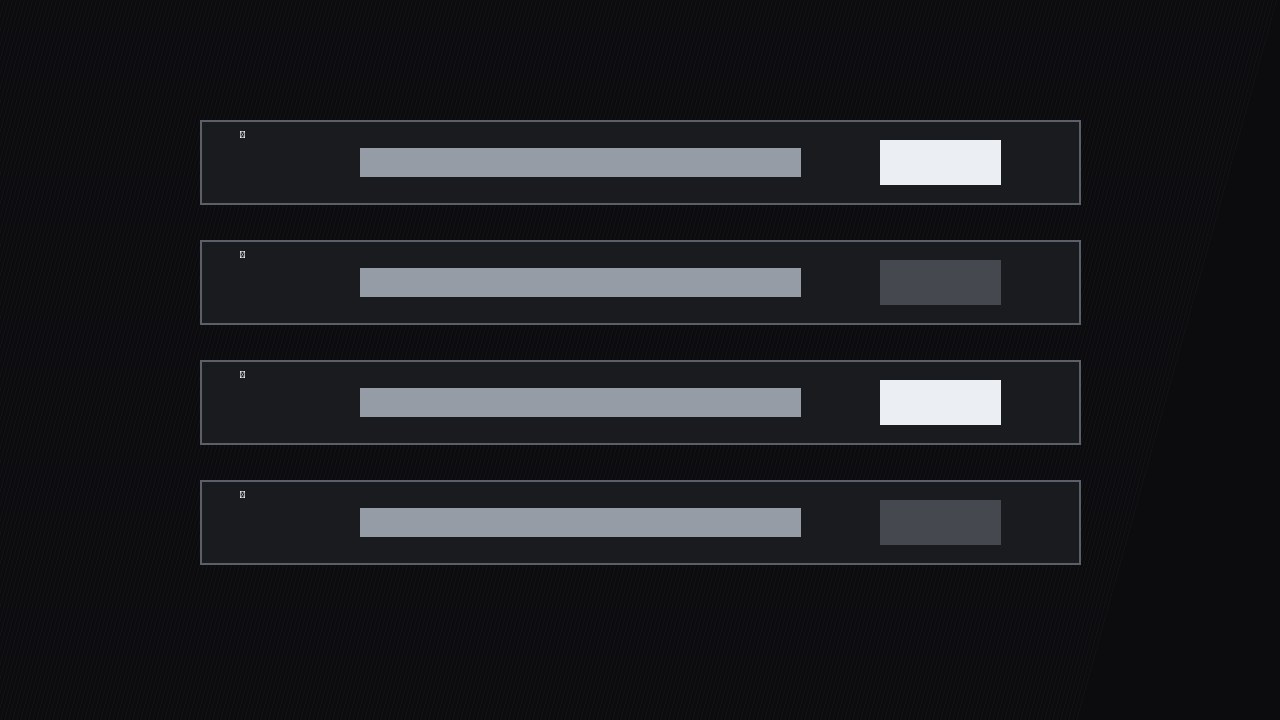
Verwandelt ein Datenblatt von einer Zahlenwand in ein Urteil: Jede Spec-Zeile wechselt nacheinander von „wird geprüft“ zu ihrem echten Status, sodass Zuschauer spüren, wie das Produkt live bewertet wird.
In 3 Schritten installieren
Keine Anmeldung. Keine CLI-Tools. Wählen Sie Ihre AI, kopieren Sie eine Zeile und fügen Sie sie ein.
Lieber selbst machen? Kaufen Sie den Skill ($4.99), laden Sie die ZIP-Datei aus Ihrer Kaufbestätigung herunter, entpacken Sie sie in das oben angezeigte Verzeichnis und starten Sie Ihre AI-Sitzung neu — gleiches Ergebnis. Haben Sie ihn schon gekauft? Ihr AI-Assistent kann ihn für Sie herunterladen.
Was ist enthalten
Eine SKILL.md (die Anleitung) + eine Startvorlage. Eine Vorschau:
Specification Status Reveal
When to use
- You're reviewing a product and the spec table is doing the real persuading — battery, weight, ports, warranty — but a static table makes viewers' eyes glaze over
- You're comparing two or three products and want the audience to see, row by row, where each one wins or fails instead of dumping three tables at once
- Your video walks through a requirements checklist (does it meet the spec?) and each row needs its own moment of suspense
- You're presenting test results where some specs passed, some failed, and some need a footnote — and the mix is the story
- You want a repeatable spec-reveal style across reviews so returning viewers instantly know how to read your verdicts
Workflow
- Write the spec rows (input: product specs + test results → output: spec table)
Build the table as rows, one spec per row: spec name, claimed value, measured or verified value, status. Keep it to 5–9 rows — the specs that decide a purchase, not every line from the datasheet. Cut anything the audience can't act on ("operating humidity 10–90%") unless the video is specifically about it. Each row gets a status now, before animating: pass, fail, partial, or untested. No row ships with a status you haven't verified — "untested" is an honest status, a guessed "pass" is a lie with a green checkmark. - Order the rows for drama (input: spec table → output: ordered reveal sequence)
Order the rows so the reveal builds: open with one easy pass to establish the rhythm, alternate pass and fail through the middle, and put the most decision-relevant row last — the battery life, the price, the one spec the audience actually buys on. Never group all the fails together at the end unless the product genuinely collapses; a clump of red at the end feels like an ambush, while fails spread through the sequence feel like honest evaluation. If you're comparing products, reveal the same row across all products before moving to the next row — row-by-row comparison beats product-by-product dumps. - Stage the "checking" state (input: ordered rows → output: checking-state layout)
Every row starts in a "checking" state: spec name visible, value area showing a pulsing placeholder (three animated dots or a shimmering bar), status area empty. The checking state is what creates the suspense — the audience watches a row get evaluated instead of reading a finished table. Placeholder animation: a 1.2s shimmer loop, subtle enough to read as "working," never as a loading spinner that suggests the video is buffering. Keep the checking state on screen for 0.6–1.2s per row before the reveal; shorter feels fake, longer feels slow. - Reveal each status (input: checking rows → output: 0.6–1.2s per-row reveal)
Reveal one row at a time: the measured value slides in from the left over 0.3s, then the status stamps in — pass (check mark + silver bar), fail (cross mark + dark bar), partial (half-filled mark + note), untested (dash + "not tested" label) — with a 0.2s scale-in from 90% to 100% and a soft tick sound at the stamp frame. The status stamp lands on the beat of the voiceover's verdict word ("passed," "missed"). Hold each revealed row visible while the next row checks — the table accumulates, so by the final row the audience sees the whole verdict at once. Never reveal two rows on the same frame: the accumulation is the point. - Footnote the partials (input: revealed rows → output: footnote callouts)
Partial and untested rows earn a footnote line that appears under the table for 1.5–2s: "Partial: 4K at 30fps confirmed, 60fps drops frames in low light." The footnote is the difference between a verdict and a smear — a fail with no explanation reads as bias, a fail with a one-line reason reads as testing. Keep footnotes to one line, plain language, no jargon the audience can't use. If a row needs more than one line of explanation, it needs its own segment, not a footnote. - Close with the tally (input: full revealed table → output: 2–3s summary strip)
After the last row, a summary strip slides up under the table: counts by status ("5 pass · 2 partial · 1 fail · 1 untested") plus a one-line verdict in the voiceover's words, never a single-number verdict — the table is the verdict, and reducing it to a number throws away the detail the audience just watched. Hold the full table + tally for 2–3s so viewers can screenshot it. Then cut.
Vorschau der Startvorlage
Specification Status Reveal — Spec Table Template
One table per product (or one table, same rows across products for comparisons).
Product: {name} | Verdict line: {one sentence, no single-number verdict}
Spec rows (5–9, in reveal order)
Reveal order rule: one easy pass first, most decision-relevant row last. Comparisons: reveal the same row across all products before moving on.
Animation timing (per row)
Status marks: {pass = check · fail = cross · partial = half-mark · untested = dash — shape, never color alone} Accumulation: {revealed rows stay visible; full table present by final row}
Closing tally
Das Skill-Paket selbst (SKILL.md + Vorlage) ist auf Englisch verfasst.


