Roadmap Focus Push
Gleiten Sie über die Roadmap — und stoßen Sie dann in den Meilenstein vor, der zählt
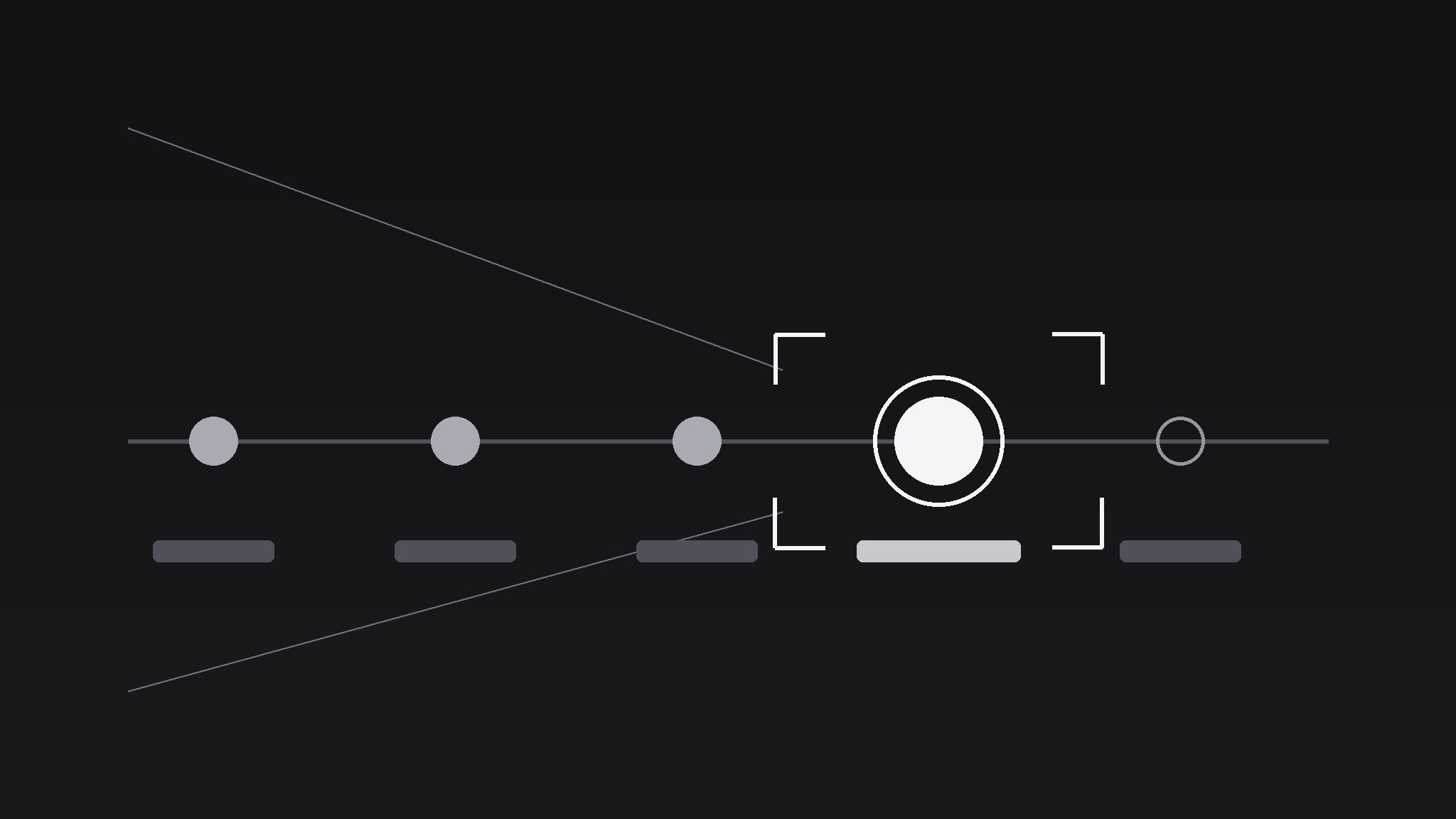
Verwandelt Ihre KI in einen Motion-Graphics-Regisseur für das Roadmap-Focus-Push-Muster — gleitet mit der Kamera eine Produkt-Roadmap entlang und stößt auf einen Meilenstein vor, sodass das Publikum die Reise spürt und genau auf dem Datum landet, das zählt.
In 3 Schritten installieren
Keine Anmeldung. Keine CLI-Tools. Wählen Sie Ihre AI, kopieren Sie eine Zeile und fügen Sie sie ein.
Lieber selbst machen? Kaufen Sie den Skill ($4.99), laden Sie die ZIP-Datei aus Ihrer Kaufbestätigung herunter, entpacken Sie sie in das oben angezeigte Verzeichnis und starten Sie Ihre AI-Sitzung neu — gleiches Ergebnis. Haben Sie ihn schon gekauft? Ihr AI-Assistent kann ihn für Sie herunterladen.
Was ist enthalten
Eine SKILL.md (die Anleitung) + eine Startvorlage. Eine Vorschau:
Roadmap Focus Push
When to use
- A launch video walks a roadmap and needs to land on the release date, not drift past it
- A pitch deck animates a timeline and one quarter carries the funding ask
- A changelog video recaps six milestones but only the next one needs the viewer's attention
- A strategy update shows a year of work, then pushes into the single bet for next quarter
- A tutorial timeline has one step where viewers always get lost — the push marks it as the one to remember
Workflow
- Lay the roadmap (input: milestone list → output: horizontal roadmap frame)
Lay milestones left to right on one horizontal spine: 4–7 nodes max, evenly spaced, each with a short label (≤3 words) and a date. Past milestones get a filled dot, future ones an outline dot, the target milestone a larger ring (1.5× the others) in the accent colour. Keep the spine at vertical centre and leave 12% headroom top and bottom — the camera will move, and a spine pinned to the edge breaks the illusion. If you have more than 7 milestones, group the rest into "Earlier" and "Later" clusters; a crowded spine kills the push. - Set the start frame (input: roadmap frame → output: wide establishing shot)
Open wide enough to show the full spine with 8–10% margin on both sides. Hold 0.8s so the viewer reads the shape of the journey: where we started, where we are, where we are going. The start frame is a promise — the audience should be able to point at the target node before the camera moves. If they cannot, the labels are too small or the spine is too crowded. - Push along the spine (input: wide shot → output: camera move)
Move the camera in two phases over 1.8–2.4s total. Phase 1 (0–1.2s): a lateral dolly along the spine toward the target node, ease-in-out, covering ~70% of the distance. Phase 2 (0.9–2.2s, overlapping the tail of Phase 1): a push-in (scale/zoom) from 100% to 165–185% centred on the target node, ease-out. The overlap is what sells it as one camera move rather than a pan followed by a zoom. Non-target nodes should drift out of frame or blur slightly (2–4px) as the push lands — depth of field does half the focusing work. - Land and hold on the milestone (input: pushed-in frame → output: focus hold)
On landing, the target node's ring draws or pulses once (single 0.3s scale pulse, 100% → 108% → 100%, ease-out — one pulse, never a loop). The milestone label enlarges to fill its new frame, and a one-line detail (≤10 words: the deliverable, the date, the number) fades in below it over 0.4s. Hold 2–3s. The hold is where the information lands; cutting early wastes the whole move. - Pull back or cut (input: held frame → output: clean exit)
Either pull back to the wide shot over 0.8s (ease-in-out, reverse of the push, no blur) to re-establish the journey, or hard-cut to the next scene from the held frame. Pull-back says "that milestone in context"; hard-cut says "now let's build it". Choose one per video and stay consistent — alternating exits feels indecisive.
Vorschau der Startvorlage
Roadmap Focus Push — Template
One roadmap, one push, one milestone that matters.
The roadmap
Spine direction: {horizontal / vertical} Nodes (4–7, labels ≤3 words):
Grouped away: {extra milestones folded into "Earlier" / "Later"}
The target milestone
Node #: {n} — Label: {label} — Date: {date} Detail line (≤10 words): {the deliverable / date / number} Accent colour: {hex} — target ring at 1.5× node size
Camera move (1.8–2.4s)
Landing
Ring pulse: once, 0.3s, 100% → 108% → 100%, ease-out Detail line fade-in: 0.4s Hold: {2–3}s
Exit (pick one, use consistently)
[ ] Pull back to wide over 0.8s, ease-in-out
Das Skill-Paket selbst (SKILL.md + Vorlage) ist auf Englisch verfasst.


