Quadrant Positioning
Sehen Sie zu, wie die Karte sich selbst aufbaut — ein Eintrag nach dem anderen
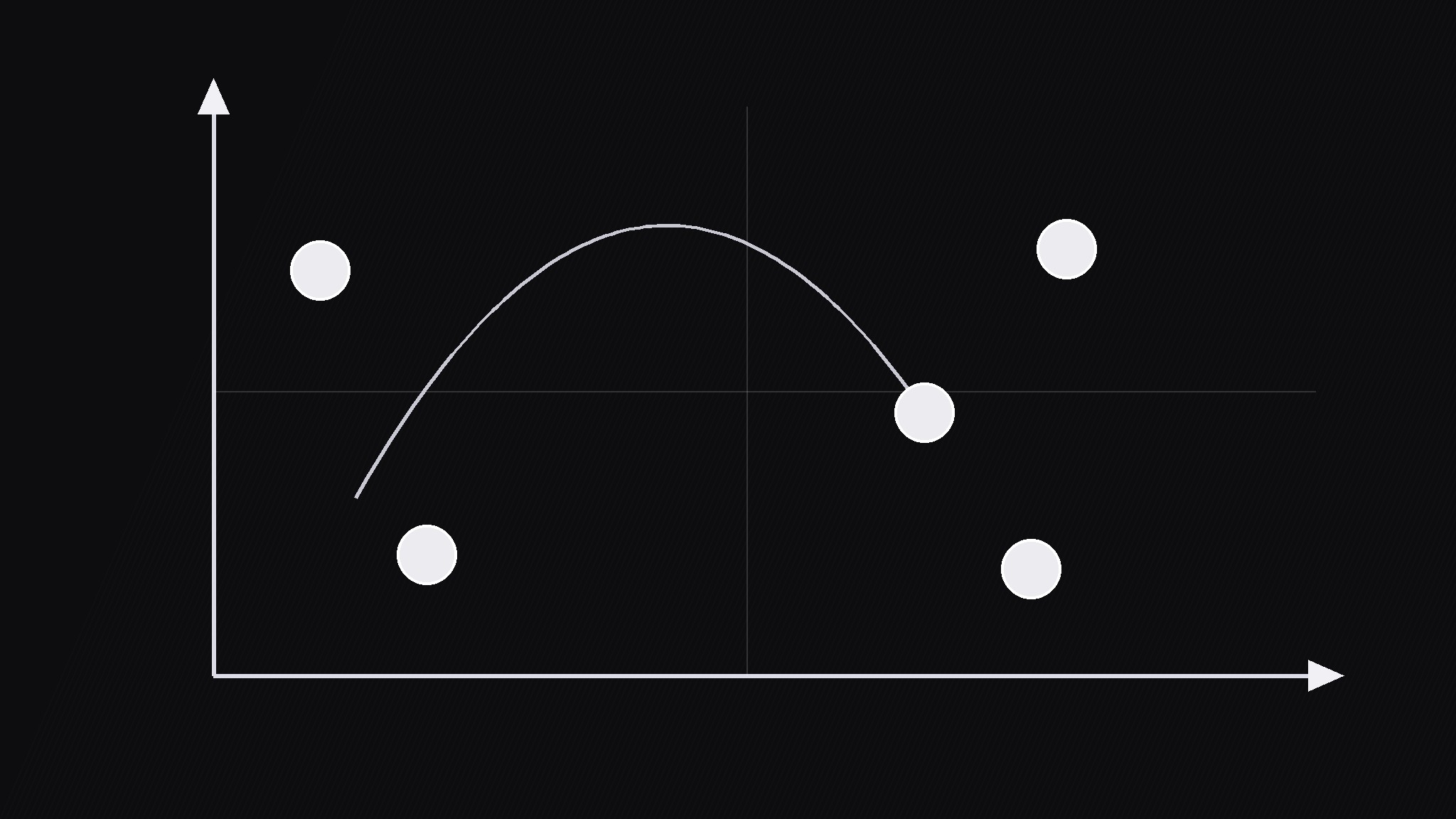
Verwandelt Ihre KI in einen Motion-Graphics-Regisseur für das Quadrant-Positioning-Muster — platziert Einträge einen nach dem anderen auf einer 2×2-Matrix entlang zweier beschrifteter Achsen, sodass Zuschauer einem Ranking oder einer Karte beim Entstehen zusehen, statt ein fertiges Diagramm vorgesetzt zu bekommen.
In 3 Schritten installieren
Keine Anmeldung. Keine CLI-Tools. Wählen Sie Ihre AI, kopieren Sie eine Zeile und fügen Sie sie ein.
Lieber selbst machen? Kaufen Sie den Skill ($4.99), laden Sie die ZIP-Datei aus Ihrer Kaufbestätigung herunter, entpacken Sie sie in das oben angezeigte Verzeichnis und starten Sie Ihre AI-Sitzung neu — gleiches Ergebnis. Haben Sie ihn schon gekauft? Ihr AI-Assistent kann ihn für Sie herunterladen.
Was ist enthalten
Eine SKILL.md (die Anleitung) + eine Startvorlage. Eine Vorschau:
Quadrant Positioning
When to use
- A 2×2 matrix (cost vs impact, effort vs reward, risk vs return) where the payoff is watching items land in their positions
- A competitive map where brands, products, or options need placing along two axes
- A prioritization video where the audience should see why each item sits where it sits
- A strategy explainer where the empty matrix is the setup and the placed items are the argument
- A before/after moment where one item moves quadrants after a change is applied
Workflow
- Define the axes (input: ranking idea → output: two labeled axes)
Name the two axes in plain words, 1–3 words each, and state which direction means "more" on each. Write the axis labels on the frame edges: horizontal axis along the bottom, vertical axis along the left. If you cannot name the axes in three words each, the matrix is not ready — a vague axis produces placements nobody trusts. Add short end labels (low/high) so the direction is unmistakable. - Place the empty frame (input: axes → output: empty matrix)
Show the empty matrix first and hold it for 1s. The grid lines should be light, the axes strong, and the four quadrants unlabeled or given only neutral position names — no verdicts yet. This empty beat is the setup: viewers must understand the board before any piece lands on it. - Drop items in order (input: ranked items → output: placements)
Place items one at a time, in an order the narration can justify — most important first, or most surprising first, never random. Each item drops from above its target along a slight arc over 450ms with an ease-out curve, lands with a small settle bounce (one 120ms rebound, 6px), and gets a 0.6s hold before the next item drops. As each item lands, its short label appears beside it (max 4 words). Keep items as dots or chips of equal size so no item looks heavier than its position earns. - Read the pattern (input: placed items → output: narrated reading)
Once all items are placed, hold the full map for 2s, then guide the eye: circle a cluster, point at an outlier, or draw the empty quadrant's outline. State the reading in one sentence per observation ("everything clusters low-cost, low-impact — the top-right is empty"). If an item's placement is debatable, say so on screen with a question mark on that item rather than pretending the map is certain. - Lock and label (input: read map → output: finished matrix)
End with the map locked: all items at rest, cluster callouts in place, and a one-line takeaway caption under the matrix. If the video revisits the matrix later, return to this exact locked frame — same item positions, same labels — so viewers recognize it instantly. Export the locked frame as a still for the thumbnail or recap card.
Vorschau der Startvorlage
Quadrant Positioning — Build Template
The map builds itself: empty frame, then one item at a time.
The axes (1–3 words each, direction stated)
- Horizontal (bottom): {axis} — left = {low label}, right = {high label}
- Vertical (left): {axis} — bottom = {low label}, top = {high label}
Axes check: can a viewer read every placement the same way? [ ]
The empty frame
- Light grid lines, strong axes, neutral quadrant names
- Hold empty matrix: 1s before first drop
Placement order (justified order — most important or most surprising first)
Placement animation (same for every item): 450ms arc drop, ease-out → 120ms / 6px settle bounce → 0.6s hold → next item
Das Skill-Paket selbst (SKILL.md + Vorlage) ist auf Englisch verfasst.


