Progressive Presenter List
Ein Punkt nach dem anderen, im Takt mit dem Sprecher
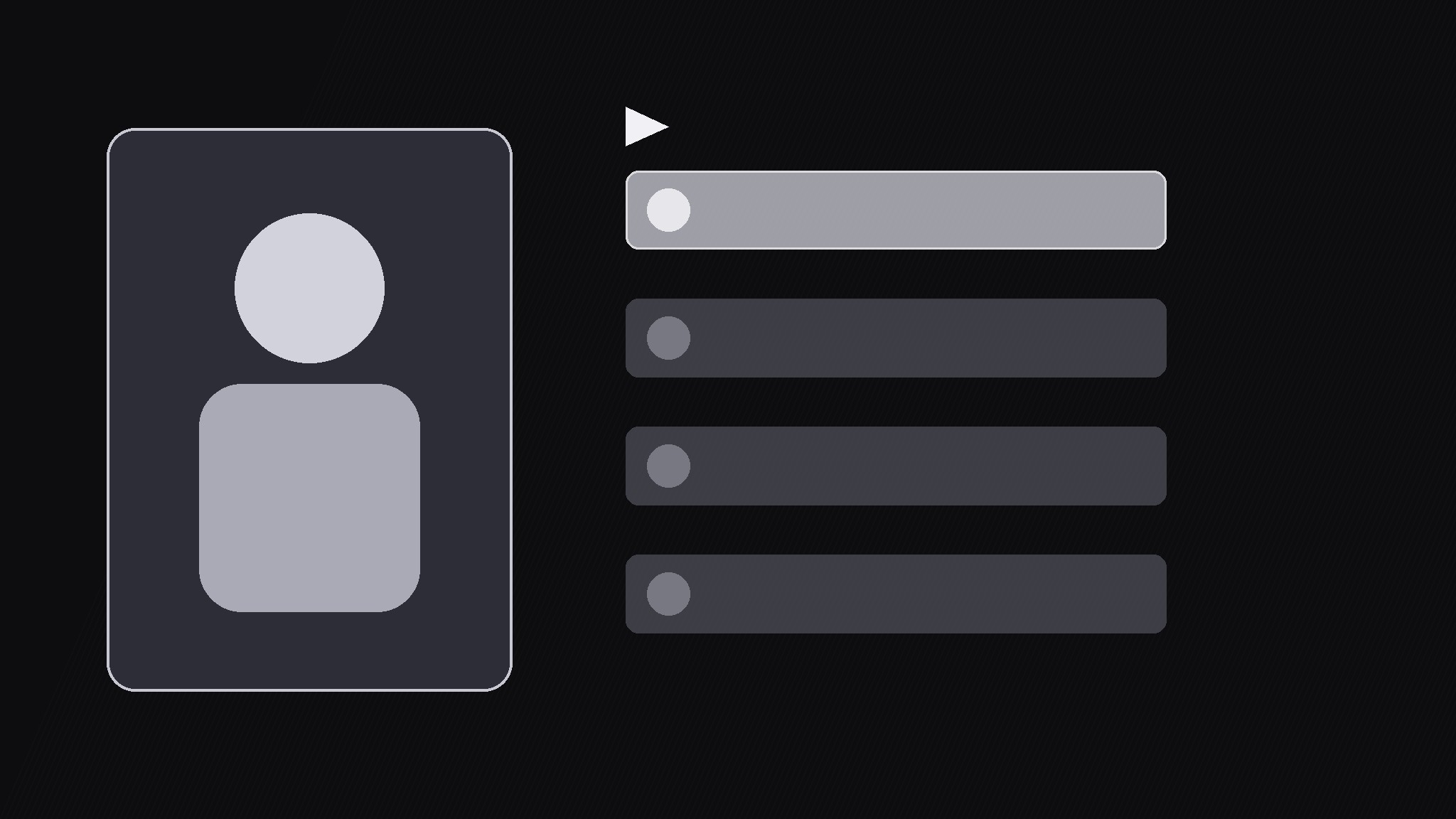
Verwandelt Ihre KI in einen Motion-Graphics-Regisseur für das Progressive-Presenter-List-Muster — hält den Präsentator auf dem Bildschirm, während Listeneinträge einer nach dem anderen synchron zur Sprache erscheinen, sodass Zuschauer jeden Punkt hören, während sie ihn sehen, statt vorauszulesen.
In 3 Schritten installieren
Keine Anmeldung. Keine CLI-Tools. Wählen Sie Ihre AI, kopieren Sie eine Zeile und fügen Sie sie ein.
Lieber selbst machen? Kaufen Sie den Skill ($4.99), laden Sie die ZIP-Datei aus Ihrer Kaufbestätigung herunter, entpacken Sie sie in das oben angezeigte Verzeichnis und starten Sie Ihre AI-Sitzung neu — gleiches Ergebnis. Haben Sie ihn schon gekauft? Ihr AI-Assistent kann ihn für Sie herunterladen.
Was ist enthalten
Eine SKILL.md (die Anleitung) + eine Startvorlage. Eine Vorschau:
Progressive Presenter List
When to use
- A presenter is walking through 3–6 points and a static bullet slide would let viewers read ahead and tune out
- A tutorial step list where each step should land exactly when the voice explains it
- A pitch or lesson where the speaker's face carries trust, so the speaker must stay visible while points appear
- A talking-head video that needs visual structure without cutting away to full-screen slides
- A recap moment where points should reappear in order, one per beat, before the video moves on
Workflow
- Lock the split (input: raw talking-head clip → output: locked layout)
Split the frame: presenter on the left 40%, list panel on the right 60%, with a 48px gutter between them. Crop or reposition the presenter so their eyeline stays near the list, not off-frame. The list panel gets a dark card background so text reads over any footage. Never let list text overlap the presenter's face — if the shot is tight, shrink the presenter to a rounded-corner inset at left instead of squeezing the list. - Map script to beats (input: script or transcript → output: beat map)
Break the spoken section into one beat per list item, and mark the exact word where each item should appear. Rule: one beat = one idea = one line, max 8 words per line. If a line needs more words, it is two beats. Write the beat map as a table: item text | trigger word | hold length. Aim for 3–6 items; beyond 6, split into two lists. - Build the reveal rig (input: beat map → output: animated list)
Each item enters the same way every time: slide up 24px + fade in over 300ms with an ease-out cubic curve, then settle. Items arrive staggered — never two at once. The just-arrived item sits at 100% opacity and full weight; earlier items dim to 55% opacity so the eye knows which point is live. Add a small progress marker (item 2 of 5) at the panel's top so viewers sense how much is left. - Sync to the voice (input: animated list + voice track → output: synced cut)
Place each item's entrance on the stressed word of its beat, not on the sentence start — the word the speaker leans on. Hold each item fully visible for at least 0.8s before the next one arrives; if the speaker rushes, stretch the pause in the edit rather than stacking entrances. Watch the cut once with sound off: the list should still read as a calm one-at-a-time sequence, not a flicker. - Polish and recap (input: synced cut → output: finished section)
Add a subtle check or highlight flash (150ms) on the active item when the speaker finishes its beat. At the end of the section, run a 1.5s recap: all items pulse back to full opacity in order, 120ms apart, then the panel holds for one beat before the video moves on. Export a still of the final full list for the thumbnail or chapter card.
Vorschau der Startvorlage
Progressive Presenter List — Build Template
Fill in one row per beat, then build the reveal in order.
Layout
Presenter: {left 40% full frame / left rounded inset} | List panel: {right 60%, dark card} Gutter: 48px | List type size: {e.g. 54px} | Max items: 6
Beat map (one beat = one idea = one line, max 8 words)
Progress marker: "Item {n} of {total}" at panel top.
Animation settings (same for every item)
- Entrance: slide up 24px + fade in, 300ms, ease-out cubic
- Live item: 100% opacity, full weight | Earlier items: 55% opacity
- Minimum hold between entrances: 0.8s
- Beat-completion flash: 150ms highlight on the active item
Das Skill-Paket selbst (SKILL.md + Vorlage) ist auf Englisch verfasst.


