Obsidian Cinema Landing
Was läuft, wann es läuft, wie man bucht — in einem dunklen, ruhigen Raum.
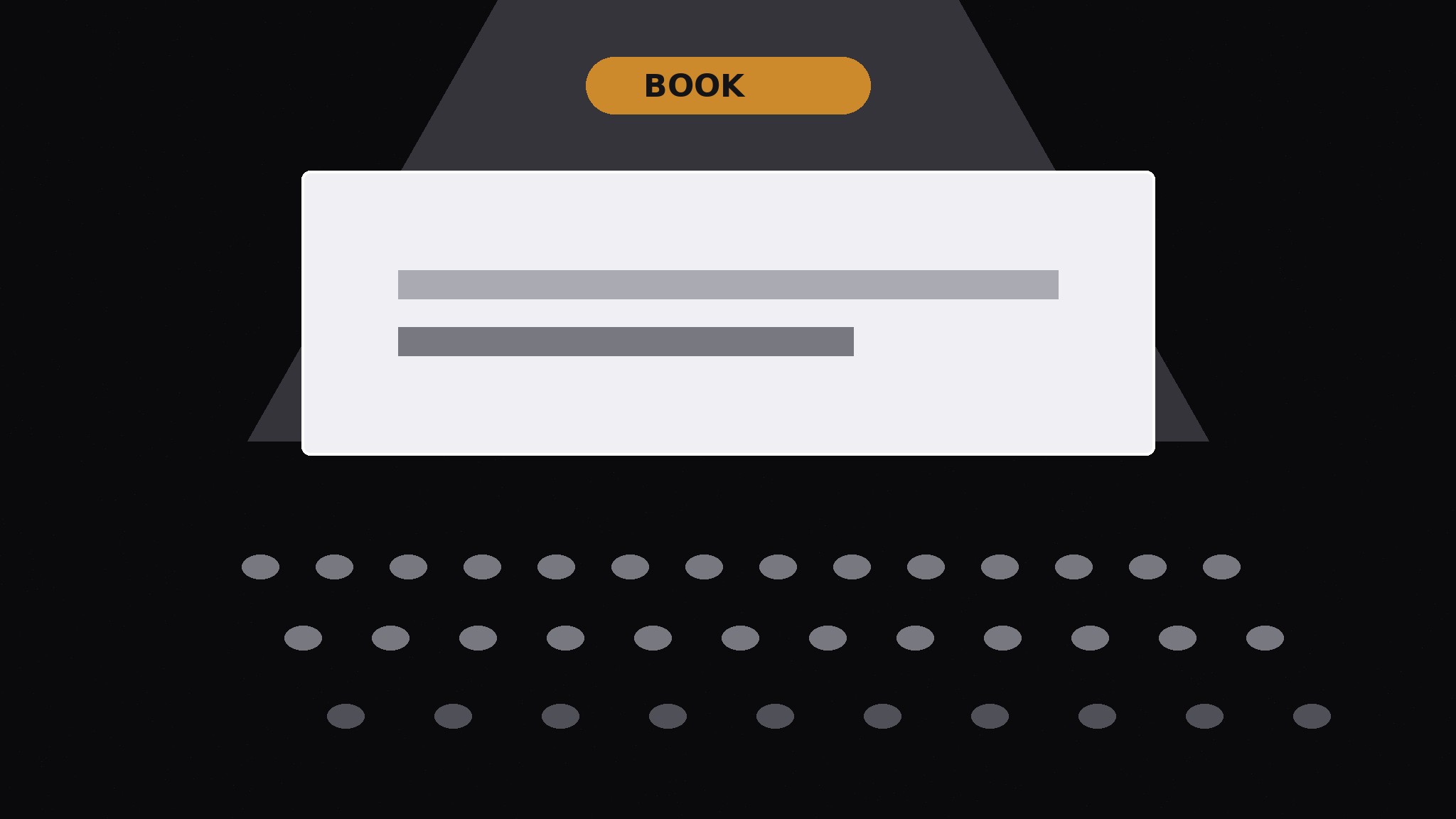
Verwandelt Ihre KI in einen Landingpage-Ersteller für ein Kino oder einen Vorführort — eine dunkle Seite in Obsidian-Tönen, auf der oberhalb der Falz beantwortet wird, was läuft, wann es läuft und wie man bucht — und die Atmosphäre den Platz verkauft, nicht die Adjektive.
In 3 Schritten installieren
Keine Anmeldung. Keine CLI-Tools. Wählen Sie Ihre AI, kopieren Sie eine Zeile und fügen Sie sie ein.
Lieber selbst machen? Kaufen Sie den Skill ($4.99), laden Sie die ZIP-Datei aus Ihrer Kaufbestätigung herunter, entpacken Sie sie in das oben angezeigte Verzeichnis und starten Sie Ihre AI-Sitzung neu — gleiches Ergebnis. Haben Sie ihn schon gekauft? Ihr AI-Assistent kann ihn für Sie herunterladen.
Was ist enthalten
Eine SKILL.md (die Anleitung) + eine Startvorlage. Eine Vorschau:
Obsidian Cinema Landing
When to use
- A cinema, screening room, film club, or festival needs a landing page that feels like the room itself: dark, quiet, focused on the screen
- Your current venue page buries showtimes under history, mission statements, and press quotes, and visitors bounce before finding what's on
- You are launching a new screening series, a pop-up cinema, or a members' screening night and need one page that carries the whole announcement
- A venue page looks fine on desktop but its showtime list collapses into an unreadable wall on phones, where most ticket buyers actually are
- You want the page to sell the experience (the dark room, the big screen, the shared silence) without drowning the practical facts in atmosphere
Workflow
- Answer the three questions first (input: the venue + program → output: the above-the-fold block)
A visitor decides in seconds on three facts: what's showing, when, and how to book. Put all three above the fold: the current film or series title, the next two or three screening dates and times, and one booking button per screening. Everything else — the room, the story, the membership — goes below. If the booking link is not in the first screen, the page is a poster, not a landing page. Write the title and times as plain text, not baked into an image, so they stay readable, searchable, and editable when a screening sells out. - Set the obsidian system (input: venue mood → output: color + type rules)
Build the page on a near-black obsidian field (not pure black — a deep charcoal with a faint warm or cool undertone), with silver-grey text and one restrained accent reserved for booking actions and the current screening. Type is large, quiet, and high-contrast: titles in a serif or strong grotesk, body in a plain readable sans, nothing thin or decorative at small sizes. Imagery is dark stills or posters with generous black around them — the page should feel like a room with the lights down, not a page with a dark background painted on. One accent color only; a second accent turns atmosphere into decoration. - Build the program section (input: screening schedule → output: showtime list)
List every upcoming screening as a row: date, time, title, format or note (e.g. "35mm", "subtitled", "Q&A after"), and a booking action. Rows must be scannable in one glance — a visitor checks their free evening against the list, not reads it like an essay. Sold-out screenings stay listed and marked sold out (removing them makes the program look thinner than it is), with a waiting-list link where one exists. If a screening has no booking link yet, say when booking opens instead of leaving a dead button. - Sell the room, briefly (input: venue facts → output: the experience section)
Below the program, one short section on the room itself: seating count, screen and sound facts, and one or two honest sensory details (the seats, the quiet, the bar before the film). Keep it to three or four short paragraphs or a row of small fact blocks — no history essay, no press-quote wall. Every claim must be a fact you can point at: seat count, screen size, projector format, bar hours. Atmosphere on a landing page comes from restraint and true details, not adjectives: "142 seats, no ads before the film" sells the room better than "an unforgettable cinematic experience." - Close with the practicals (input: venue logistics → output: visit + booking footer)
End with everything a first-time visitor needs: address with a maps link, doors-open and late-seating policy, age guidance or content notes where relevant, accessibility facts (step-free access, hearing support, seating), and membership or season-pass details in two or three lines. Put the booking action one final time at the bottom. Check the whole page on a phone before shipping: showtimes legible without zooming, booking buttons thumb-reachable, and the above-the-fold block still answering what's on, when, and how to book.
Vorschau der Startvorlage
Obsidian Cinema Landing — Page Template
One page = one program. Fill this in before building.
Above the fold
Current title: {film / series title} Next screenings:
Visual system
Field: near-black obsidian {warm / cool undertone — pick one} Text: silver-grey, large, high-contrast Accent (booking actions + current screening only): {one color} Titles: {serif / strong grotesk} | Body: {plain readable sans} Imagery: {dark stills / posters with generous black around them}
Program (full list)
_Sold-out screenings stay listed and marked. Waiting list link where one exists:_ {URL or —}
Das Skill-Paket selbst (SKILL.md + Vorlage) ist auf Englisch verfasst.


