Metric Audit Marks
Eine Zahl verdient sich ihre Häkchen — jede Markierung bescheinigt einen Prüfschritt.
Verwandelt Ihre KI in einen Motion Designer für ein ganz bestimmtes Muster — ein Kennzahlenwert verdient sich seine Glaubwürdigkeit auf dem Bildschirm, während Prüfmarkierungen (Häkchen, Stempel, Flaggen) eine nach der anderen auf ihm landen und jede einen Verifizierungsschritt bescheinigt. Für KPI-Erklärvideos, Audit-Walkthroughs und Dashboard-Demos, bei denen eine Zahl beweisen muss, dass man ihr vertrauen kann.
In 3 Schritten installieren
Keine Anmeldung. Keine CLI-Tools. Wählen Sie Ihre AI, kopieren Sie eine Zeile und fügen Sie sie ein.
Lieber selbst machen? Kaufen Sie den Skill ($4.99), laden Sie die ZIP-Datei aus Ihrer Kaufbestätigung herunter, entpacken Sie sie in das oben angezeigte Verzeichnis und starten Sie Ihre AI-Sitzung neu — gleiches Ergebnis. Haben Sie ihn schon gekauft? Ihr AI-Assistent kann ihn für Sie herunterladen.
Was ist enthalten
Eine SKILL.md (die Anleitung) + eine Startvorlage. Eine Vorschau:
Metric Audit Marks
When to use
- A KPI explainer needs to show that a headline number was checked, not just asserted — each audit mark stands for one verification step the audience can follow
- A dashboard demo introduces a metric the viewer has never seen, and you need to build trust in it before you build on it
- An audit or compliance walkthrough must show a figure passing a sequence of checks: source, sample, calculation, sign-off
- A quarterly review presents one big number (revenue, churn, uptime) and the presenter wants the audience to believe it before debating it
- A finance or ops video needs to separate "numbers we verified" from "numbers we estimated" with a visual language the viewer can read at a glance
- A data-quality segment shows several metrics side by side, some fully audited and some still pending, and the difference has to be visible without a lecture
Workflow
- Define the metric and its checks (input: your number + how it was verified → output: check list)
Write the metric exactly as it will appear on screen — value, unit, and period ("94.2% uptime, Q3") — then list the verification steps that stand behind it, in the order they actually happened: source confirmed, sample checked, calculation re-run, reviewer signed off. Cap the list at 2–4 checks; a metric with six audit marks reads as bureaucracy, not rigor. Each check gets a short label (2–4 words: "Source matched", "Math re-run") that will appear beside its mark. If a step cannot be named in 2–4 words, it is not one check — split it or drop it. - Stage the unverified number (input: check list → output: opening frame)
Open on the metric large and unadorned — big numerals, unit, period, nothing else. Hold it bare for at least 800ms so the viewer registers the claim before any certification arrives. The bare number is the promise of the pattern: everything after this moment is evidence, not decoration. Keep the background quiet (solid dark or light panel, no chart behind it yet) so the arriving marks have nowhere to hide. If the number carries a comparison ("up 3.1 pts"), keep that comparison visible but visually subordinate — smaller, dimmer — until the audit is complete. - Land the marks one at a time (input: opening frame → output: mark sequence)
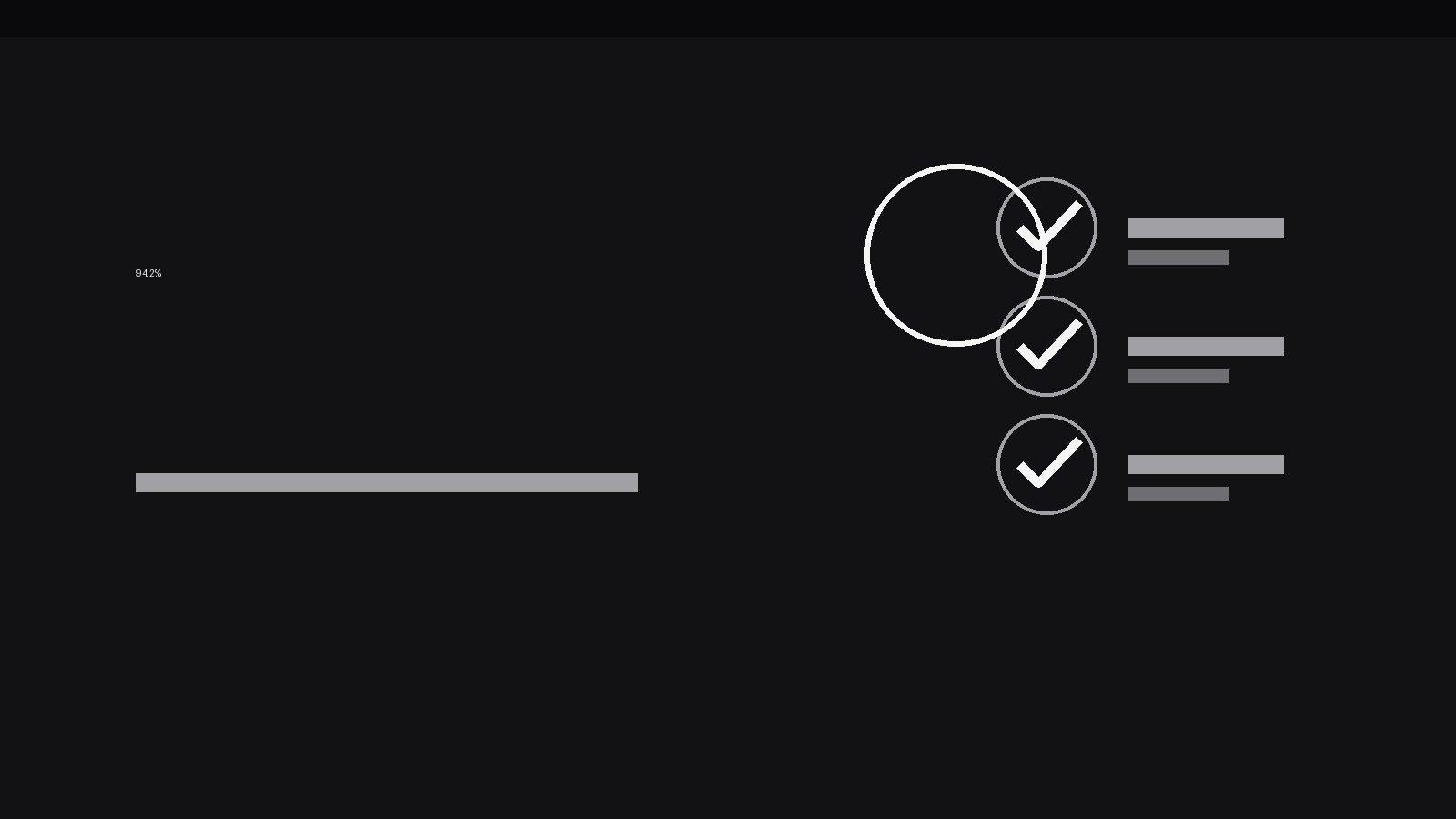
Each audit mark arrives as its own beat: a small tick, stamp, or seal drops onto the metric's margin — never on top of the digits — with a 160ms scale-in (1.4 → 1, ease-out) plus a 120ms ring or flash that settles immediately. Space marks 500–700ms apart so each reads as a separate verdict. The mark's label appears beside it in the same beat, fading in over 150ms. Order the marks by increasing weight: the lightest check first (source matched), the heaviest last (signed off) — the sequence should feel like the case getting stronger, not like a random pile of stamps. A mark that lands must stay landed; never retract a mark mid-sequence. - Handle the failed or pending check (input: mark sequence → output: honest states)
Not every audit is clean, and the pattern must have a vocabulary for that. A failed check gets a distinct mark — a cross or flag in a warning tone (amber or muted red), not the success tick — and its label says what failed ("Sample too small") rather than hiding it. A pending check gets an outlined, hollow mark with a "Pending" label, drawn at 50% opacity. Never dress a pending check in a success tick to keep the sequence pretty; the whole point of audit marks is that the viewer can tell verified from unverified at a glance. If the metric has a failed check, the final frame must show it — the pattern's credibility depends on it. - Lock the verdict (input: completed marks → output: closing frame)
Once all marks have landed, hold the full composition for at least 1.2s: metric + marks + labels, all still. Then, and only then, add the verdict line — a single short sentence under the metric ("Verified against source logs, 12 Aug") in a smaller weight. The verdict line is the summary of the marks, not a replacement for them; it must not contradict any mark. If a check failed or is pending, the verdict says so ("3 of 4 checks passed — sample review pending"). End the scene on this locked frame, or cut to the next metric — never animate the marks away to "clean up" the frame, because the marks are the frame's meaning. - Repeat across metrics with a consistent legend (input: closing frame → output: multi-metric sequence)
When several metrics are audited in one video, reuse the exact same mark shapes, colours, spacing, and timing for every metric, and show a one-line legend on the first metric's frame ("✓ verified · ✗ failed · ◌ pending"). Consistency is what turns decoration into a readable system: by the third metric, the viewer should be reading marks without reading labels. If one metric needs a check type the others don't have, add it to the legend rather than inventing a one-off symbol mid-video.
Vorschau der Startvorlage
Metric Audit Marks — Starter Template
Fill this in before animating: one metric, its real checks, and the verdict the marks must support.
Metric
Value: {e.g. 94.2%} | Unit / label: {e.g. uptime} | Period: {e.g. Q3}
Comparison (optional, subordinate): {e.g. up 3.1 pts vs Q2}
Checks (2–4, in real order, lightest first)
> If a check failed or is pending, write its honest label here — never dress it as a pass: > Failed/pending detail: {e.g. Sample too small — 11 days missing}
Mark language (keep identical across every metric in the video)
- Success mark: {✓ tick — colour, size}
- Failure mark: {✗ / flag — warning colour}
Das Skill-Paket selbst (SKILL.md + Vorlage) ist auf Englisch verfasst.


