Magnetic Lattice Hero
Ein Hero, der sich zu Ihrem Cursor zieht — und der Headline die Führung lässt.
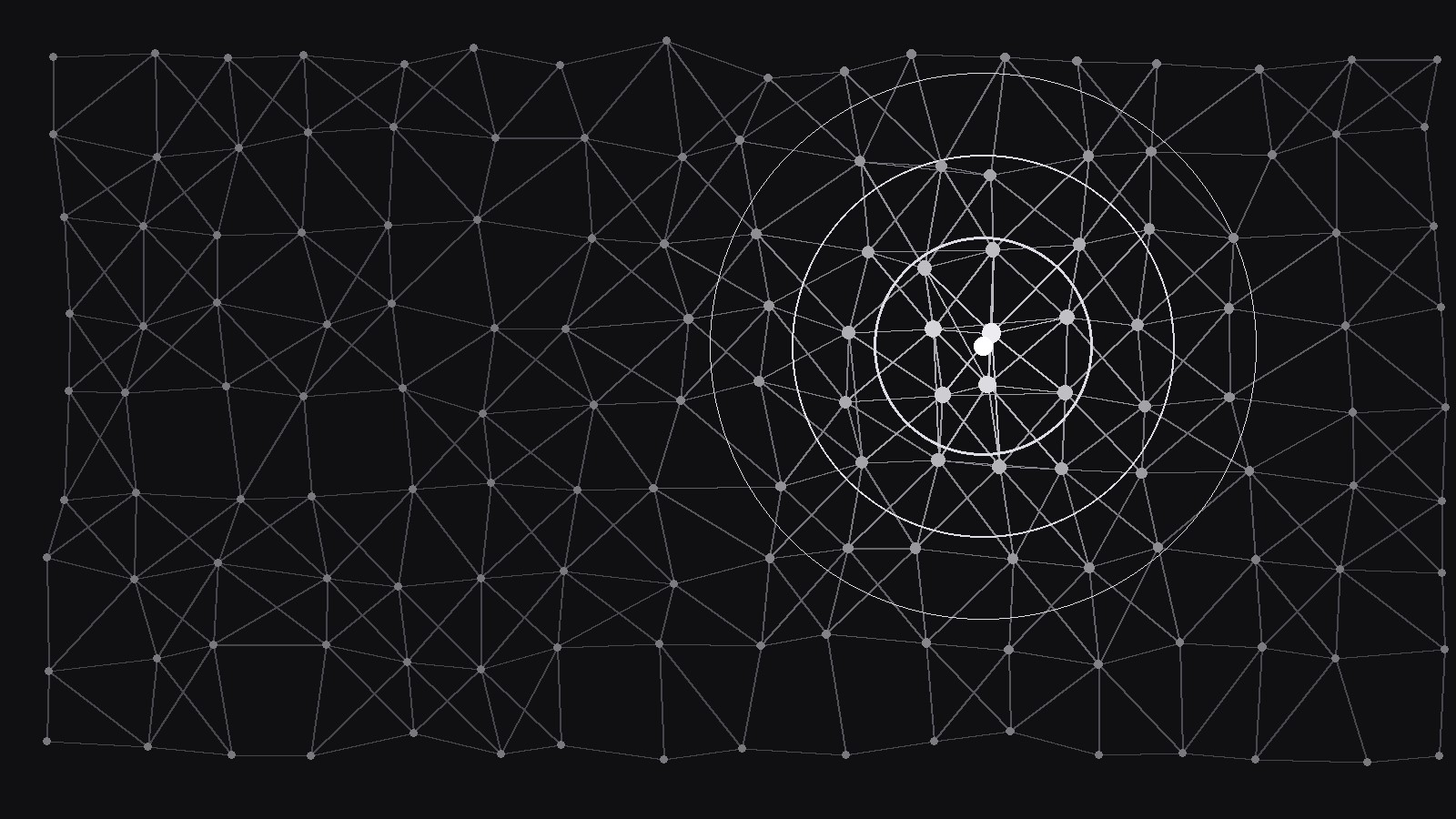
Verwandelt Ihre KI in einen Hero-Designer, der einen Hero um ein magnetisches Gitter herum baut — ein Feld aus Knoten und Verbindungen, die sich zum Cursor ziehen, wieder zur Ruhe kommen und die Headline tragen, ohne mit ihr zu konkurrieren.
In 3 Schritten installieren
Keine Anmeldung. Keine CLI-Tools. Wählen Sie Ihre AI, kopieren Sie eine Zeile und fügen Sie sie ein.
Lieber selbst machen? Kaufen Sie den Skill ($4.99), laden Sie die ZIP-Datei aus Ihrer Kaufbestätigung herunter, entpacken Sie sie in das oben angezeigte Verzeichnis und starten Sie Ihre AI-Sitzung neu — gleiches Ergebnis. Haben Sie ihn schon gekauft? Ihr AI-Assistent kann ihn für Sie herunterladen.
Was ist enthalten
Eine SKILL.md (die Anleitung) + eine Startvorlage. Eine Vorschau:
Magnetic Lattice Hero
When to use
- Your landing page hero is a static headline over a flat background, and the product is interactive, networked, or spatial — the hero should feel like the product
- You need motion that responds to the visitor rather than looping behind them — something that rewards moving the mouse instead of ignoring it
- Your hero must work on touch devices too, where there is no cursor — the lattice needs a touch behavior, not a broken one
- A previous interactive hero was a performance problem: it janked on laptops, drained phone batteries, or failed accessibility checks
- You want one hero that degrades gracefully — full interaction on capable devices, calm static art everywhere else
Workflow
- Define the lattice (input: brand + page message → output: lattice spec)
Specify the field: node count range for desktop and mobile, spacing (a loose grid with jitter, never a rigid matrix), link rule (nodes connect to neighbors within a radius, with a maximum links per node), and the visual language (node size, link opacity, one accent color for nodes near the cursor). The lattice must read as texture at rest — quiet, even, and behind the headline — so its resting state should be calm enough to sit behind type. If the resting state competes with the headline, reduce node count or link opacity until it doesn't; the headline is the hero, the lattice is the stage. - Specify the magnetism (input: lattice spec → output: interaction spec)
Define exactly how the field responds: nodes within a radius of the cursor are pulled toward it by a force that falls off with distance, and ease back to their home positions when the cursor leaves. Specify the numbers — attraction radius, pull strength, return speed, and a cap on how far any node may drift from home (so the field never tears). Add the second behavior: on click or tap, a ripple pushes nodes outward from the point, then the field settles. Write the touch rule explicitly: on touch devices the lattice follows the finger while touching and settles on release — it never requires a hover that doesn't exist. - Place the headline on the field (input: interaction spec + copy → output: hero layout)
Lay out the hero so the lattice and the headline cooperate: the headline and CTA sit in a clear zone, and the lattice stays visually behind them — either through a calm density in the headline zone or a soft scrim that keeps text contrast steady while nodes move behind it. The CTA button must never sit on top of moving nodes without a solid fill; a ghost button over a moving field is unreadable. Specify the headline zone as a region where node drift is damped, so words never appear to wobble as nodes pass behind them. - Build with a performance budget (input: hero layout → output: working hero)
Build the lattice on canvas with a fixed budget: maximum node count per device class, a frame-rate floor, and a rule to shed work before dropping frames (fewer links first, then fewer nodes, then a static frame). Use pointer events with throttling, not per-pixel listeners, and pause the animation when the hero is off-screen or the tab is hidden. Test on a mid-range phone and a low-end laptop before styling anything else — if it can't hold its frame rate there, reduce the node count rather than shipping jank and hoping. - Ship the fallbacks (input: working hero → output: verified hero)
Three fallbacks, all mandatory: a reduced-motion version that renders the lattice as a static field (no magnetism, no ripple), a no-JavaScript version that shows the same static field as an image or CSS art, and a mobile-lite version that reduces node count and disables the ripple on small screens. Test all three by actually triggering them — system reduced-motion setting on, JavaScript off, and a small phone — not by assuming they work. Ship the hero with the lattice spec and interaction spec so the behavior can be reproduced, tuned, or turned off without reverse-engineering the code.
Vorschau der Startvorlage
Magnetic Lattice Hero — Build Template
One field, one headline. The headline is the hero; the lattice is the stage.
Lattice spec
Resting state check: calm enough to sit behind type? [ ]
Interaction spec
- Attraction radius: {px} | Pull strength: {falls off with distance}
- Return speed: {ease back to home} | Max drift from home: {px — field never tears}
- Click / tap ripple: {pushes nodes outward from point, then settles}
- Touch rule: {follows finger while touching, settles on release — never hover-only}
Hero layout
- Headline zone: {region, node drift damped inside it}
- Headline: {one line} | Subline: {one line}
Das Skill-Paket selbst (SKILL.md + Vorlage) ist auf Englisch verfasst.


