Inputs Converge to One Result
Viele Eingaben, eine Antwort — sehen Sie zu, wie sie zusammenlaufen.
Verwandelt Ihre KI in einen Motion-Graphics-Regisseur für Konvergenz-Sequenzen — nimmt mehrere separate Eingaben, lässt sie aus verschiedenen Richtungen hereinfliegen und verschmilzt sie zu einem klaren Ergebnis, auf das Ihr Publikum zeigen kann. Für Explainer, bei denen viele Zutaten, Signale oder Meinungen zu einer einzigen Entscheidung, Punktzahl oder Antwort werden.
In 3 Schritten installieren
Keine Anmeldung. Keine CLI-Tools. Wählen Sie Ihre AI, kopieren Sie eine Zeile und fügen Sie sie ein.
Lieber selbst machen? Kaufen Sie den Skill ($4.99), laden Sie die ZIP-Datei aus Ihrer Kaufbestätigung herunter, entpacken Sie sie in das oben angezeigte Verzeichnis und starten Sie Ihre AI-Sitzung neu — gleiches Ergebnis. Haben Sie ihn schon gekauft? Ihr AI-Assistent kann ihn für Sie herunterladen.
Was ist enthalten
Eine SKILL.md (die Anleitung) + eine Startvorlage. Eine Vorschau:
Inputs Converge to One Result
When to use
- An explainer video shows how several factors — data sources, ingredients, opinions, signals — combine into one score, decision, or recommendation
- A product demo has to show that many tools, feeds, or uploads funnel into a single dashboard, report, or output
- A pitch video needs one image that says "everything you need becomes one answer" and then proves it by moving the pieces together
- A tutorial walks through a recipe, formula, or workflow where separate inputs must all be present before the result appears
- A debate or comparison video gathers several viewpoints and lands on one verdict, and the convergence itself is the argument
Workflow
- Name the inputs and the result (input: topic → output: inputs-and-result map)
Write the result first, in one line: "One credit score", "One launch decision", "One recommended plan". Then list the inputs that produce it — two to six, each one concrete enough to draw: a document, a measurement, a vote, a feed, a sensor reading. Each input gets a name (one or two words), a small icon, and a one-line role ("Sales data — what sold", "Support tickets — what broke"). Cap the inputs at six: beyond that the convergence reads as a crowd, and the audience stops tracking which pieces mattered. If two inputs are really the same thing described twice, merge them now — a convergence with a padded input list feels rigged. Check the logic honestly: the result must genuinely follow from these inputs together. If one input alone would decide it, the pattern is the wrong choice; show that input solo instead. - Stage the inputs around the result's home (input: inputs-and-result map → output: staged frame)
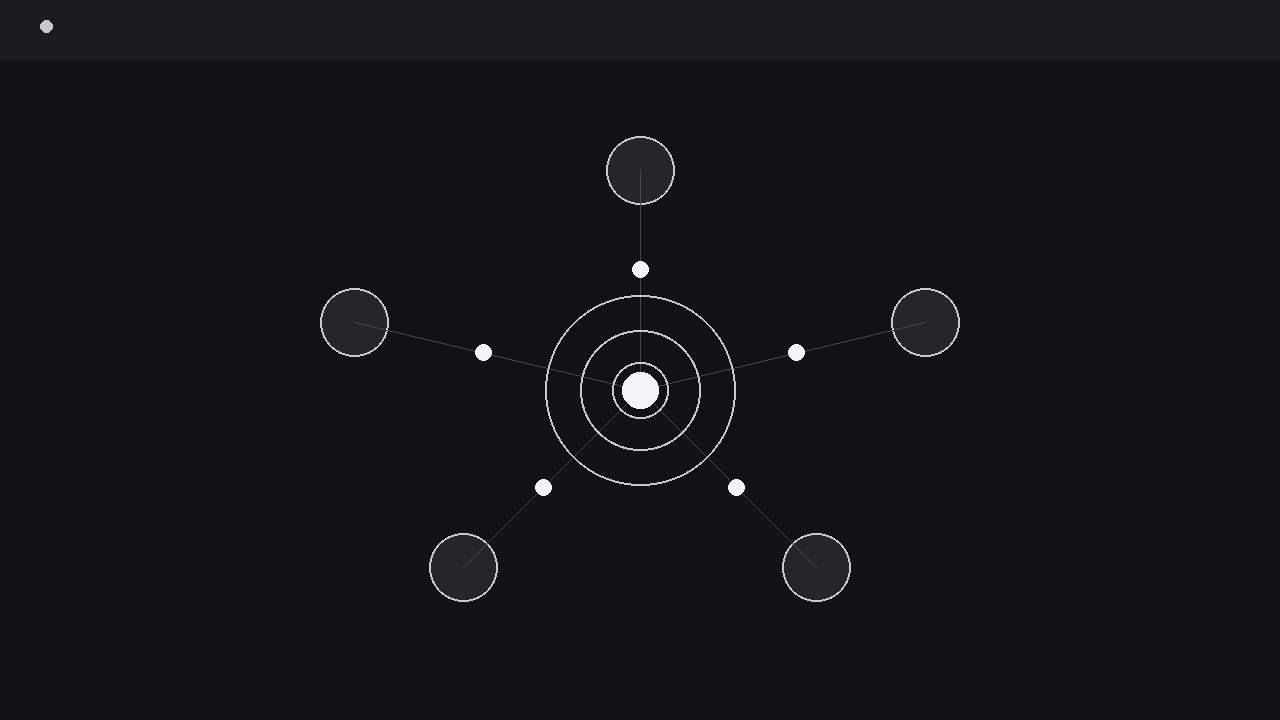
Place the inputs in a ring or arc around the centre, evenly spaced, each with its icon and a short label, all at equal visual weight — no input is pre-emphasised, because the point is that they combine. Leave the centre empty but visibly reserved: a faint outline, a dashed circle, or a dimmed result-shaped slot that reads as "something will appear here". The empty centre is a promise, and the audience watches it throughout the sequence. Keep the inputs at least 40 px from the frame edge at delivery size so none of them clips during motion, and keep the travel lanes (the spokes from each input to the centre) clear of labels and decorations. If the inputs have a natural order (steps 1–4), arrange them clockwise from the top in that order; if they are parallel, arrange them symmetrically so no order is implied. - Introduce the inputs one by one (input: staged frame → output: inputs established)
Bring the inputs in before any convergence: each fades or slides into its ring position over 200–250 ms, staggered by 100–150 ms in clockwise order, with its label appearing with it. This establishment beat matters — the audience cannot appreciate a merge of pieces it never saw separately. Give each input a brief moment of individual life: a small scale pulse (to 105%, 80 ms) as it lands, or a one-word role caption that appears and then tucks under the label. Once all inputs are in place, hold the full ring for a full second. That hold is the "before" picture, and the convergence only means something against it. Do not start converging while the last input is still arriving — overlapping the beats collapses the before/after into a blur. - Converge the inputs (input: established ring → output: inputs travelling to centre)
On a single beat — a narration cue, a button-press visual, or a one-frame flash of the centre outline — all inputs move toward the centre together. Travel time is 600–900 ms, with an ease-in curve: slow to leave, accelerating inward, as if pulled by the centre. All inputs must arrive in the same 100 ms window; staggered arrivals read as a queue, not a convergence. As they travel, each input shrinks to about 40% of its starting size and its label fades out, so the frame simplifies as it tightens — the eye follows the shrinking cluster, not six separate labels. Give each input a faint motion trail along its spoke so the paths stay readable even as the icons shrink. The moment before arrival, the centre outline brightens: the promise is about to be kept, and the brightening tells the viewer exactly where to look. - Merge and reveal the result (input: inputs at centre → output: single result)
The merge itself takes one beat: the shrunken inputs collapse into the centre point over 120–180 ms, with a single soft flash (a ring that expands once, or a brief brightness bloom) marking the instant of combination. Then the result appears — not by fading in from nothing, but by growing out of the merge point: scale from 60% to 100% over 250 ms with an ease-out curve, as if the combined inputs inflated into it. The result is one thing: a number, a verdict word, a single icon, a one-line answer — never a paragraph. Its label states what it is ("Your score: 78", "Decision: Launch") in type at least 1.5x the size of the input labels, because it is now the only thing in the frame. Hold the result alone for at least two seconds, centre frame, nothing else moving. If the result needs a sub-line (a unit, a date, a confidence note), it fades in below after the main result has held for one second, never at the same moment. - Verify the logic reads (input: finished sequence → output: verified export)
Watch muted at 1x speed and ask: could I name the inputs, and does the result feel earned rather than conjured? If the convergence feels like a magic trick, the usual fix is a longer establishment hold or labels that stay visible a beat longer during travel — the audience needs to see what went in to believe what came out. Check at phone scale: the shrunken inputs must remain visible (≥10 px) until the merge, and the result must be legible at arm's length. Do not loop the sequence — a loop that scatters the result back into inputs makes the conclusion look reversible. End on the held result, and let the editor cut away.
Vorschau der Startvorlage
Inputs Converge to One Result — Starter Template
Many pieces in, one answer out — and the audience must see both.
The result (one line)
{Example: "One recommended plan: Pro, billed annually."}
Inputs (2–6, each concrete enough to draw)
Logic check: does the result genuinely follow from these inputs together? {yes / no — if no, pick a different pattern}
Result display
Main result (one thing): {e.g. "Score: 78" / "Decision: Launch"} Sub-line (optional, fades in 1 s later): {e.g. "Based on Q3 data · Updated weekly"}
Staging
- Input arrangement: {ring / arc, clockwise from top / symmetric}
- Centre: {faint outline / dashed circle / dimmed result-shaped slot}
Das Skill-Paket selbst (SKILL.md + Vorlage) ist auf Englisch verfasst.


