Grid-Paper Beverage Brand Site
Eine Getränke-Website, die sich liest wie das Etikett: exakt, nicht blumig.
Verwandelt Ihre KI in einen Brand-Site-Ersteller für eine Getränkemarke — gestaltet eine einseitige Website in einem Datenblatt-System auf Millimeterpapier mit bemaßten Layouts, ehrlichen Datenblöcken und Sortenraster sowie Sortiment, Nährwertangaben und Händler-/Kaufpfad. Für Getränkemarken, deren Website sich lesen soll wie das Etikett: exakt, nicht blumig.
In 3 Schritten installieren
Keine Anmeldung. Keine CLI-Tools. Wählen Sie Ihre AI, kopieren Sie eine Zeile und fügen Sie sie ein.
Lieber selbst machen? Kaufen Sie den Skill ($4.99), laden Sie die ZIP-Datei aus Ihrer Kaufbestätigung herunter, entpacken Sie sie in das oben angezeigte Verzeichnis und starten Sie Ihre AI-Sitzung neu — gleiches Ergebnis. Haben Sie ihn schon gekauft? Ihr AI-Assistent kann ihn für Sie herunterladen.
Was ist enthalten
Eine SKILL.md (die Anleitung) + eine Startvorlage. Eine Vorschau:
Grid-Paper Beverage Brand Site
When to use
- You sell a drink (soda, seltzer, cold brew, kombucha, juice, energy) and your site is a generic shop template
- Your label already does the hard work — exact ingredients, real numbers — but your site hides it behind lifestyle copy
- A new flavor launch needs a page that shows the specs, not just a mood photo
- Stockists, buyers, and press keep asking for the same facts (ingredients, nutrition, pack sizes, MOQs) and there is no single page to send them
- You need a single-page brand site a small team can maintain without a developer
Workflow
- Collect the spec sheet (input: labels, nutrition panels, price lists → output: spec brief)
Gather the exact facts for every flavor: full ingredient list as printed on the label, nutrition facts per serving, pack sizes and case counts, prices, allergen and dietary notes (vegan, gluten-free, caffeine content), and stockist/wholesale terms if you sell B2B. Copy numbers from the label, never from memory — a site that disagrees with the label by one gram is a site nobody trusts. If a fact is not on the label and not verified, it does not go on the page. - Structure the page (input: spec brief → output: section outline)
Order the page like a spec sheet a buyer can scan: hero (one drink, one promise, one buy button) → flavor grid (every flavor, one cell each) → the spec block (ingredients + nutrition, per flavor, expandable) → how it's made (process in 3–4 measured steps) → buy/stockist path (retail buy + wholesale enquiry, kept separate) → FAQ (caffeine, storage, shelf life, shipping) → final buy block. Every section answers the next question a buyer or stockist would ask; lifestyle copy earns its place only if it carries a fact. - Design the grid-paper system (input: outline → output: styled page)
Build a disciplined graph-paper system: white background with a faint grid, thin ruled lines separating every block, monospace or tabular numerals for every number, one ink color for text, one accent for the single buy action. Flavor cells sit on the grid like samples pinned to a sheet — aligned, measured, evenly spaced. Numbers line up in columns; nothing is centered "for balance" at the cost of scannability. The grid is the brand: precise, honest, a little technical. - Write the flavor cells (input: spec brief → output: flavor grid)
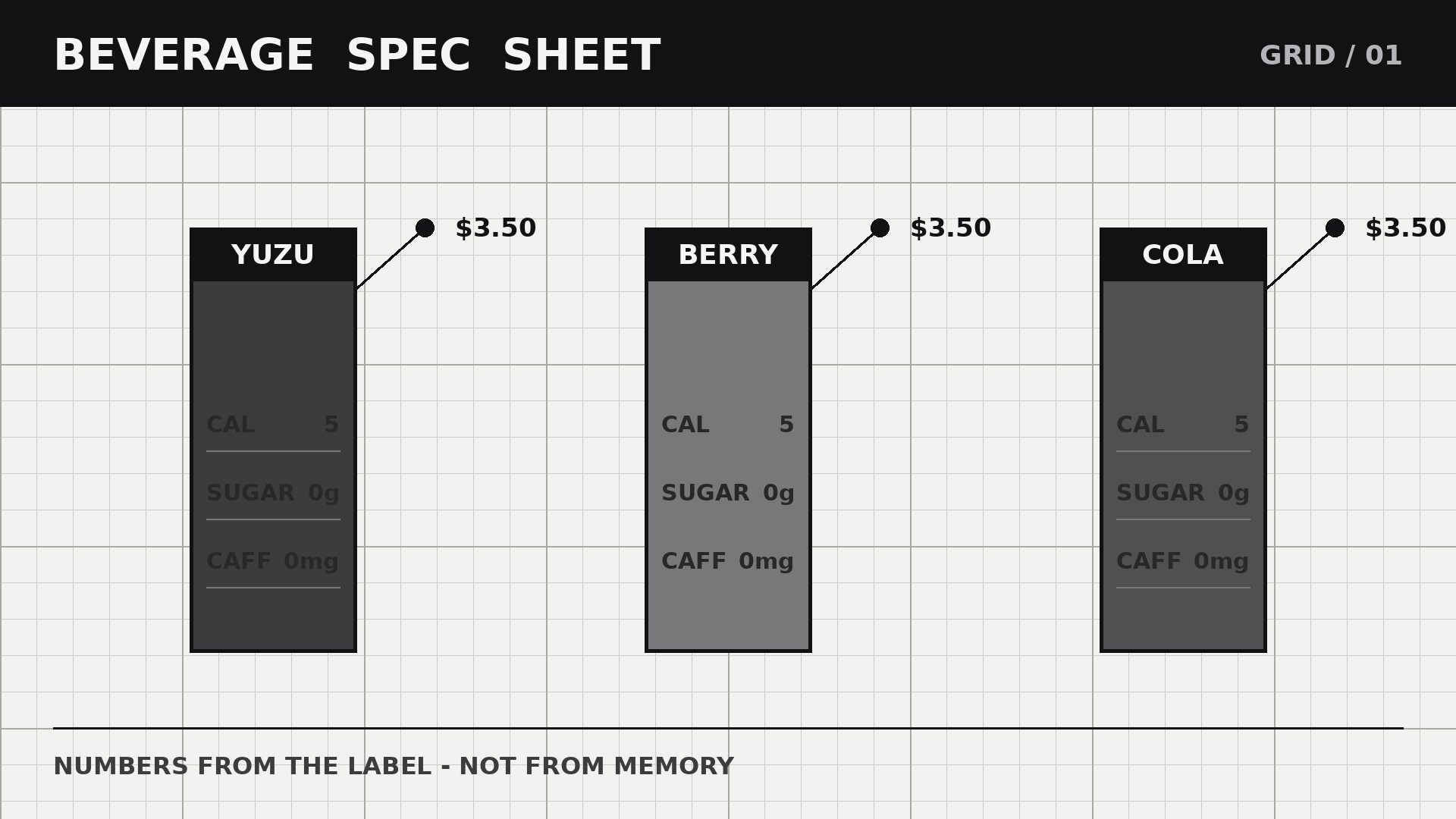
Each flavor gets one grid cell: name, a plain-language taste line ("tart yuzu, light fizz, dry finish"), key numbers (calories, sugar, caffeine per serving), price, and a buy button. No health claims you cannot back up — "5g sugar per can" is a fact, "guilt-free energy" is not. If a flavor contains caffeine, allergens, or anything age-restricted, that fact is in the cell, not buried in a footnote. Expandable spec blocks under the grid carry the full ingredient list and nutrition panel per flavor. - Ship the buy and stockist paths and check them (input: styled page → output: live site + path tests)
Wire retail buy buttons to the real checkout and wholesale enquiries to a real form or contact — never mix the two paths on one button. State shipping areas, minimums, and subscription terms (if any) next to the button. Then walk both paths on a phone: buy a case as a customer, and send a wholesale enquiry as a stockist. Check the grid renders cleanly on a small screen (grid lines stay faint, numbers stay aligned), prices match checkout, and the FAQ answers match reality.
Vorschau der Startvorlage
Grid-Paper Beverage Brand Site — Site Template
The label is the source of truth. Copy numbers from the label, never from memory.
Brand: {name} — {one-line promise}
Pack sizes: {e.g. 330ml cans, 12 per case} | Shipping areas: {areas} | Minimum order: {n}
Flavor grid (one cell per flavor)
Spec block (per flavor — copied from the label)
{Flavor}:
- Ingredients: {full list as printed on the label}
- Nutrition per serving ({serving size}): {panel copied from the label}
- Dietary notes: {vegan / gluten-free / ... — only if on the label}
- Source check: [ ] matches the printed label
Page outline
Das Skill-Paket selbst (SKILL.md + Vorlage) ist auf Englisch verfasst.


