Focus Bars
Jeder Balken wächst — dann übernimmt einer das Rampenlicht.
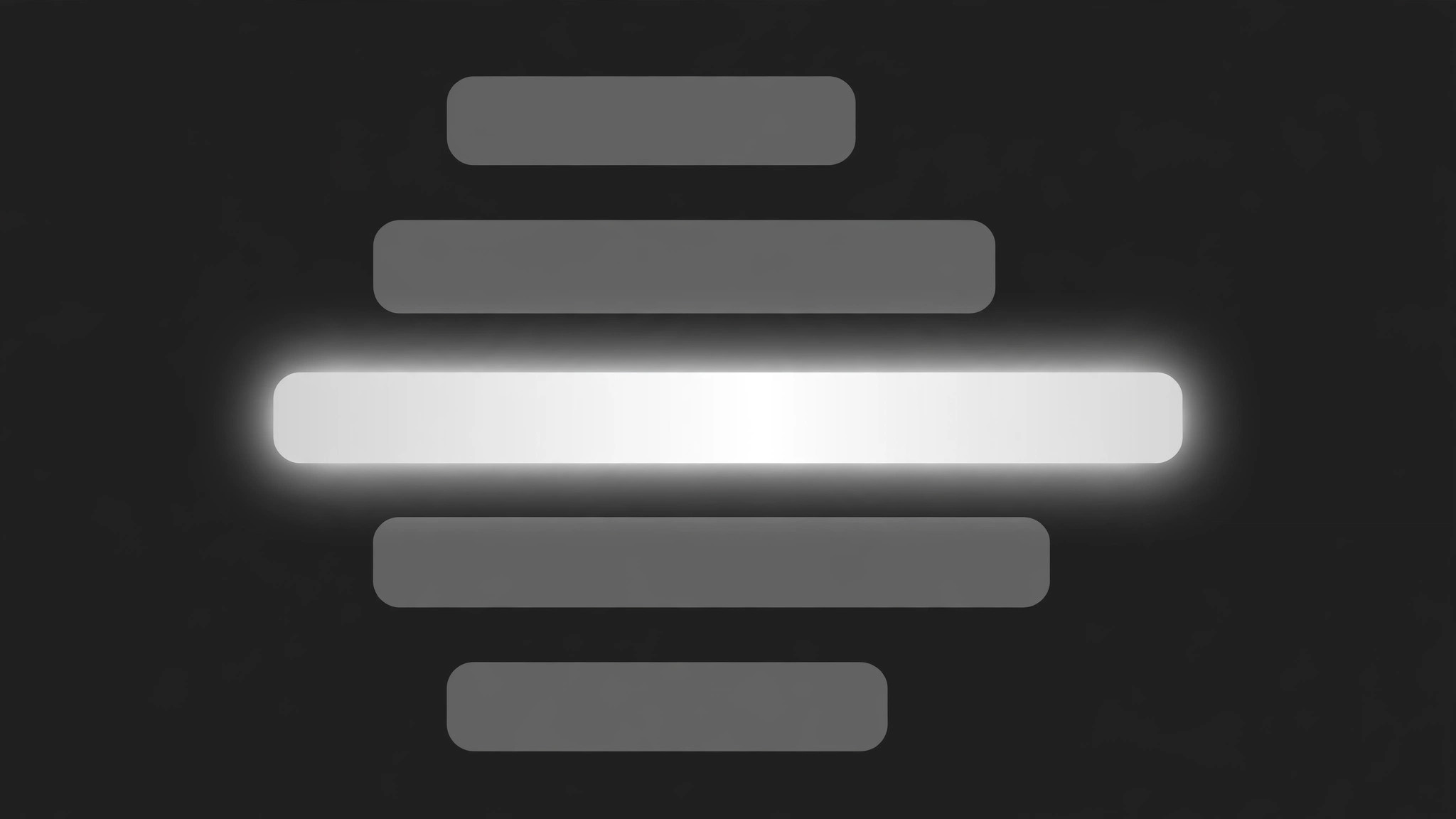
Eine Reihe horizontaler Balken wächst gemeinsam auf ihre Werte, dann dehnt sich ein Fokus-Balken auf volle Breite und volle Helligkeit aus, während die übrigen schrumpfen und abdimmen. Gebaut für Ranglisten, Umfrageergebnisse und Vergleiche, bei denen ein Eintrag das Rampenlicht verdient.
In 3 Schritten installieren
Keine Anmeldung. Keine CLI-Tools. Wählen Sie Ihre AI, kopieren Sie eine Zeile und fügen Sie sie ein.
Lieber selbst machen? Kaufen Sie den Skill ($4.99), laden Sie die ZIP-Datei aus Ihrer Kaufbestätigung herunter, entpacken Sie sie in das oben angezeigte Verzeichnis und starten Sie Ihre AI-Sitzung neu — gleiches Ergebnis. Haben Sie ihn schon gekauft? Ihr AI-Assistent kann ihn für Sie herunterladen.
Was ist enthalten
Eine SKILL.md (die Anleitung) + eine Startvorlage. Eine Vorschau:
Focus Bars
When to use
- A ranked list or poll result needs to spotlight the winner without hiding the rest
- A comparison video shows several options' results, budgets, or votes, then focuses on one
- A data story walks through categories (spending, screen time, survey answers) and pauses on the biggest
- A product video compares battery life, price, or speed across models and highlights the leader
- A recap video revisits a set of numbers and picks one out for a closer look
- You have 3–6 bars of comparable data and one bar the audience should remember
Workflow
- Pick the bars and the focus bar (input: your data → output: bar list)
List 3–6 bars: each with a short label (≤4 words) and a value that sets its length (a number, a percentage, a rating). One bar is the focus bar — the one the sequence spotlights. The focus bar must earn it: the highest value, the winner, the surprising result. If no bar stands out, this pattern is the wrong choice — a focus effect with nothing to focus on is just decoration. Order the bars by value (largest first) or by story order, and decide before animating: reordering mid-sequence looks like the data changed. - Lay out the bars (input: bar list → output: layout)
Horizontal bars, stacked with equal gaps (16–24px), labels left-aligned above or beside each bar, values at the bar's end. All bars share one track: a faint full-width background track in grey at 15% opacity, so even a short bar reads against the same scale. Bar height 24–36px, corner radius 4–6px. The focus bar uses the accent colour; the rest use a single neutral (grey or muted silver). Never colour each bar differently — rainbow bars make the focus bar's colour meaningless. - Grow all bars together (input: layout → output: growth keyframes)
All bars grow from 0 to their values together: width 0 → value over 700ms, ease-out, staggered 60ms apart top to bottom. The track fades in first over 200ms so the bars have something to grow along. Values count up in step with the bars (0 → final value over the same 700ms). Hold the full set for 600ms so the viewer reads the whole picture before the focus move — the focus only means something after the comparison exists. - Focus one bar (input: growth keyframes → output: focus move)
The focus move has three coordinated parts over 500ms, ease-in-out: (a) the focus bar expands to 100% of the track width — even if its value is not the maximum, it fills the track to claim the frame (its value label stays truthful; the expansion is emphasis, and the label must say so if the bar is not the longest); (b) the focus bar brightens to full accent saturation and gains a soft glow or a 2px accent border; (c) every other bar shrinks to 55% of its grown width and dims to 35% opacity, and their labels dim with them. The bars never change order and never disappear — dimmed, not deleted, so the comparison stays visible behind the focus. - Add the focus label (input: focus move → output: annotation)
As the focus bar expands, a short annotation appears above or beside it: 3–7 words explaining why this bar matters ("Highest in 5 years", "The one to beat"). The annotation fades + slides 6px in over 250ms, starting 150ms into the focus move, in the accent colour. One annotation only — annotating the dimmed bars defeats the focus. If the focus bar is not the longest, the annotation must carry the reason ("Not the biggest — the fastest-growing") so the expansion never misleads. - Release or hold (input: annotation → output: finished motion)
Two endings, chosen in advance: (a) hold the focused state for ≥1.2s, then cut to the next scene — the focused bar is the last image; or (b) release: over 400ms the dimmed bars return to full width and opacity, the focus bar returns to its true value width, and the annotation fades — the full comparison restored for the next point. Never release halfway (bars at 75% with labels half-dimmed) and never leave the focus state lingering while the narration moves on — a focused bar during an unrelated sentence claims attention the words do not support.
Vorschau der Startvorlage
Focus Bars — Starter Template
Fill in every {placeholder}. One focus bar only — two spotlights is no spotlight.
Bars
- Bar count: {3–6} · Order: {by_value_largest_first | story_order} — fixed before animating
- Why the focus bar earns it: {highest_value | winner | surprising_result}
- Is the focus bar the longest? {yes / no — if no, the annotation must say why it still matters}
Layout
- Bar height: {24–36px} · Gap between bars: {16–24px} · Corner radius: {4–6px}
- Track: full-width, grey at {15%} opacity, visible behind every bar
- Focus bar colour: {accent_hex} · Other bars: {one_neutral — grey or muted silver}
Das Skill-Paket selbst (SKILL.md + Vorlage) ist auf Englisch verfasst.


