Decompose and Scan
Zerlegen Sie es, scannen Sie es, benennen Sie jedes Teil.
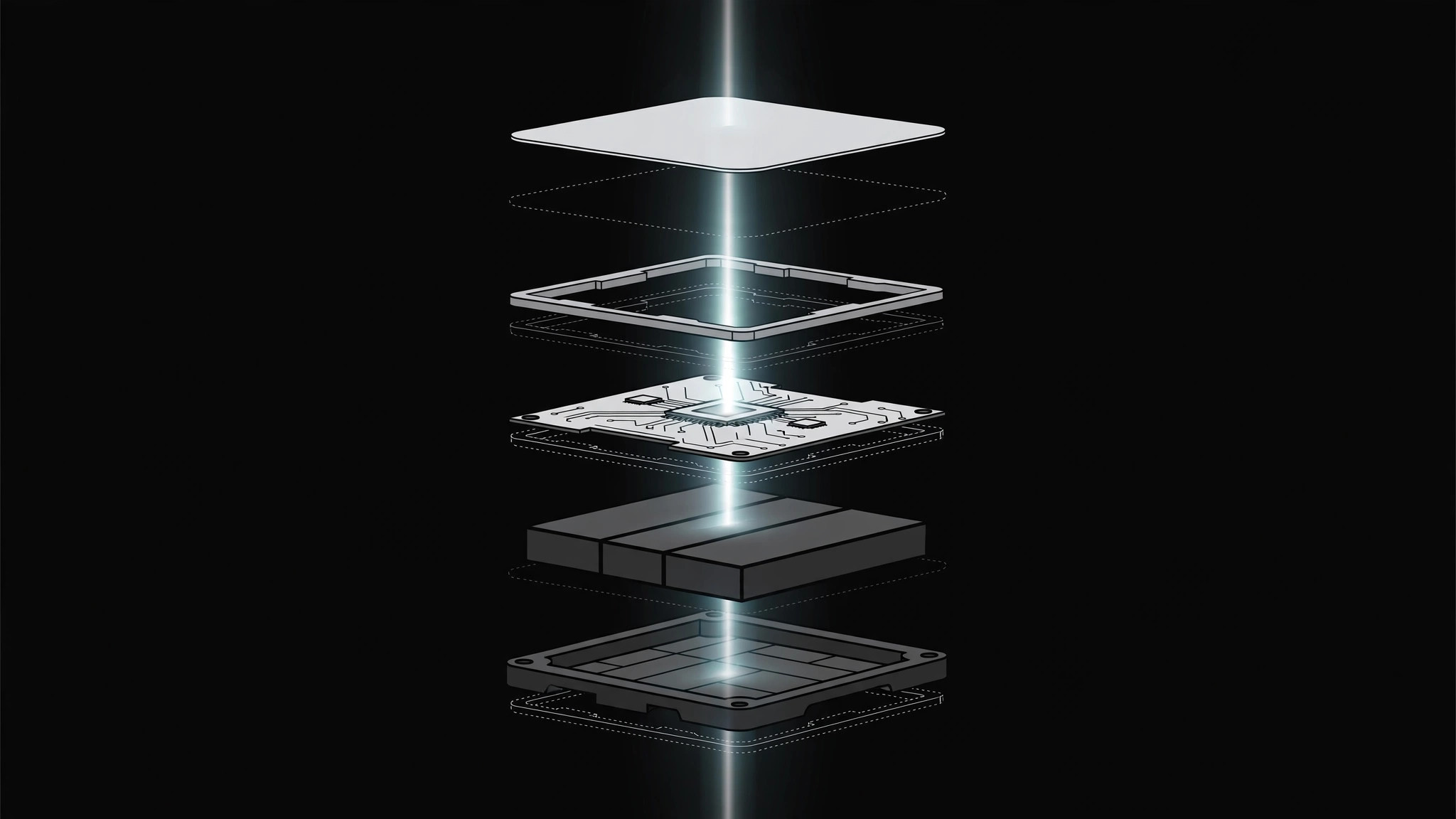
Zerlegt ein Objekt oder System in versetzter Explosionsansicht in seine Teile und fährt dann mit einer Scan-Linie darüber, sodass jedes Teil der Reihe nach beschriftet wird. Endet mit vollständigem Wiederzusammenbau oder einem sauberen Verweilen auf der Explosionsansicht.
In 3 Schritten installieren
Keine Anmeldung. Keine CLI-Tools. Wählen Sie Ihre AI, kopieren Sie eine Zeile und fügen Sie sie ein.
Lieber selbst machen? Kaufen Sie den Skill ($4.99), laden Sie die ZIP-Datei aus Ihrer Kaufbestätigung herunter, entpacken Sie sie in das oben angezeigte Verzeichnis und starten Sie Ihre AI-Sitzung neu — gleiches Ergebnis. Haben Sie ihn schon gekauft? Ihr AI-Assistent kann ihn für Sie herunterladen.
Was ist enthalten
Eine SKILL.md (die Anleitung) + eine Startvorlage. Eine Vorschau:
Decompose and Scan
When to use
- An explainer must show what a product, system, or concept is made of — and a static exploded view gets skimmed past
- A teardown-style segment names parts one by one (a device, a workflow, a budget) and viewers need to track which part is which
- A diagram is too dense: breaking it apart and scanning it is the only way each layer gets seen
- A reveal needs a "let's look inside" beat before the parts come back together
Workflow
- Define the parts (input: your object/system → output: part list, 3–7 parts)
List the parts in the order they will be scanned — left to right, top to bottom, or outside-in. Give each part a 1–3 word name and one line of function ("housing — protects the internals"). If you have more than 7 parts, group the minor ones into a single "assembly" part; the scan should feel like a tour, not an inventory. - Decompose (input: whole object → output: exploded layout)
Animate the object breaking apart along one axis at a time (vertical first, then horizontal if needed). Each part drifts outward from its assembled position with a staggered start (0.08–0.12s between parts) and ease-out over ~0.5s. Parts keep their relative orientation — nothing rotates unless the rotation itself shows how parts fit. End with clear gaps between parts and faint connector lines or ghost outlines showing where each part came from. - Scan (input: exploded layout → output: scan pass)
A scan line (thin bright bar, or a soft highlight band) sweeps across the parts in list order at a steady pace — this is the one moment constant speed is correct, because the scan is a measuring instrument, not a character. As the line reaches each part, that part brightens to full opacity and its label fades in; parts the scan has passed settle to ~70% opacity so the current part stays the focus. Scan duration: ~0.6s per part. - Hold and name (input: scan pass → output: labeled exploded view)
After the scan completes, hold the fully labeled exploded view for 1.5–2.5s so viewers can re-read it. Labels sit in a consistent position per part (above or beside, never overlapping another part). If a part needs more than a name, its one-line function appears in a fixed caption zone, not crammed next to the part. - Reassemble or exit (input: labeled view → output: finished motion)
Choose one ending and commit: reassemble (parts glide back in reverse stagger, ease-in-out, ~0.6s total, landing exactly on the original silhouette — a satisfying "it all fits" beat) or exit on the exploded view (scan line fades, labels stay, cut to next scene). Never half-reassemble — parts drifting vaguely inward reads as a mistake.
Output spec
Vorschau der Startvorlage
Decompose and Scan — Motion Brief Template
Break it apart, scan it, name every part. Fill this in before keyframing.
Object / system: {what gets decomposed}
Scan direction: {left → right / top → bottom / outside → in} | Total parts: {3–7}
Part list (in scan order)
Grouping note: minor parts grouped into "{assembly}" because {reason}.
Decompose
- Axis order: {vertical first, then horizontal / single axis: ___}
- Stagger: {0.08–0.12}s between parts | Drift duration: {~0.5}s, ease-out
- Rotation: {none / {part} rotates {angle} to show fit}
- Origin traces: {ghost outlines / faint connector lines} — on
Scan
Das Skill-Paket selbst (SKILL.md + Vorlage) ist auf Englisch verfasst.


