Copy Card Correction
Sehen Sie zu, wie schwacher Text repariert wird — eine Korrektur nach der anderen.
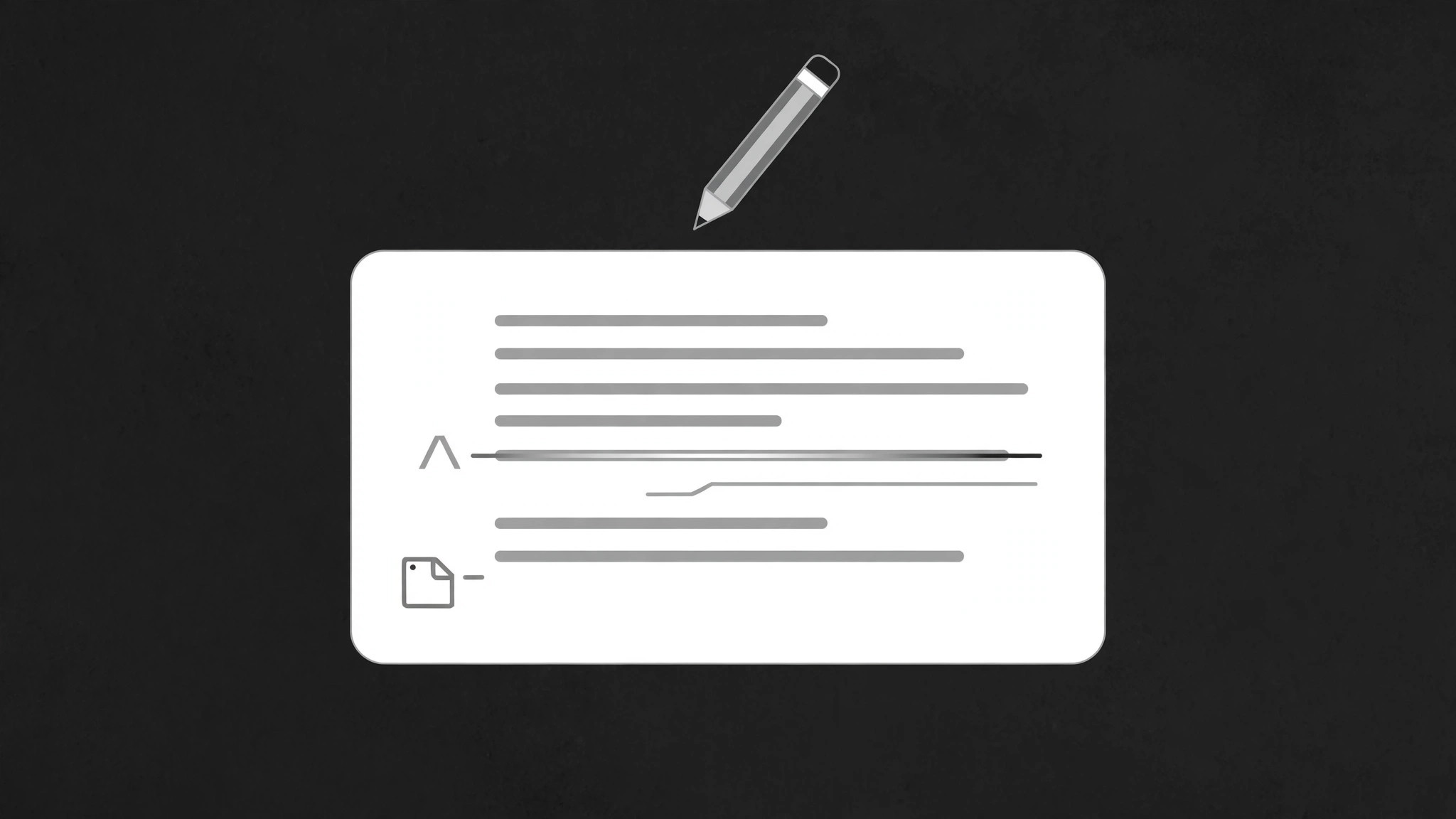
Eine Textkarte mit Fehlern wird live auf dem Bildschirm korrigiert: falsche Wörter werden durchgestrichen, Ersatz gleitet herein, und Randnotizen zeigen exakt, was sich geändert hat und warum — Editieren als sichtbare Lektion.
In 3 Schritten installieren
Keine Anmeldung. Keine CLI-Tools. Wählen Sie Ihre AI, kopieren Sie eine Zeile und fügen Sie sie ein.
Lieber selbst machen? Kaufen Sie den Skill ($4.99), laden Sie die ZIP-Datei aus Ihrer Kaufbestätigung herunter, entpacken Sie sie in das oben angezeigte Verzeichnis und starten Sie Ihre AI-Sitzung neu — gleiches Ergebnis. Haben Sie ihn schon gekauft? Ihr AI-Assistent kann ihn für Sie herunterladen.
Was ist enthalten
Eine SKILL.md (die Anleitung) + eine Startvorlage. Eine Vorschau:
Copy Card Correction
When to use
- A writing or editing lesson needs to show a draft becoming a better draft, live
- A copywriting video must prove that small word changes change the meaning
- A proofreading demo needs to show what an editor actually notices and fixes
- A before-and-after needs the audience to see each individual fix, not just the finished version
- A brand or style-guide video must demonstrate a rule by correcting a violation on screen
- You have one card of copy with 3–6 fixable problems and want the audience to learn the pattern behind the fixes
Workflow
- Write the flawed card (input: your draft copy → output: flawed card)
Start with the card as it would appear uncorrected: headline, 2–4 lines of body copy, maybe a call to action. Plant or keep 3–6 genuine problems — a vague word, a passive construction, a wrong number, a spelling slip, a jargon pile-up. Each problem must be a real fix, not a staged typo: the audience learns from the reasoning, and a fake error teaches nothing. Mark each problem's span (the exact words to be replaced) and write the replacement plus a 3–6 word reason ("specific beats vague", "active voice"). - Design the card layout (input: flawed card → output: layout)
The card sits centre-screen, generous padding, body text at a size readable on a phone (at least 5% of frame height per line). Leave a margin on the right or below for annotation marks — the correction notes must not overlap the copy. Problem spans get a subtle underline or highlight in a warm accent at rest (before correction), so the audience can sense "something is off here" without being told. The replacement text and the annotation marks stay hidden until their turn. - Choreograph the correction sequence (input: layout → output: timing map)
Total duration 5–8 seconds for 3–6 fixes. Fix one problem at a time, in reading order (top to bottom), 900ms–1.3s per fix, with a 200ms pause between fixes so each one registers. Never correct two spans at once — the audience must be able to say "that word changed because of that reason" for every fix. Order matters: fix the headline problem first if there is one (it frames the rest), otherwise follow reading order strictly. - Set keyframes for strike, replace, annotate (input: timing map → output: keyframe spec)
Each fix plays in three beats. Beat 1 — strike: a line draws through the old span left to right over 250ms (ease-out), and the old words fade to 45% opacity. Beat 2 — replace: the new words slide up 6px and fade in (opacity 0 → 1 over 300ms, ease-out) directly above or in place of the struck span, while the old words shrink to 90% and grey out. Beat 3 — annotate: a small mark (a caret, an asterisk, or a numbered dot) pops in at the margin (scale 0 → 1.2 → 1.0 over 200ms, ease-out back) with the 3–6 word reason fading in beside it. The corrected span gets a brief green or accent flash (background opacity 0.25 → 0 over 400ms) to confirm "this one is done". - Land the clean card (input: keyframe spec → output: finished motion)
After the last fix, pause 400ms, then the struck-through old words and the annotation marks fade out together over 400ms, leaving only the clean corrected card. Hold the clean card at least 1.2 seconds — the audience needs to read the finished version as a whole. Optional: a final line beneath the card summarises the lesson ("Specific verbs. Active voice. No jargon.") fading in over 300ms. If the video continues to another example, the card slides out left over 350ms and the next flawed card slides in from the right. - Check the lesson reads at full speed (input: finished motion → output: verified animation)
Watch at real speed: can you read every old span, every replacement, and every reason without pausing? If a fix flashes past, slow that fix's beats or shorten its text. Check the final clean card alone: does it read as good copy with no leftover marks? Any lingering strikethrough or annotation means the cleanup fade was skipped. Check that the reasons are genuinely explanatory — a reason of "better" explains nothing and must be rewritten.
Vorschau der Startvorlage
Copy Card Correction — Starter Template
Fill in every {placeholder}. One fix at a time, in reading order. Reasons must be real rules, not "better".
Flawed card
- Headline: {flawed headline}
- Body:
{line 1}
{line 2}
{line 3}
{line 4 (optional)} - Call to action (optional): {flawed CTA}
Fix list (3–6, reading order)
- Headline fix first if one exists: [ ] yes / [ ] n/a
Layout
- Card: {centre-screen, padding} · Body text size: {≥5% of frame height per line}
- Annotation margin: {right / below} · Pre-highlight on problem spans: {subtle warm underline}
- Replacements + annotations hidden until their turn: [ ]
Timing map
Das Skill-Paket selbst (SKILL.md + Vorlage) ist auf Englisch verfasst.


