Composition Strip
Gleiten Sie durch Bildausschnitte — und landen Sie auf dem Treffer.
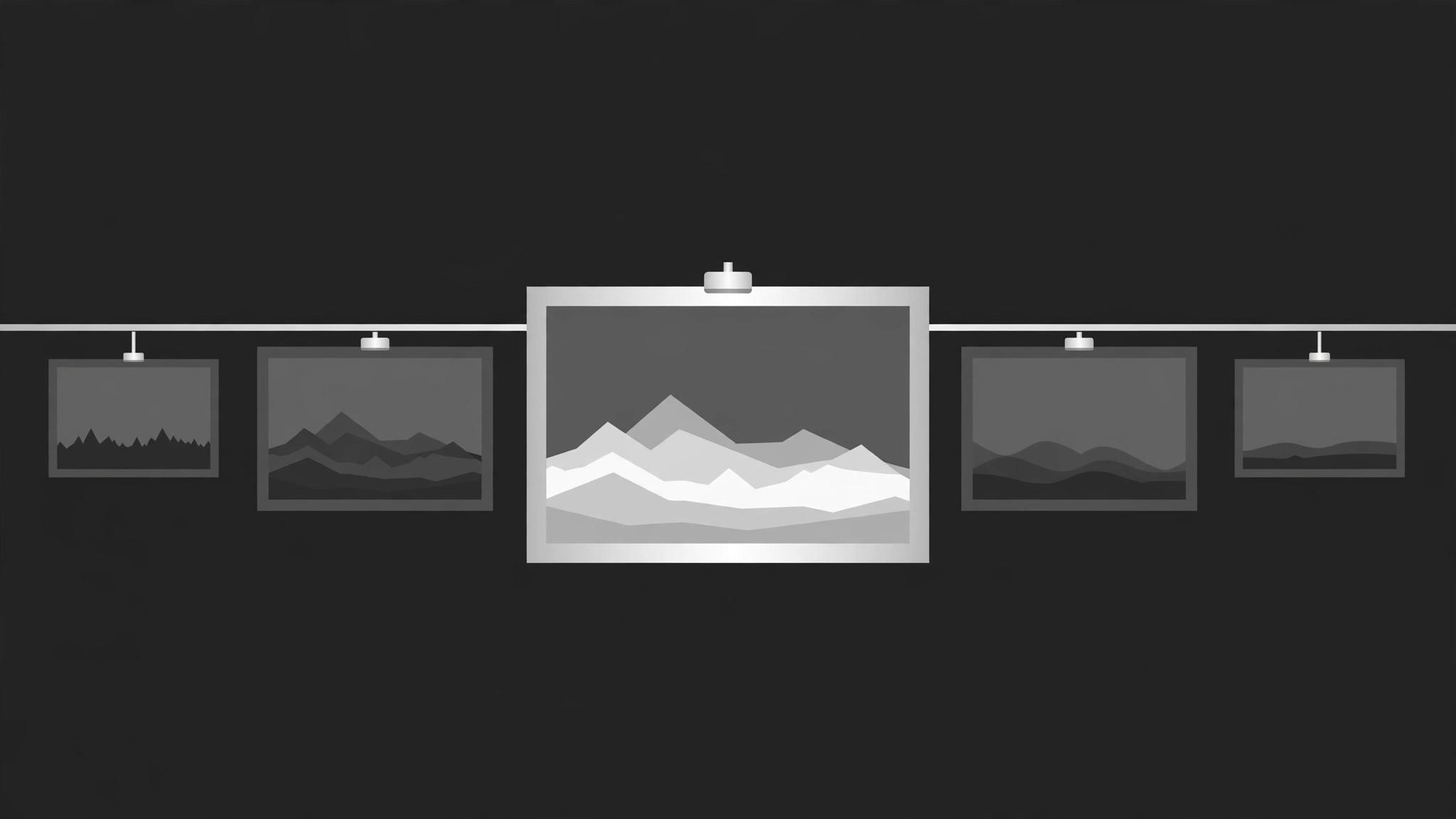
Ein horizontaler Streifen aus Kompositions-Thumbnails, der gleitet, sich scrubben lässt und auf dem Gewinner-Bild zur Ruhe kommt — damit Ihr Publikum sieht, wie eine Aufnahme komponiert ist, bevor sie Vollbild geht.
In 3 Schritten installieren
Keine Anmeldung. Keine CLI-Tools. Wählen Sie Ihre AI, kopieren Sie eine Zeile und fügen Sie sie ein.
Lieber selbst machen? Kaufen Sie den Skill ($4.99), laden Sie die ZIP-Datei aus Ihrer Kaufbestätigung herunter, entpacken Sie sie in das oben angezeigte Verzeichnis und starten Sie Ihre AI-Sitzung neu — gleiches Ergebnis. Haben Sie ihn schon gekauft? Ihr AI-Assistent kann ihn für Sie herunterladen.
Was ist enthalten
Eine SKILL.md (die Anleitung) + eine Startvorlage. Eine Vorschau:
Composition Strip
When to use
- A video essay or tutorial needs to show several framings of the same shot side by side
- A design critique must compare compositions — rule of thirds, centring, negative space — without cutting away
- A photography or film breakdown wants the audience to feel the difference between a near-miss frame and the keeper
- A portfolio reel needs a fast, elegant way to flip through alternate crops of one image
- A before-and-after needs to show the original framing, the adjusted framing, and the final frame in one continuous move
- You have 3–8 frames of the same subject and want the viewer to pick the winner with you
Workflow
- Pick the frames and order them (input: your shots or crops → output: strip sequence)
Choose 3–8 frames of the same subject: the frames you actually considered, not random filler. Order them deliberately — worst-to-best for a reveal, or chronological for a process story. Each frame gets a one-line label ("Centred — static", "Thirds — breathing room") and an aspect ratio; keep all frames the same aspect so the strip reads as one object. The final frame in the strip is the keeper — the one the strip will settle on. - Design the strip layout (input: strip sequence → output: layout)
The strip is a horizontal row of equal-height thumbnails, edge to edge, with a 4–8px gap between frames. It sits centre-screen at 55–70% of frame height, with a thin baseline or rail beneath it so the strip feels like a physical object sliding on a track. One frame at a time is "active": larger, full-brightness, sharp. The rest sit at 55–65% brightness and slightly desaturated, so the eye knows where to look. Leave generous empty space above and below the strip — the strip needs room to breathe. - Choreograph the slide and scrub (input: layout → output: timing map)
Total duration 4–7 seconds for the full pass. The strip slides laterally so each frame takes its turn in the active slot: 350–450ms per slide, with a 150–250ms hold on each frame so the viewer can actually read the composition. Easing: ease-in-out cubic (cubic-bezier(0.65, 0, 0.35, 1)) — the strip should glide and settle, never lurch. For a scrub variant, the strip moves continuously under a fixed playhead at 1 frame per 300ms with no holds, then eases to a stop on the keeper. - Set keyframes for the active frame (input: timing map → output: keyframe spec)
Active-frame keyframes: on entering the active slot, scale 0.94 → 1.0 and brightness 60% → 100% over 250ms with ease-out; on leaving, scale 1.0 → 0.94 and brightness 100% → 60% over 200ms. Add a 2px accent outline that fades in on the active frame (opacity 0 → 1 over 150ms) and a label that slides up 8px and fades in beneath it. The strip itself moves by translateX in exact frame-width-plus-gap steps, so each frame lands dead-centre in the active slot — no half-frame drift. - Land on the keeper (input: keyframe spec → output: finished motion)
The final slide is the slowest: 500–600ms, ease-out, landing on the keeper with a subtle scale settle (1.0 → 1.03 → 1.0 over 250ms). The keeper's label stays up, the other frames dim a further 10%, and a small "keeper" marker (a dot, a corner tick, or the word itself) fades in. Then the keeper expands to full screen over 500ms (scale up, other frames fading out, strip rail dissolving) — the strip was the selection, the full frame is the payoff. Hold the full frame at least 1 second before cutting. - Check readability at full speed (input: finished motion → output: verified animation)
Watch at real speed on a phone-sized screen: can you tell the frames apart, read each label during its hold, and spot the keeper the moment it lands? If two frames look identical at strip size, swap one out or zoom the crops apart. Check the strip movement: does it glide in whole-frame steps, or does it stutter? Any stutter means the translateX step math is off — recheck frame width plus gap.
Vorschau der Startvorlage
Composition Strip — Starter Template
Fill in every {placeholder}. All frames: same subject, same aspect ratio, keeper last.
Strip sequence
- Frame count: {3–8} · Keeper: position {last} — {keeper label}
- Ordering logic: {worst-to-best / chronological / other}
Layout
- Strip height: {55–70%} of frame · Gap between frames: {4–8px}
- Rail beneath strip: {thin baseline, colour}
- Active frame: brightness {100%}, scale {1.0}, outline {2px accent}
- Inactive frames: brightness {55–65%}, slightly desaturated
- Label placement: {beneath active frame, slides up 8px}
Timing map
- Total duration: {4–7s}
- Per slide: {350–450ms} · Hold per frame: {150–250ms}
Das Skill-Paket selbst (SKILL.md + Vorlage) ist auf Englisch verfasst.


