Complete Motion Effects Library
Jede Bewegung, die Ihre Videos brauchen — katalogisiert und griffbereit.
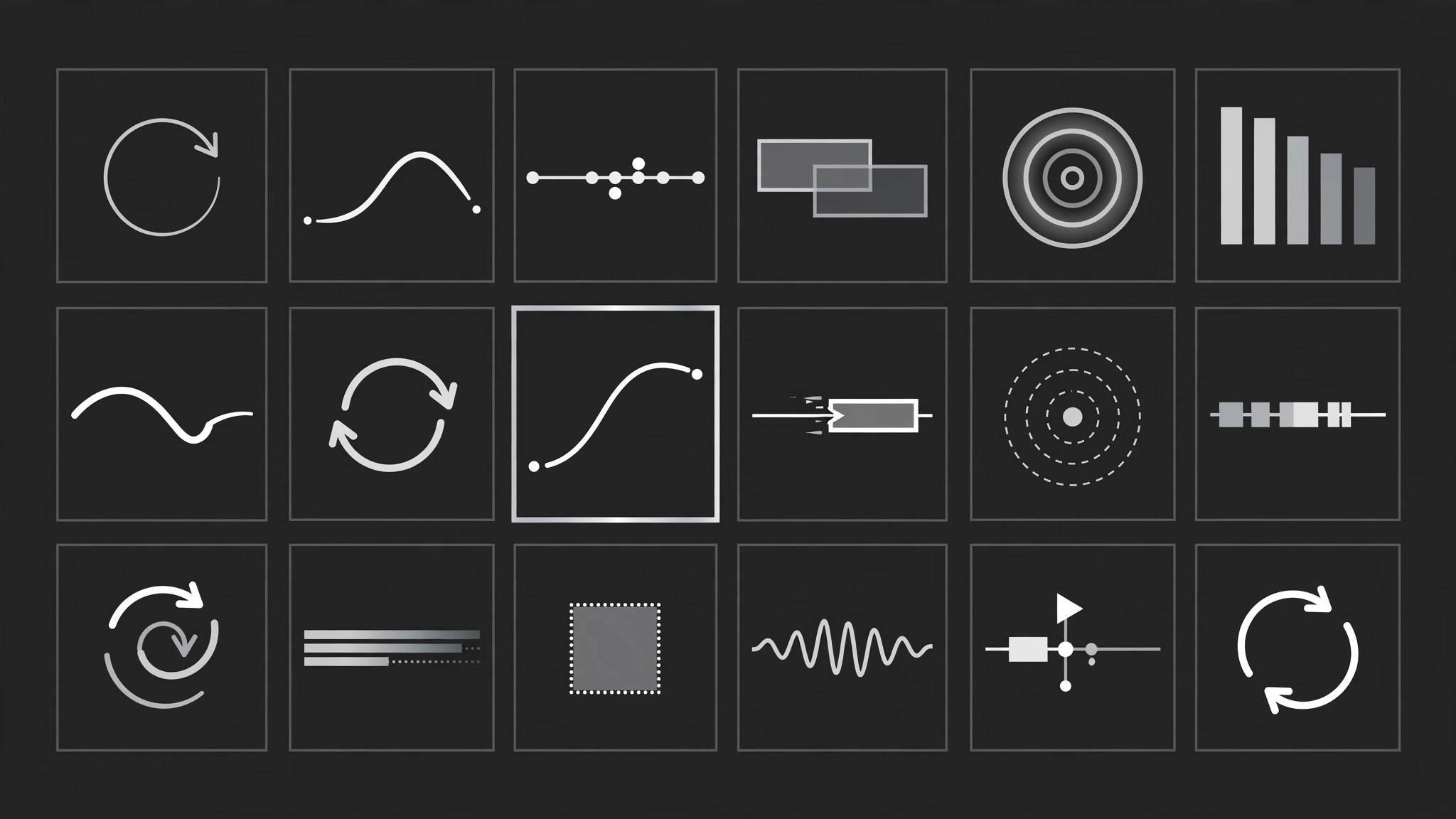
Erstellt eine vollständige, durchsuchbare Bibliothek von Bewegungseffekten für Ihre Videos und Decks — fünf Familien, ein Timing-System, eine Spezifikationskarte pro Effekt — plus eine Auswahlhilfe, die jeden Moment Ihres Skripts dem passenden Effekt zuordnet.
In 3 Schritten installieren
Keine Anmeldung. Keine CLI-Tools. Wählen Sie Ihre AI, kopieren Sie eine Zeile und fügen Sie sie ein.
Lieber selbst machen? Kaufen Sie den Skill ($4.99), laden Sie die ZIP-Datei aus Ihrer Kaufbestätigung herunter, entpacken Sie sie in das oben angezeigte Verzeichnis und starten Sie Ihre AI-Sitzung neu — gleiches Ergebnis. Haben Sie ihn schon gekauft? Ihr AI-Assistent kann ihn für Sie herunterladen.
Was ist enthalten
Eine SKILL.md (die Anleitung) + eine Startvorlage. Eine Vorschau:
Complete Motion Effects Library
When to use
- You make videos or animated decks regularly and every project starts from a blank timeline
- Different editors on the same team animate the same kind of moment five different ways
- A script has a dozen moments that each need motion, and you want a deliberate pick for each instead of defaulting to the same transition
- You are building a template pack or brand kit and need the motion side documented like the colour and type side
- A client keeps asking "can it move like that other video" and you need a shared vocabulary to answer precisely
- You want to audit an existing video and name exactly which effects it uses and where the timing goes inconsistent
Workflow
- Inventory the moments (input: your script or finished video → output: moment list)
Go through the script or timeline and list every moment that moves or should move: entrances, emphasis beats, transitions between sections, data reveals, exits. One line per moment: timestamp, what is on screen, what the motion must accomplish (reveal, compare, emphasise, connect). Do not pick effects yet — a good library starts from needs, not from a catalogue of flashy moves. - Sort moments into five families (input: moment list → output: family map)
Assign every moment to exactly one family: Entrance (something arrives), Emphasis (something already on screen gets attention), Transition (the viewer moves from one idea to the next), Data (a number, chart, or comparison changes), Exit (something leaves). If a moment fits two families, split it into two beats — one effect per beat keeps the library clean and the timeline readable. Count per family; a library with 14 transitions and 1 data effect is telling you where your gaps are. - Define the house timing system (input: family map → output: timing rules)
Set one timing system the whole library obeys: a base unit (e.g. 200ms), three speeds (quick = 1 unit, standard = 2 units, slow = 3–4 units), and one easing family (e.g. ease-out cubic cubic-bezier(0.22, 1, 0.36, 1) for entrances, ease-in-out for transitions). Cap simultaneous moving elements at three — more than that reads as chaos, not energy. Write the rules down; the library is only a library if every entry follows them. - Write one spec card per effect (input: timing rules → output: spec cards)
Every effect gets the same spec card: name, family, purpose in one line, what it moves (element + property: position, scale, opacity, rotation, mask), keyframes with percentages, duration in timing units, easing, sound cue if any, and a "use when / never when" line. Aim for 4–8 effects per family — enough to choose from, few enough to remember. Include at least one restrained option per family (a simple fade, a plain cut, a static hold), because the library must let you choose restraint, not just spectacle. - Run the chooser (input: moment list + spec cards → output: effect assignments)
For each moment, ask in order: what must the viewer understand here? Which family answers that? Which effect in that family fits the tone (playful, serious, urgent)? Is this moment more or less important than its neighbours — save the biggest motion for the biggest beat. Record the pick next to the moment with its duration. If two neighbouring moments pick the same effect, change one — repetition back-to-back is the fastest way to make motion feel cheap. - Assemble the library document and preview (input: effect assignments + spec cards → output: finished library)
Assemble the library as a single document: timing rules first, then spec cards grouped by family, then the chooser decision flow, then a worked example (a 60-second script fully assigned). Add a preview: a short reel or storyboard where each effect plays once, in family order, labelled with its name and duration. Review the preview at full speed — if any two effects look identical in motion, merge them; if any effect breaks the timing rules, fix the spec.
Vorschau der Startvorlage
Complete Motion Effects Library — Starter Template
Fill in every {placeholder}. One effect per beat; no identical neighbours.
Moment list
(Add rows to cover every moving moment.)
Family map
- Entrance: {moment #s} — count: {n}
- Emphasis: {moment #s} — count: {n}
- Transition: {moment #s} — count: {n}
- Data: {moment #s} — count: {n}
- Exit: {moment #s} — count: {n}
- Gap check: {family with fewest effects} needs more options.
Timing rules
- Base unit: {200ms}
- Quick: {1 unit} · Standard: {2 units} · Slow: {3–4 units}
- Easing family: {e.g. ease-out cubic cubic-bezier(0.22, 1, 0.36, 1)}
- Max simultaneous movers: {3}
Spec card (copy one per effect)
Das Skill-Paket selbst (SKILL.md + Vorlage) ist auf Englisch verfasst.


