Chart Viewport Scan
Gleiten Sie über ein Diagramm, das zu groß ist, um es auf einmal zu zeigen.
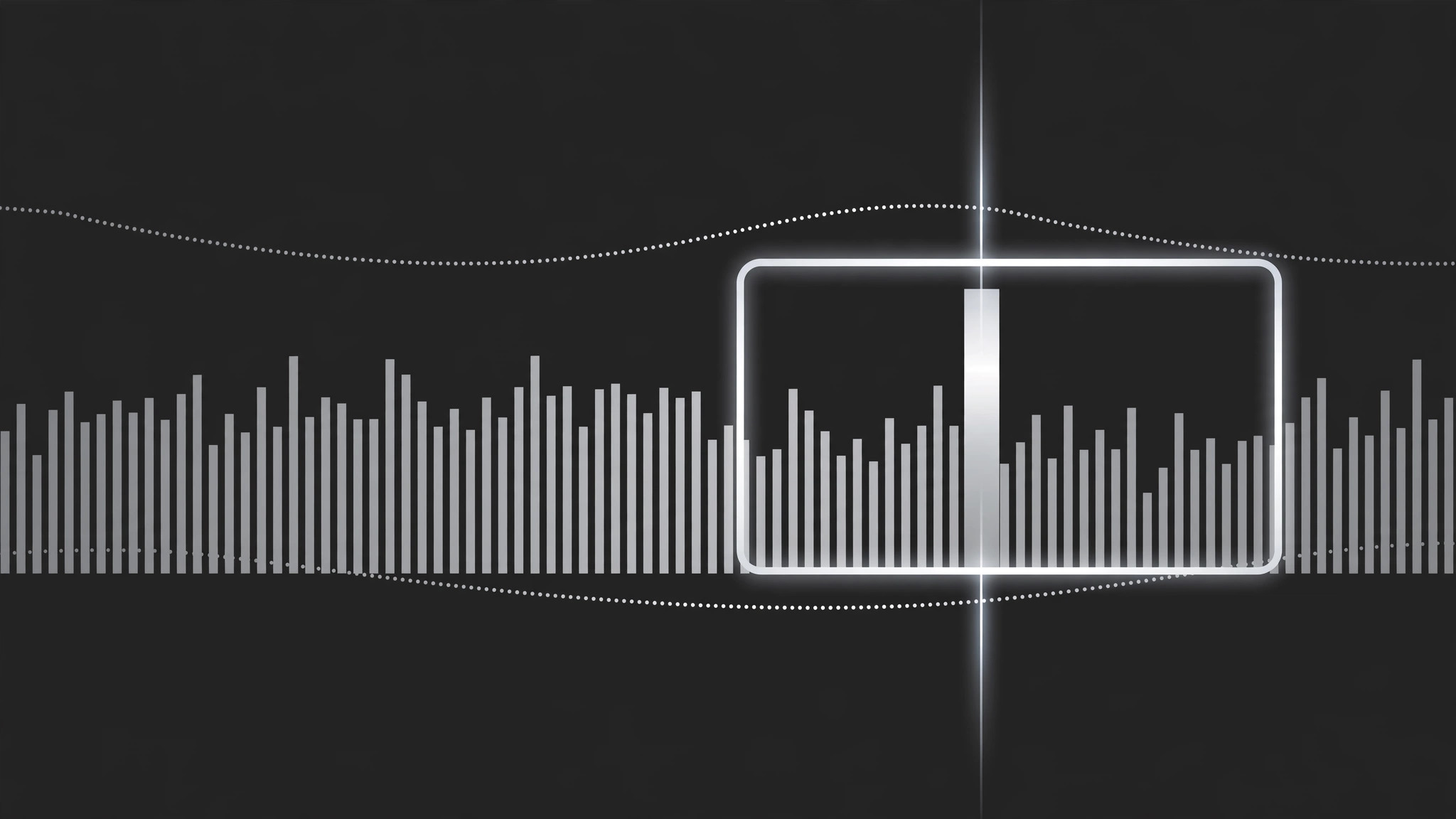
Ein kameraartiger Ausschnitt, der in Erzählreihenfolge über ein dichtes Diagramm schwenkt und zoomt, an jeder Schlüsselregion pausiert, während eine Scan-Linie exakt markiert, wo der Blick sein sollte. Endet auf dem Gesamtbild oder der einen Kernaussage-Zahl.
In 3 Schritten installieren
Keine Anmeldung. Keine CLI-Tools. Wählen Sie Ihre AI, kopieren Sie eine Zeile und fügen Sie sie ein.
Lieber selbst machen? Kaufen Sie den Skill ($4.99), laden Sie die ZIP-Datei aus Ihrer Kaufbestätigung herunter, entpacken Sie sie in das oben angezeigte Verzeichnis und starten Sie Ihre AI-Sitzung neu — gleiches Ergebnis. Haben Sie ihn schon gekauft? Ihr AI-Assistent kann ihn für Sie herunterladen.
Was ist enthalten
Eine SKILL.md (die Anleitung) + eine Startvorlage. Eine Vorschau:
Chart Viewport Scan
When to use
- A chart is too wide or too dense to read at full-frame scale (a 12-month timeline, a 40-bar ranking, a scatter with a crowded corner)
- You want to walk the viewer through a chart left-to-right or along its story, instead of dumping the whole thing on screen at once
- A dashboard has one region that matters and the rest is context — the scan travels from context to focus
- A before/after comparison lives at opposite ends of one long chart
- A chart reveal needs motion with a purpose: the camera moves because the data has a direction, not because the frame looked static
Workflow
- Map the scan path (input: chart → output: ordered list of 2–5 waypoints)
Mark the waypoints the viewport will visit, in the order the story needs: usually left-to-right along the x-axis, or context → focus. Each waypoint = one readable region (a cluster of bars, one axis segment, one outlier) with a one-line narration note. Keep it to 2–5 waypoints; a scan with eight stops is a slideshow wearing a camera costume. The first waypoint should include enough of the chart's axes and labels that the viewer can orient before the camera starts moving. - Set the viewport size (input: waypoints → output: zoom level per waypoint)
At each waypoint, the viewport frames exactly that region with a 10–15% margin — tight enough to read the smallest label, loose enough that bars are not clipped mid-bar. All waypoints share one zoom philosophy: if the first waypoint is at 150% zoom, the rest should be within ±25% of it unless a waypoint is deliberately a pull-back for context. Zoom whiplash (180% → 90% → 200%) makes viewers seasick; a scan should feel like leaning in, not teleporting. - Animate the travel (input: waypoints → output: pan/zoom keyframes)
Travel between waypoints takes 1.2–2.0 s, with ease-in-out on both pan and zoom so the camera accelerates out of a stop and decelerates into the next. Pan and zoom happen together in a single move — never zoom first then pan, or the path kinks. Between waypoints, the camera never stops mid-path; every pause happens at a waypoint, where it holds still for the narration (1.5–3 s per stop, matched to the spoken line). - Add the scan line (input: viewport path → output: scan-line overlay)
A thin vertical or horizontal line (2 px, high-contrast) travels with the viewport's leading edge and marks the current reading position on the chart. It is a pointer, not a decoration: it sits exactly where the narration is. When the camera holds at a waypoint, the scan line holds too, parked on the specific bar, point, or threshold being discussed. If the narration names a value ("this bar, 42%"), the scan line touches that bar while the words land. - End on the full view or the takeaway (input: final waypoint → output: ending frame)
End one of two ways: pull back to the full chart (1.5 s ease-out zoom) so the viewer sees where the scanned regions sit in the whole, or push into the final takeaway region and hold it as the end card. Pull-back suits "now you see the pattern"; hold suits "remember this one number." Never end mid-travel — the last frame must be a deliberate still, held ≥2 s.
Vorschau der Startvorlage
Chart Viewport Scan — Production Template
One chart, one continuous scan. Plan the path before animating a single keyframe.
Chart: {chart title / file} — Source resolution: {≥2× delivery}
Full chart shows: {what the whole chart says in one line}
Scan path (2–5 waypoints, story order)
Legend: [ ] Inside waypoint 1 frame [ ] Corner overlay for whole scan
Camera
- Travel between waypoints: {1.2–2.0 s}, ease-in-out, pan + zoom in one move
- Viewport margin at each stop: {10–15%} — no bar clipped mid-bar
- No mid-path pauses: [ ] Confirmed
Scan line
- Thickness: {2 px} | Color: {high-contrast vs chart}
Das Skill-Paket selbst (SKILL.md + Vorlage) ist auf Englisch verfasst.


