Chapter Character Reveal
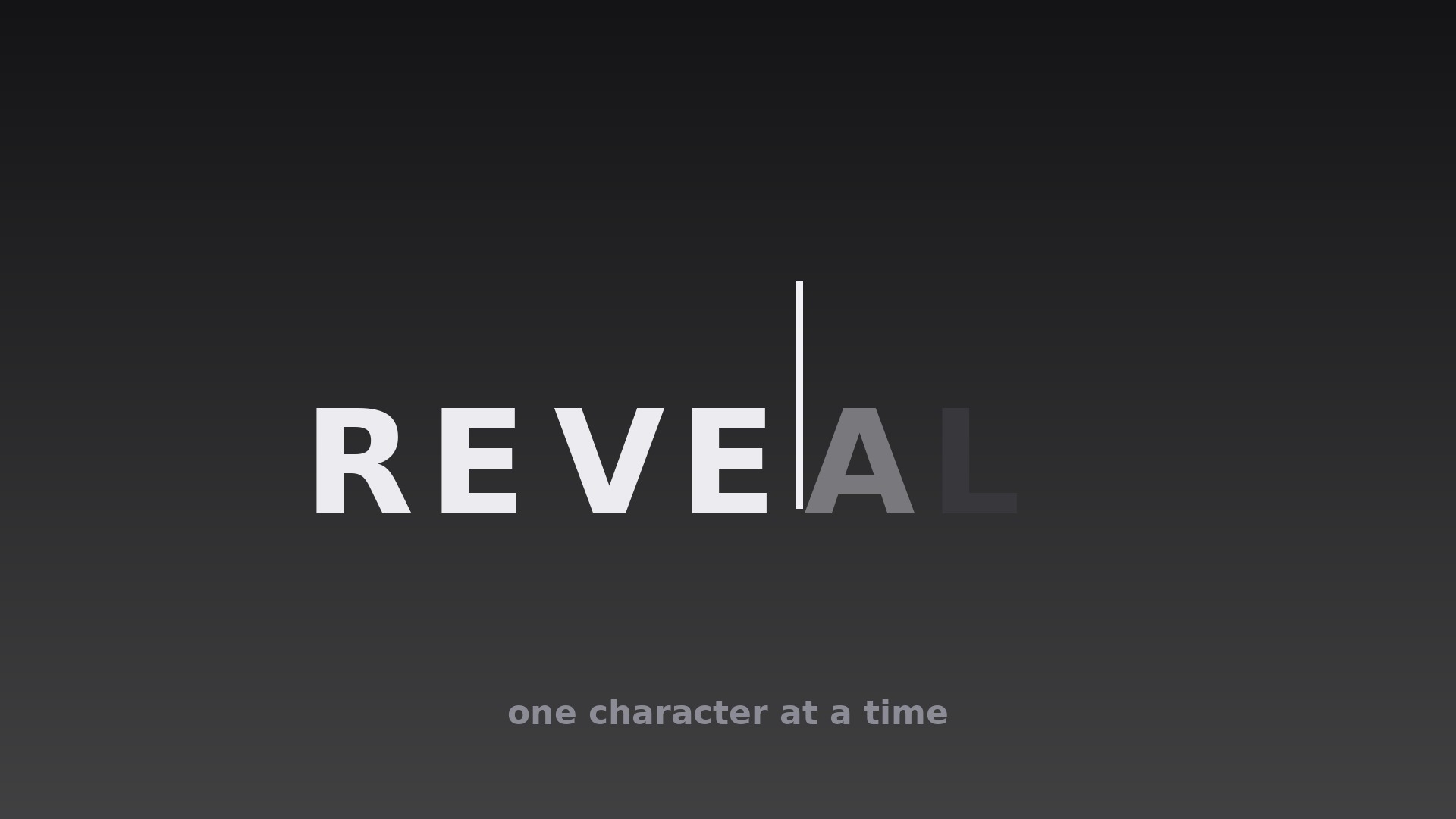
Kapiteltitel kommen Zeichen für Zeichen — Vorfreude statt Warterei.
Bringt Ihrer KI bei, Kapitel mit Schreibmaschinen- oder Masken-Reveal-Titelanimation zu eröffnen — mit Timing pro Zeichen, Typo-Regeln, Sound-Abgleich und einer harten Obergrenze von zwei Sekunden.
In 3 Schritten installieren
Keine Anmeldung. Keine CLI-Tools. Wählen Sie Ihre AI, kopieren Sie eine Zeile und fügen Sie sie ein.
Lieber selbst machen? Kaufen Sie den Skill ($4.99), laden Sie die ZIP-Datei aus Ihrer Kaufbestätigung herunter, entpacken Sie sie in das oben angezeigte Verzeichnis und starten Sie Ihre AI-Sitzung neu — gleiches Ergebnis. Haben Sie ihn schon gekauft? Ihr AI-Assistent kann ihn für Sie herunterladen.
Was ist enthalten
Eine SKILL.md (die Anleitung) + eine Startvorlage. Eine Vorschau:
Chapter Character Reveal
When to use
- A chapter opener where the title itself should announce the new section, letter by letter
- A lesson intro where a key term appears character by character while the narrator says it
- A documentary segment title where a slow mask reveal builds anticipation before the footage starts
- A tutorial step heading where each character lands in sync with a typing or keystroke sound
- A video essay where chapter titles need to feel deliberate and literary rather than flashed on screen
- A presentation recording where each new section title reveals as the speaker introduces it
Workflow
- Write the title for revealing (input: chapter topic → output: final title string)
Keep the title short: 2–6 words, under 30 characters including spaces. Long titles defeat the technique — a 40-character reveal takes so long the viewer reads ahead and gets bored. Pick one reveal word if the title is long: reveal only the key word character by character and fade the rest in as a group. Decide the exact final string now; changing a word mid-animation means re-timing every character. - Choose the reveal mechanism (input: title string + tone → output: mechanism spec)
Pick one of two mechanisms and commit to it for the whole video. Typewriter: each character pops in with a 1–2px vertical settle and a soft click or keystroke sound, cursor optional. Mask reveal: characters are already laid out but hidden behind a horizontal mask that sweeps left to right, uncovering each character in turn — smoother and quieter, better for serious or cinematic tones. Never mix the two within one video; the viewer reads the mechanism as the video's voice. - Set the per-character timing (input: mechanism spec → output: character keyframe timeline)
Reveal one character every 0.06–0.10s for typewriter (faster for long titles, slower for short dramatic ones), with spaces costing half a beat (0.03–0.05s) so word gaps read as pauses, not stalls. For mask reveal, the mask travels at a constant linear speed sized so the full title uncovers in 0.8–1.6s total. Add a 0.25s settle after the last character: no motion, title fully visible, before the footage or narration moves on. Total reveal must never exceed 2.0s — beyond that, the title becomes a waiting room. - Style the type (input: timeline → output: type and cursor spec)
Use a typeface with even, readable character shapes — monospace or a clean grotesque reads best one character at a time; avoid scripts and condensed display faces, whose half-revealed characters are illegible. Set the title at a size that fits the longest title on one line with room for the cursor; never let a mid-reveal line wrap. If using a cursor, make it a thin vertical bar (2px, same height as the cap height) that blinks only after the reveal finishes — a blinking cursor during the reveal competes with the arriving characters. Color: single color for the whole title; highlight at most one word by revealing it in a second color, never by changing color mid-reveal. - Sync sound and picture (input: styled reveal → output: synced audio plan)
If the narrator speaks the title, time the first character to the first syllable and let the reveal finish just before the narrator moves to the next sentence — the reveal illustrates the spoken title, it does not race it. For typewriter, one soft keystroke per character, mixed at least 12dB below the narration; for mask reveal, either silence or a single soft whoosh across the whole sweep, never per-character ticks. If there is no narration, add a 0.3s silence buffer before the first character so the reveal does not collide with the previous scene's last sound. - Build the exit and the series rules (input: synced reveal → output: complete opener + consistency spec)
Exit by fading the whole title out over 0.35s once the chapter is underway — never erase it character by character in reverse, which reads as the video "un-saying" the title. Lock the series rules in a one-line spec: mechanism, per-character interval, typeface, size, color, cursor on/off, sound treatment. Every chapter opener in the video uses the same spec; the viewer learns the rhythm once and then stops noticing the technique, which is exactly the goal.
Vorschau der Startvorlage
Chapter Character Reveal — Starter Template
Fill in every {placeholder}, then hand this spec to your video tool or motion designer.
Project
- Video title: {video_title}
- Frame size: {width}x{height} @ {fps}fps
Chapter openers
One row per chapter opener (same mechanism, timing, and type for all rows):
Mechanism (pick ONE for the whole video, delete the other)
- Option A — Typewriter: each character pops in with a 1–2px vertical settle + soft keystroke sound
- Option B — Mask reveal: characters laid out but hidden behind a horizontal mask sweeping left to right at constant linear speed
- Chosen mechanism: {typewriter_or_mask}
Timing
Das Skill-Paket selbst (SKILL.md + Vorlage) ist auf Englisch verfasst.


