Automation Platform Landing
Eine Automatisierung, von Anfang bis Ende erzählt, gewinnt die Anmeldung.
Eine Landingpage für eine Plattform zur Workflow-Automatisierung: eine zentrale Automatisierung vom Auslöser bis zum Ergebnis erzählt, eine Headline, die das Ergebnis in den Vordergrund stellt, funktionierende Vorlagen, gruppierte Integrationen und Preise, die klar benennen, was abgerechnet wird.
In 3 Schritten installieren
Keine Anmeldung. Keine CLI-Tools. Wählen Sie Ihre AI, kopieren Sie eine Zeile und fügen Sie sie ein.
Lieber selbst machen? Kaufen Sie den Skill ($4.99), laden Sie die ZIP-Datei aus Ihrer Kaufbestätigung herunter, entpacken Sie sie in das oben angezeigte Verzeichnis und starten Sie Ihre AI-Sitzung neu — gleiches Ergebnis. Haben Sie ihn schon gekauft? Ihr AI-Assistent kann ihn für Sie herunterladen.
Was ist enthalten
Eine SKILL.md (die Anleitung) + eine Startvorlage. Eine Vorschau:
Automation Platform Landing
When to use
- Launching a workflow, integration, or automation platform
- Your current page lists 200 integrations but shows no automation actually working
- Visitors bounce because they can't tell what the product does in 10 seconds
- You need a page for a specific audience (ops, sales, support) without rebuilding everything
- Preparing a launch-week page
Workflow
- Pick one hero automation (input: product capabilities → output: hero workflow)
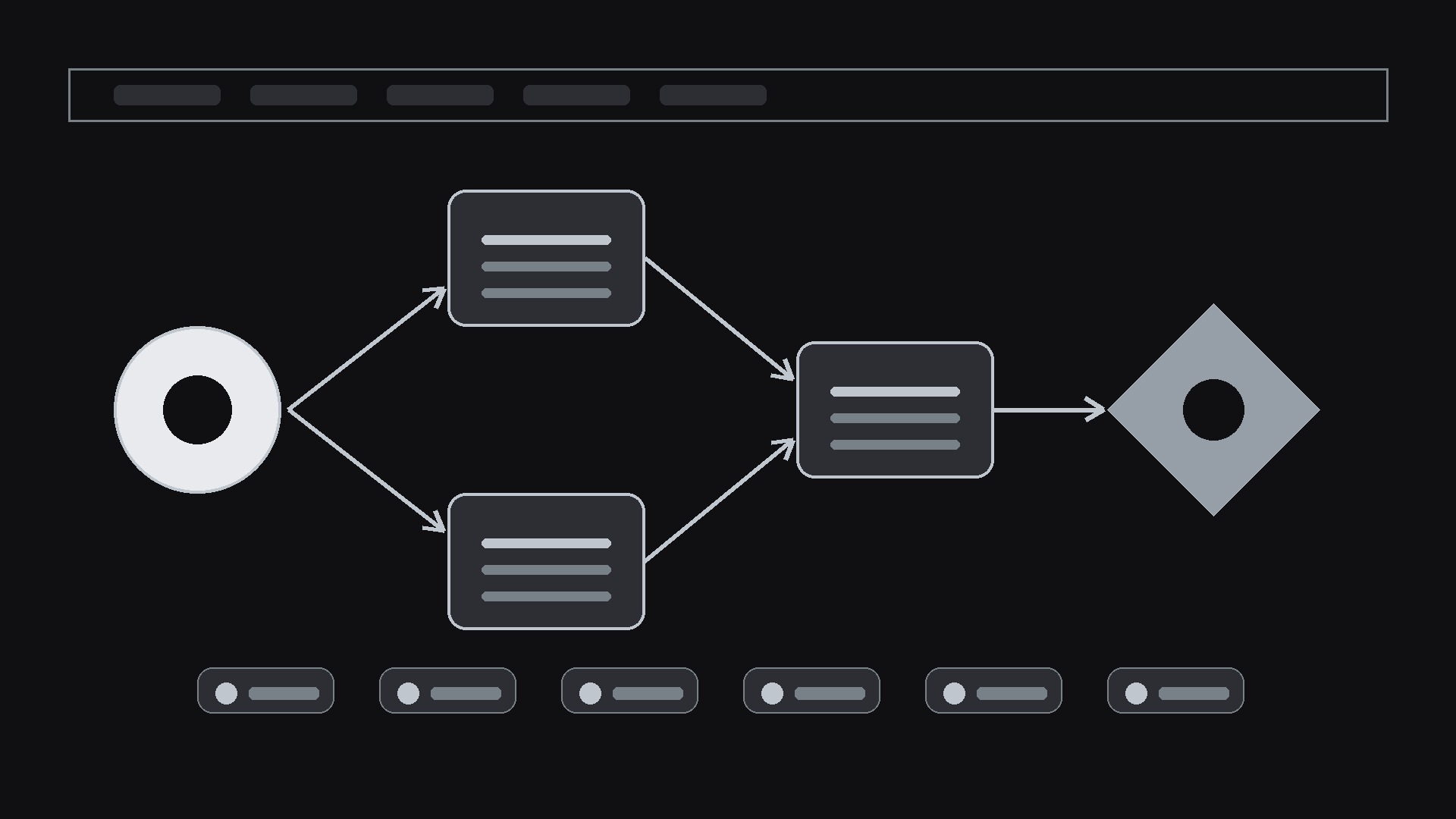
Choose a single automation a visitor can picture: trigger → 3–4 steps → outcome ("New form response → enriched → routed to Slack → logged in CRM"). The hero automation must be buildable in the real product; name the apps it connects. One workflow, told end to end, beats a grid of logos. - Write the outcome headline (input: hero workflow → output: headline + subhead + CTA)
Headline states the outcome, not the category: "Follow up with every lead in under a minute" beats "Powerful automation platform". Subhead: who, trigger, result. One CTA: start building or try the template. - Prove it with templates and integrations (input: template library + integration list → output: proof section)
Show 4–6 ready templates with trigger, steps, and outcome each. Integrations grouped by job (CRM, chat, sheets, email), with a search or a count you can verify. Every template links to a working template, not a screenshot. - Answer "what does it cost to run" (input: pricing + limits → output: pricing + FAQ)
Pricing states what's metered (runs, tasks, executions) and what happens at the limit. FAQ covers setup time, no-code vs code, security and data handling, and what happens when an automation fails (alerts, retries, logs). - Close with the first build (input: page draft → output: shipped page)
The CTA leads to the hero automation's template with fields pre-filled where possible, so the first run is minutes away. Mobile check: the workflow diagram is readable at phone width; the CTA is visible without scrolling.
Output spec
- Hero workflow: trigger → steps → outcome, with named apps
- Headline: outcome-first, 10 words or fewer; subhead with who + trigger + result
- Templates: 4–6, each with trigger, steps, outcome + working link
- Integrations: grouped by job, verifiable count or search
- Pricing: metered unit + limit behavior; FAQ (setup, code, security, failure handling)
- CTA: leads to the hero template, pre-filled where possible
Good vs. bad examples
Vorschau der Startvorlage
Automation Platform Landing — Page Template
One hero automation, told end to end. One audience per page.
Hero automation
Audience for this page: {ops / sales / support / other} Trigger: {event that starts it} Steps:
- {step} — {app}
- {step} — {app}
- {step} — {app}
- {step} — {app}
Outcome: {what the user gets}
Headline (outcome-first, 10 words or fewer)
Headline: {headline} Subhead (who + trigger + result): {subhead} CTA: {e.g. Try this template} → {template link}
Templates (4–6, each with a working link)
Integrations (grouped by job, live ones only)
- CRM: {apps}
- Chat: {apps}
- Sheets / data: {apps}
- Email: {apps}
Das Skill-Paket selbst (SKILL.md + Vorlage) ist auf Englisch verfasst.


