AI Task Manager Landing
Zeigen Sie die Triage bei der Arbeit, statt sie nur zu behaupten.
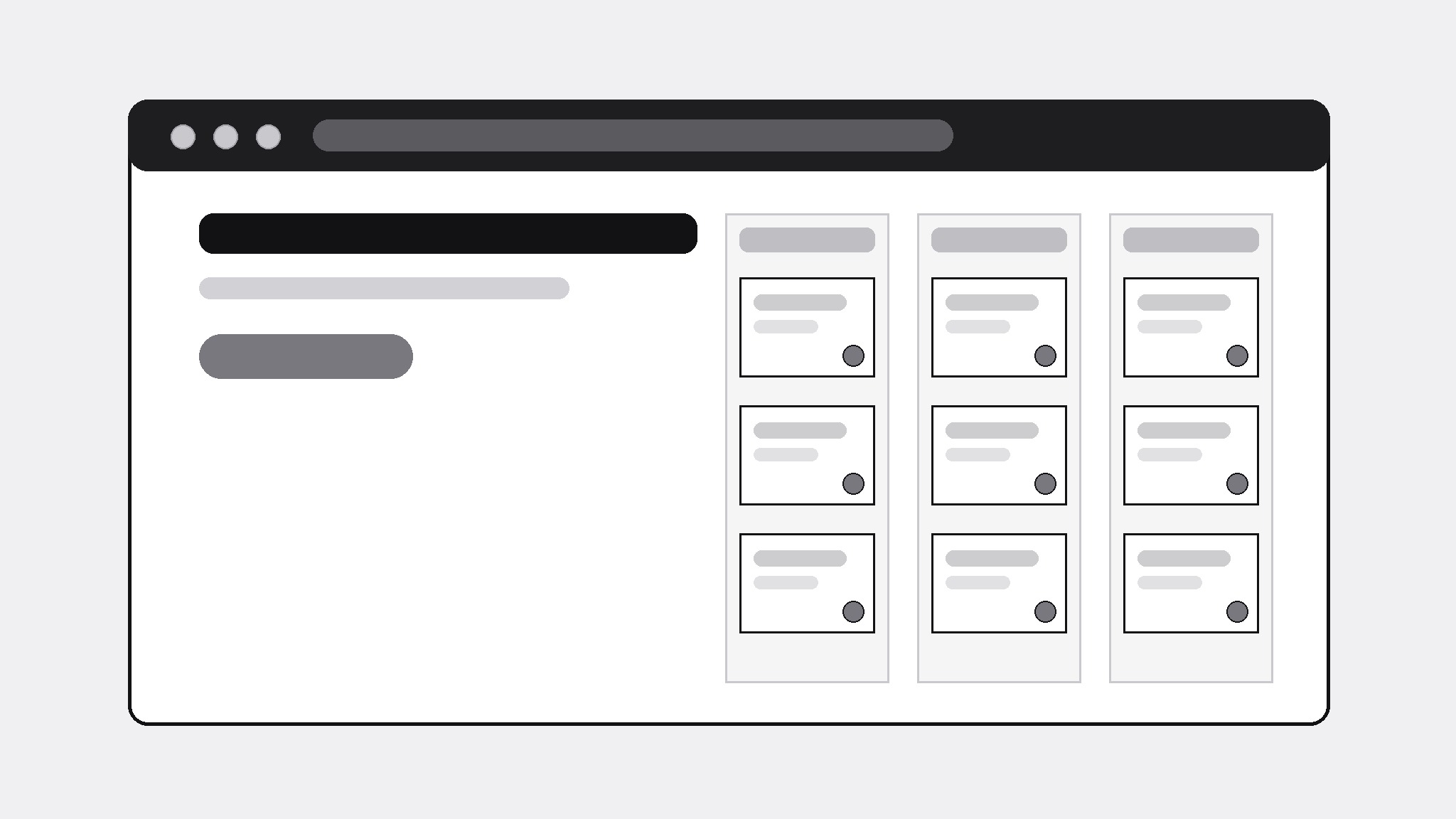
Verwandelt Ihre KI in einen Landingpage-Builder — verwandelt die Funktionen eines generischen KI-Task-Managers in eine Landingpage, die die Triage in Aktion zeigt, statt sie nur zu behaupten, mit einem klaren Weg, sie auszuprobieren.
In 3 Schritten installieren
Keine Anmeldung. Keine CLI-Tools. Wählen Sie Ihre AI, kopieren Sie eine Zeile und fügen Sie sie ein.
Lieber selbst machen? Kaufen Sie den Skill ($4.99), laden Sie die ZIP-Datei aus Ihrer Kaufbestätigung herunter, entpacken Sie sie in das oben angezeigte Verzeichnis und starten Sie Ihre AI-Sitzung neu — gleiches Ergebnis. Haben Sie ihn schon gekauft? Ihr AI-Assistent kann ihn für Sie herunterladen.
Was ist enthalten
Eine SKILL.md (die Anleitung) + eine Startvorlage. Eine Vorschau:
AI Task Manager Landing
When to use
- You're launching a task manager with AI triage and need a landing page that demonstrates the product instead of describing it with adjectives
- An existing task-app page reads like every other productivity tool ("work smarter, not harder") and converts nobody
- A prototype or waitlist page needs to explain what the AI actually does with a task — sort, prioritize, schedule — in concrete terms
- You're pitching the concept to early users, testers, or a review panel and need them to grasp the core loop in under a minute
- A generic AI productivity tool needs a page that separates its real behavior from the category's usual hype
Workflow
- Pin down the core loop (input: product description → output: one-paragraph loop)
Write the product as a loop a user can picture: "Dump tasks in → the AI sorts them by urgency and effort → you approve the plan → the day runs itself." If the loop needs more than two sentences, the product story is unfocused — cut features until the loop is one breath. Everything on the page must serve this loop; anything that doesn't is a distraction from the one action the page wants. - Show the triage, don't claim it (input: core loop → output: demo section plan)
Design the page's centerpiece: a before/after triage demo using realistic invented tasks (never fake testimonials or fake user counts). Before: a messy pile of unsorted tasks. After: the same tasks sorted into Today / Later / Someday with one-line reasons ("due Friday · 20 min · high energy"). The demo is the page's proof — a visitor who sees the triage understands the product; a visitor who only reads adjectives doesn't. - Structure the page (input: demo plan → output: section order)
Order the page: hero (one headline = the loop in one line + one call to action) → triage demo → three features, each tied to a step of the loop → how it handles your real data (imports, privacy in plain words) → pricing or waitlist → FAQ (three honest answers) → final call to action. One call to action, repeated, not five different buttons leading five places. Cut any section that doesn't move a visitor one step closer to trying the product. - Write honest copy (input: section order → output: full page copy)
Write every claim so it survives a skeptical reader: say what the AI does ("sorts tasks by due date, effort, and your calendar") and what it doesn't ("it doesn't read your email unless you connect it"). No invented user counts, no "loved by thousands," no superlatives without evidence. The FAQ answers the three questions a careful user actually asks: what data does it need, can I overrule the AI, and what happens if I stop using it. - Check the path to trying it (input: full page → output: publish-ready page)
Read the page as a first-time visitor: can you reach the try-it action from every section without hunting? Does the page load fast and read cleanly on a phone? Does the demo make sense without sound, without scrolling sideways, without hovering? Fix the path, then ship — a landing page is judged by the action it produces, not by the adjectives it contains.
Vorschau der Startvorlage
AI Task Manager Landing — Template
One page, one loop, one action. Demo tasks are examples — never present them as real users' data.
Product: {generic AI task manager name}
One action the page wants: {e.g. Try the demo / Join the waitlist} | Link: {URL}
Core loop (≤2 sentences)
{Step 1} → {Step 2} → {Step 3}
E.g. Dump tasks in → the AI sorts them by urgency and effort → you approve the plan → the day runs itself.
Hero
- Headline (the loop in one line): {…}
- Subline (one concrete detail): {…}
- Call to action: {button text + link}
Triage demo (the centerpiece)
Before — unsorted pile (realistic example tasks):
- {task} 2. {task} 3. {task} …
Das Skill-Paket selbst (SKILL.md + Vorlage) ist auf Englisch verfasst.


