Accumulation Blocks
Blöcke fallen, rasten ein und bauen die Form Stein für Stein auf.
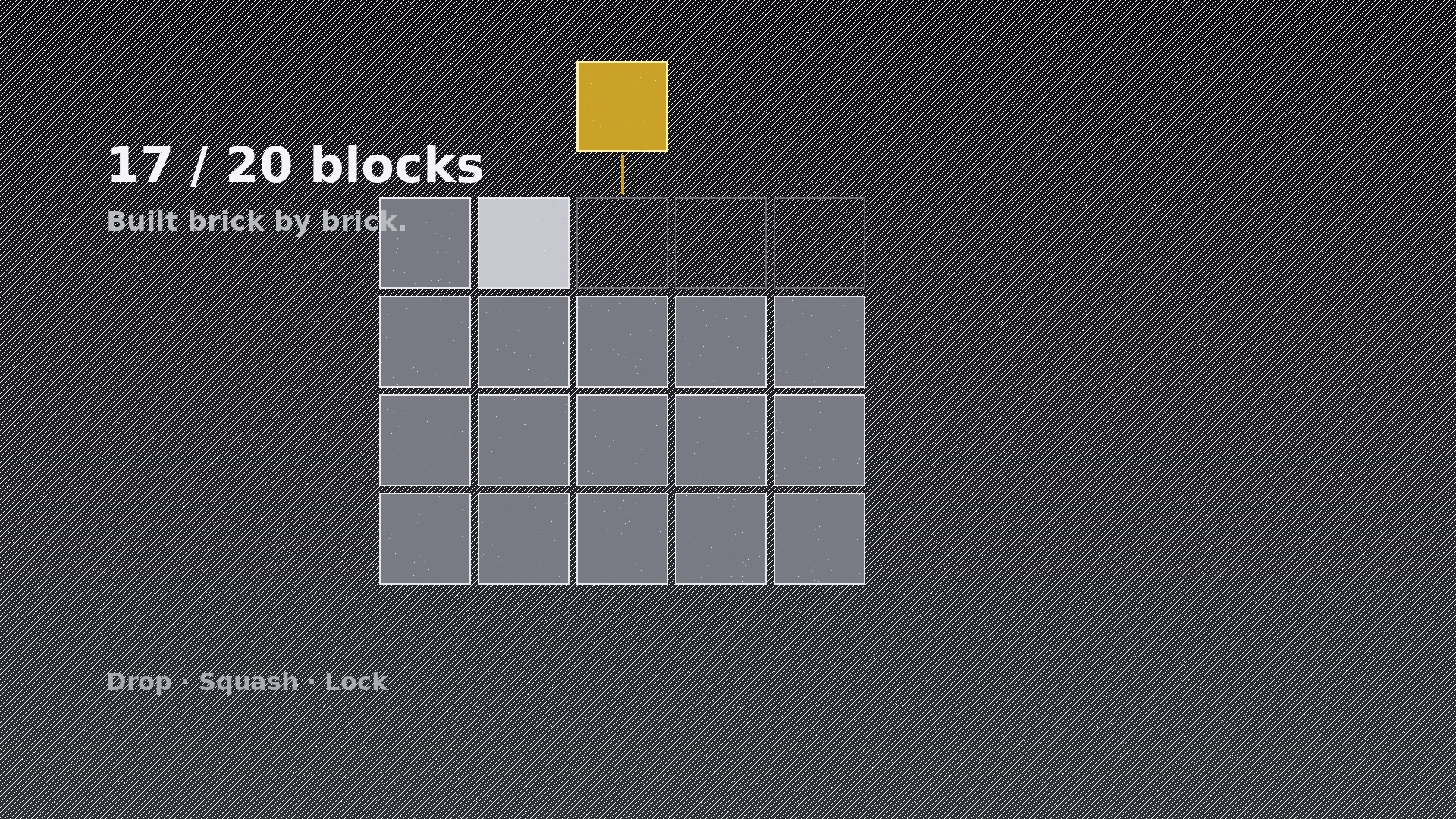
Bringt der KI ein bestimmtes Bewegungsmuster bei: Identische Blöcke fallen mit Gewicht und rasten in ein Raster ein, um einen Balken, eine Kontur oder einen Vergleich aufzubauen — inklusive Fallphysik, Squash-and-Settle-Keyframes und einem Abschluss-Payoff.
In 3 Schritten installieren
Keine Anmeldung. Keine CLI-Tools. Wählen Sie Ihre AI, kopieren Sie eine Zeile und fügen Sie sie ein.
Lieber selbst machen? Kaufen Sie den Skill ($4.99), laden Sie die ZIP-Datei aus Ihrer Kaufbestätigung herunter, entpacken Sie sie in das oben angezeigte Verzeichnis und starten Sie Ihre AI-Sitzung neu — gleiches Ergebnis. Haben Sie ihn schon gekauft? Ihr AI-Assistent kann ihn für Sie herunterladen.
Was ist enthalten
Eine SKILL.md (die Anleitung) + eine Startvorlage. Eine Vorschau:
Accumulation Blocks
When to use
- You need a progress bar that feels built, not drawn — blocks stacking to fill a goal
- A comparison video needs two columns of blocks growing side by side to show the gap
- A "built brick by brick" brand story needs a logo, letter, or shape assembled from blocks
- An explainer must show parts adding up to a whole — budget, team, ingredients, features
- A fundraising or milestone tracker needs blocks that visibly complete a target shape
- You want a satisfying construction moment where the final block clicks the shape complete
Workflow
- Define the shape and the unit (input: your total + story → output: block plan)
Decide what the finished shape is before animating anything: a rising bar, a filled outline (e.g. a battery, a jar, a letter), a grid, or a comparison pair. Then fix the unit: each block is one equal share (one week, one $1k, one team member). Unlike a card stack, blocks are identical in size and snap to a grid — the shape must be fully determined by the block count. Sketch the final shape as a grid on paper first; if you can't draw it as blocks, pick a simpler shape. - Choreograph the build order (input: block plan → output: build sequence)
Blocks build in a legible order the eye can follow: bottom-up, left-to-right, row by row — never random. Set the pace: one block every 120–180ms for a fast energetic build, every 250–350ms when each block carries a label the viewer should read. Every 4th or 5th block, insert a micro-pause (80ms) so the eye registers progress in chunks. The final block gets a distinct treatment: a different accent colour, a click, and a 300ms settle — it completes the shape, and the audience must feel the completion. - Design the grid and block look (input: build sequence → output: layout)
Blocks are solid, uniform, with a 2–4px gap between them so each unit stays countable. The incomplete shape shows as a faint outline or ghost grid — viewers must see where blocks are going, not just where they are. The growing shape sits centre-frame with the running total or percentage beside it in plain type (the number is a label here, not the star — the shape is the star). One colour for standard blocks, one accent for the final block, one ghost tone for the outline. - Set drop physics and keyframes (input: layout → output: keyframe spec)
This is a drop-and-lock motion, not a fly-in: each block falls from 120–180px above its slot with accelerating ease-in (cubic-bezier(0.55, 0.06, 0.68, 0.19)), then hits with a 2-frame squash (scaleY 0.88, scaleX 1.06) and a 150ms spring back to full size (spring: stiffness ~300, damping ~18, or keyframed ease-out back). On impact, add a 1-frame 40% brightness flash on the block and a 3px downward nudge to the blocks already stacked below (they absorb the hit). Impact dust or a 1px ring is optional; a bounce is not — blocks lock, they don't bounce. - Add completion payoff (input: keyframe spec → output: finished motion)
When the final block locks, the whole shape gets one payoff: a 250ms scale pulse (1 → 1.02 → 1) plus the ghost outline flashing to the accent colour and fading out, and the total/percentage ticking to its final value once (a single step, not a count-up). If audio is present, a single low click on the final block, quieter ticks on the rest. Hold the completed shape for at least 1 second — the completed shape is the screenshot, the thumbnail, the takeaway. Provide a loop variant: blocks dissolve bottom-up over 400ms, ghost outline returns. - Check countability and shape legibility (input: finished motion → output: verified animation)
Pause at 25%, 50%, 75%: can you count the blocks, and does the half-built shape still read as the intended shape? If blocks blur together, widen the gaps or slow the pace. Check the final frame as a still: does the shape communicate without motion? If the shape needs the build to be understood, simplify the shape. And verify the arithmetic: block count × unit value must equal the labelled total exactly.
Vorschau der Startvorlage
Accumulation Blocks — Starter Template
Fill in every {placeholder}. Sketch the final shape as a grid before animating — if you can't draw it as blocks, pick a simpler shape.
Block plan
- Final shape: {rising_bar | filled_outline | grid | comparison_pair}
- Shape description / grid sketch: {rows × columns, or outline shape, e.g. battery 5×4}
- Unit: one block = {unit_definition, e.g. one week / $1k / one team member}
- Block count: {5–40} · Labelled total: {total} (= block count × unit value ✓)
- Comparison second column (if any): {column_B_shape + count} — same unit scale as column A
Build sequence
- Order: {bottom_up_left_to_right, row by row}
Das Skill-Paket selbst (SKILL.md + Vorlage) ist auf Englisch verfasst.


